12 Best Clipping Software for Video Creators in 2026 (AI & Manual)

Eric Lee
CEO and Founder of Ssemble
Looking for the best clipping software to turn long videos into shorts? Whether you need an AI clip generator that does everything automatically, or a manual editor with precise control, this guide covers the 12 best clip maker tools for video creators in 2026.
We tested each tool with real long-form videos (podcasts, YouTube videos, webinars) and compared them on AI detection quality, editing features, pricing, and output quality.
TL;DR: For most video creators, an AI clip generator is the fastest path from long video → shorts. Ssemble is our #1 pick — it combines AI clipping, B-roll, captions, sound effects, transitions, and scheduling at $7.50/mo with per-video pricing. For manual control, Descript is the best text-based editor. For free, CapCut can't be beat.
AI vs Manual Clipping Software: Which Do You Need?
Before diving into the list, here's the key distinction:
| Type | How It Works | Best For | Speed |
|---|---|---|---|
| AI Clip Generators | Upload video → AI finds best moments → auto-generates shorts | High-volume creators, agencies, clippers | 2-5 min per video |
| Manual Editors | You select clips, trim, and edit manually | Precise control, custom edits | 15-60 min per video |
| Hybrid Tools | AI suggestions + full manual editing | Creators who want AI speed with manual polish | 5-15 min per video |
If you process 5+ videos per week, AI clipping software saves 10-20 hours per week. If you make 1-2 highly produced videos per month, a manual editor gives you more control.
Quick Comparison Table
| Tool | Type | Starting Price | Credit System | Best For |
|---|---|---|---|---|
| Ssemble | AI | $7.50/mo | Per-video (1 credit = 1 video up to 20 min) | High-volume clippers, API users |
| Opus Clip | AI | $15/mo | Per-minute | Polished UI, low-volume creators |
| Vizard | AI | $20/mo | Per-minute | Team collaboration |
| Reap | AI | $19/mo | Per-minute | Multilingual, AI dubbing |
| Descript | Hybrid | $24/mo | Per-hour transcription | Text-based editing |
| VEED | Hybrid | $18/mo | Per-export | Subtitles, social templates |
| Submagic | AI | $19/mo | Per-video | Animated captions |
| Choppity | AI | $10/mo | Per-video | Face-tracking clips |
| Klap | AI | $29/mo | Per-video | One-click simplicity |
| CapCut | Manual | Free | N/A | Free editing (manual clip selection) |
| Canva | Hybrid | Free/$13/mo | N/A | Templates, social graphics |
| Riverside | Hybrid | $15/mo | Per-hour recording | Record + clip workflow |
1. Ssemble — Best Overall Clipping Software for Creators
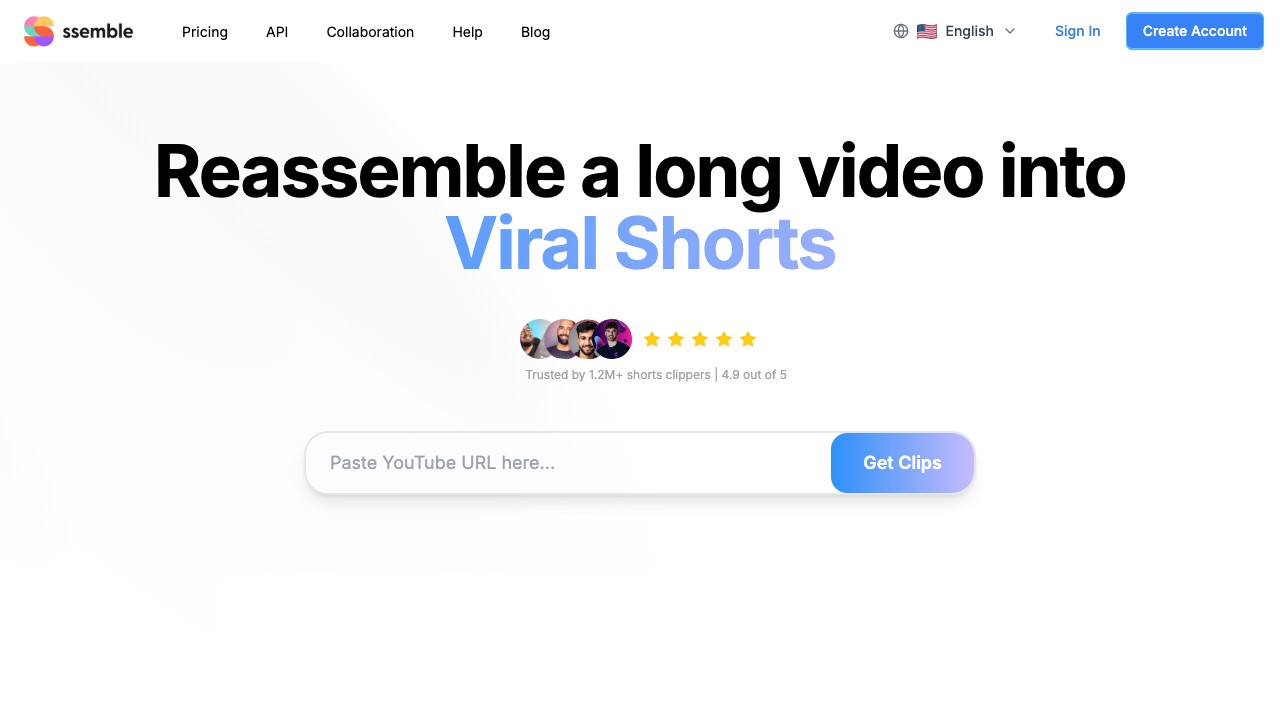
Type: AI Clip Generator | Price: From $7.50/mo | Best For: High-volume creators, agencies, Whop clippers
Ssemble is a purpose-built AI clip generator designed for creators who process multiple videos per week. Upload a long video and Ssemble's AI detects the best moments, generates vertical shorts, and adds captions — all automatically.
What sets Ssemble apart as clipping software:
- Per-video pricing — 1 credit = 1 video up to 20 minutes. No per-minute surprises.
- Full editing suite — B-roll (Pexels stock), transitions, sound effects, zoom animations, CTA overlays, meme hooks, game video overlays
- Auto-captions — 100+ languages with customizable styles
- Virality scoring — AI ranks clips by engagement potential
- Scheduling — Direct posting to TikTok, YouTube Shorts, Instagram Reels on all plans
- API access — Available from $7.50/mo (most competitors charge enterprise pricing)
Pricing:
| Plan | Price | Credits | Social Accounts |
|---|---|---|---|
| Starter | $7.50/mo | 30 videos | 1 |
| Pro | $15/mo | 60 videos | 3 |
| Business | $30/mo | 120 videos | Unlimited |
| Scale | $50/mo | 200 videos | Unlimited |
Verdict: The best clip maker for anyone processing 5+ videos per week. Per-video pricing means a 30-minute podcast costs the same as a 5-minute YouTube clip — unlike per-minute tools where long content gets expensive fast.
Try Ssemble →2. Opus Clip — Most Recognized AI Clip Generator
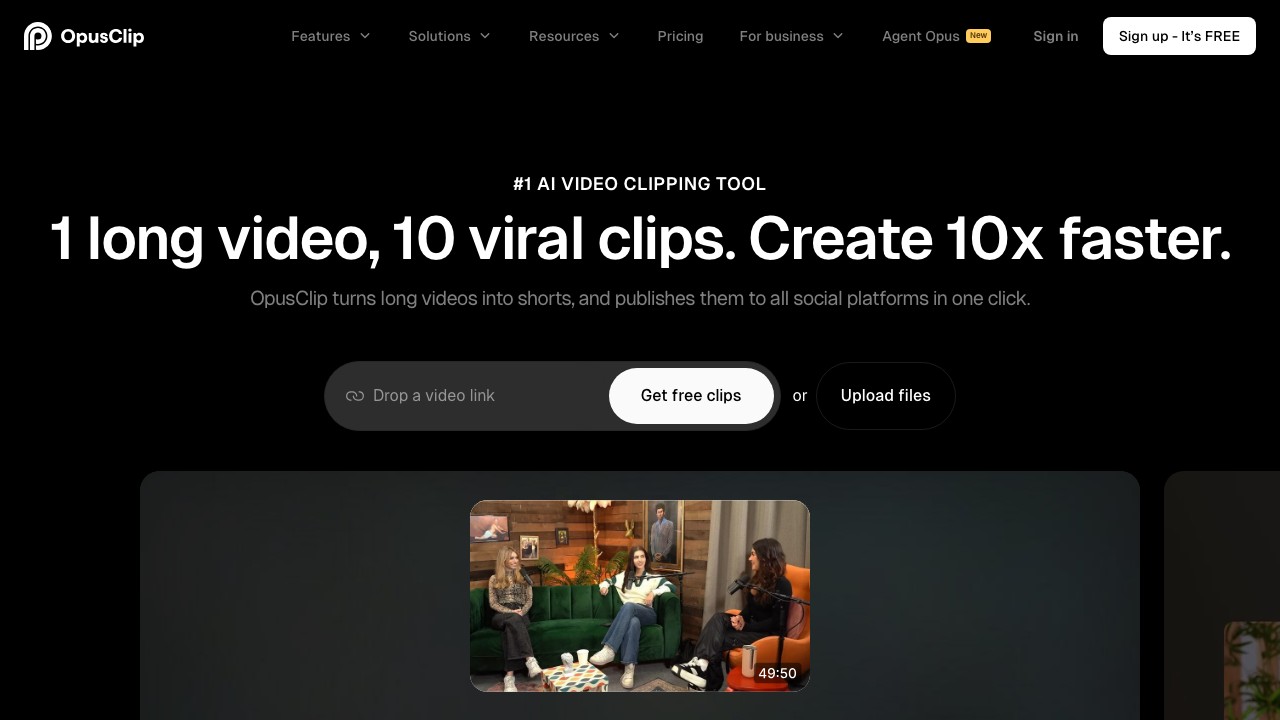
Type: AI Clip Generator | Price: From $15/mo | Best For: Low-volume creators who prefer polished UI
Opus Clip is the most well-known AI clipping software with 10M+ users. It offers strong AI clip detection with a Virality Score system and a clean, intuitive editor.
Strengths: Clean UI, strong brand, good customer support Weaknesses: Per-minute pricing (expensive for long videos), processing failures reported on Trustpilot (22% 1-star reviews), no API on affordable plans, credits expire after 60 days
Pricing: Free (60 min/mo, watermarked) → $15/mo (150 min) → $29/mo (300 min) → Custom
Verdict: A solid clip maker if you process fewer than 5 videos/month and don't mind per-minute pricing. For higher volume, the cost adds up quickly. Read our full Opus Clip review.
3. Vizard — Best Clipping Software for Teams

Type: AI Clip Generator | Price: From $20/mo | Best For: Teams, agencies, collaborative workflows
Vizard focuses on team-based video repurposing. AI detects highlights, generates clips, and teams can collaborate on editing, reviewing, and approving content.
Strengths: Team collaboration features, text-based editing, good AI detection Weaknesses: Per-minute pricing, higher entry price, limited free plan
Pricing: Free (limited) → $20/mo (120 min) → $48/mo (600 min)
Verdict: Best pick for agencies and teams who need shared workspaces and approval workflows. Solo creators get better value elsewhere.
4. Descript — Best Manual/Hybrid Clip Editor
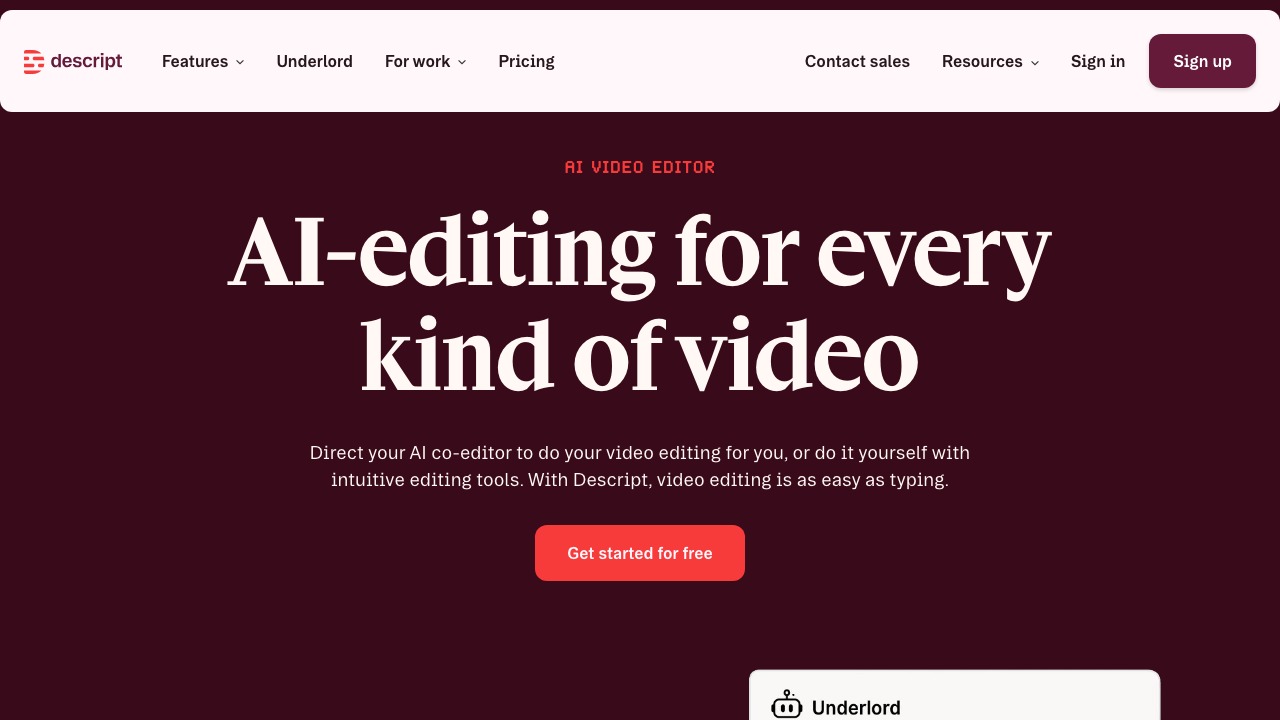
Type: Hybrid (AI + Manual) | Price: From $24/mo | Best For: Podcasters, precise text-based editing
Descript is a unique clip maker that lets you edit video by editing text. It transcribes your video, and you cut clips by deleting or rearranging words in the transcript. It also has AI features for filler word removal and studio sound.
Strengths: Text-based editing (revolutionary for podcasters), AI filler word removal, studio sound, screen recording Weaknesses: Not a dedicated clipping tool (general video editor), per-hour transcription pricing, steeper learning curve, no auto clip detection like AI-first tools
Pricing: Free (limited) → $24/mo (10 hr transcription) → $33/mo (30 hr)
Verdict: If you need precise control over clip boundaries and love editing by transcript, Descript is unmatched. But it's a general editor, not a clip generator — you still select clips manually.
5. Reap — Best for Multilingual Clips & AI Dubbing
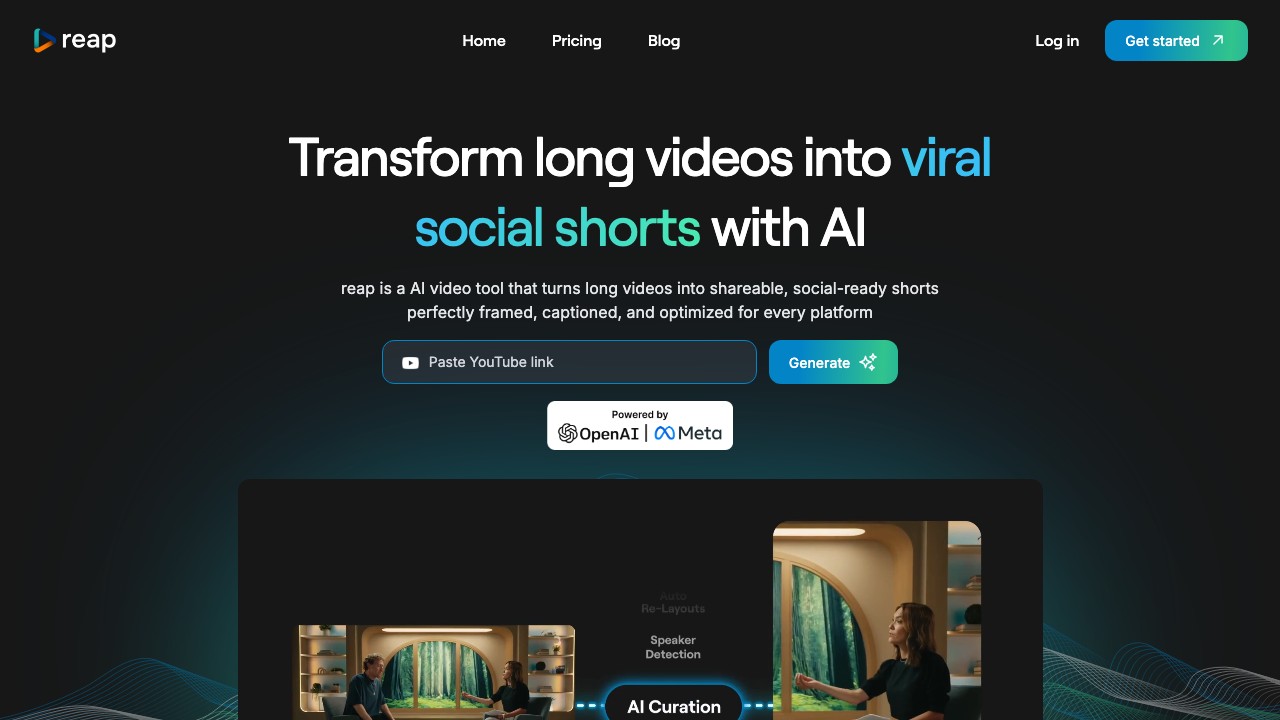
Type: AI Clip Generator | Price: From $19/mo | Best For: Multilingual content, international audiences
Reap's standout feature is AI dubbing — it can translate and dub your clips into other languages while preserving the original speaker's voice. Combined with solid AI clipping, it's ideal for creators targeting international audiences.
Strengths: AI dubbing with voice cloning, multilingual captions, good AI detection Weaknesses: Per-minute pricing, smaller user base, fewer editing features than Ssemble
Pricing: Free (limited) → $19/mo (100 min) → $39/mo (300 min)
Verdict: If multilingual content or dubbing is your priority, Reap is the clear winner. For English-only clipping, Ssemble offers more features at a lower price.
6. VEED — Best Hybrid Online Editor
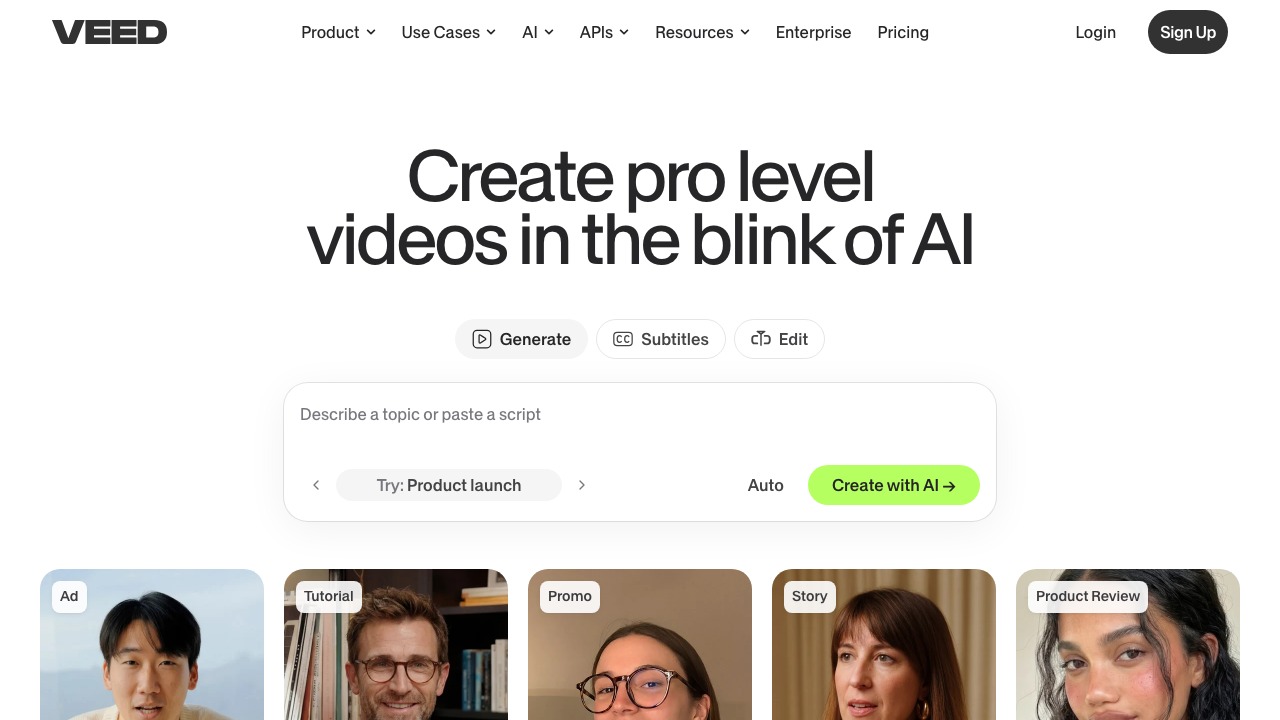
Type: Hybrid (AI + Manual) | Price: From $18/mo | Best For: Subtitles, social media templates
VEED is a browser-based video editor with AI features bolted on. It's not a dedicated clip generator, but it handles subtitles, templates, and basic AI trimming well.
Strengths: Browser-based (no install), great subtitle editor, social media templates, screen recording Weaknesses: Not a dedicated clipping tool, limited AI clip detection, per-export pricing on free plan (watermark)
Pricing: Free (watermarked) → $18/mo → $30/mo (teams)
Verdict: Good for creators who need a general-purpose online editor with subtitle tools. For dedicated clipping, AI-first tools are significantly faster.
7. Submagic — Best Animated Captions for Clips
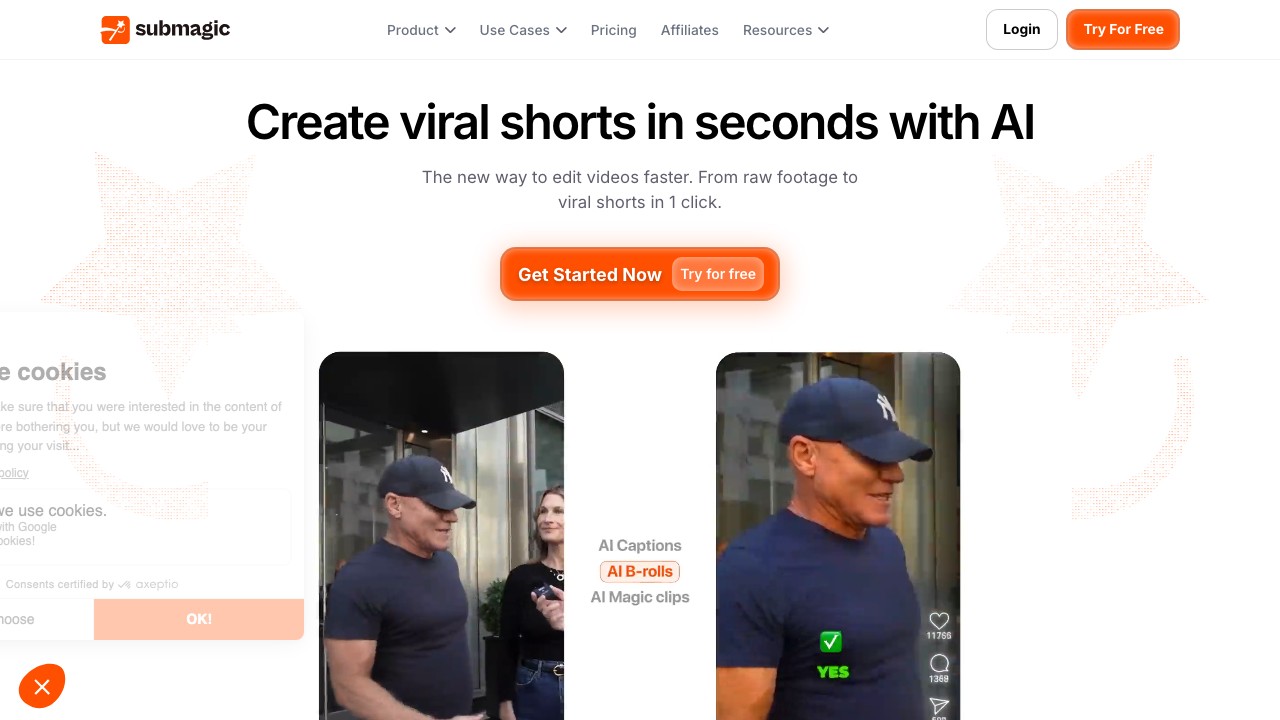
Type: AI Clip Generator | Price: From $19/mo | Best For: Eye-catching animated captions
Submagic is known for its dynamic animated captions — word-by-word highlighting, emoji integration, and trendy caption styles that boost engagement on TikTok and Reels.
Strengths: Best animated caption styles, AI clip detection, magic B-roll Weaknesses: Per-video pricing but fewer editing features than Ssemble, no scheduling on basic plan
Pricing: $19/mo (20 videos) → $49/mo (40 videos)
Verdict: If captions are your #1 priority, Submagic's animations are the best in class. But at $19/mo for 20 videos vs Ssemble's $7.50/mo for 30 videos, the value math favors Ssemble.
8. Choppity — Best for Face-Tracking Clips
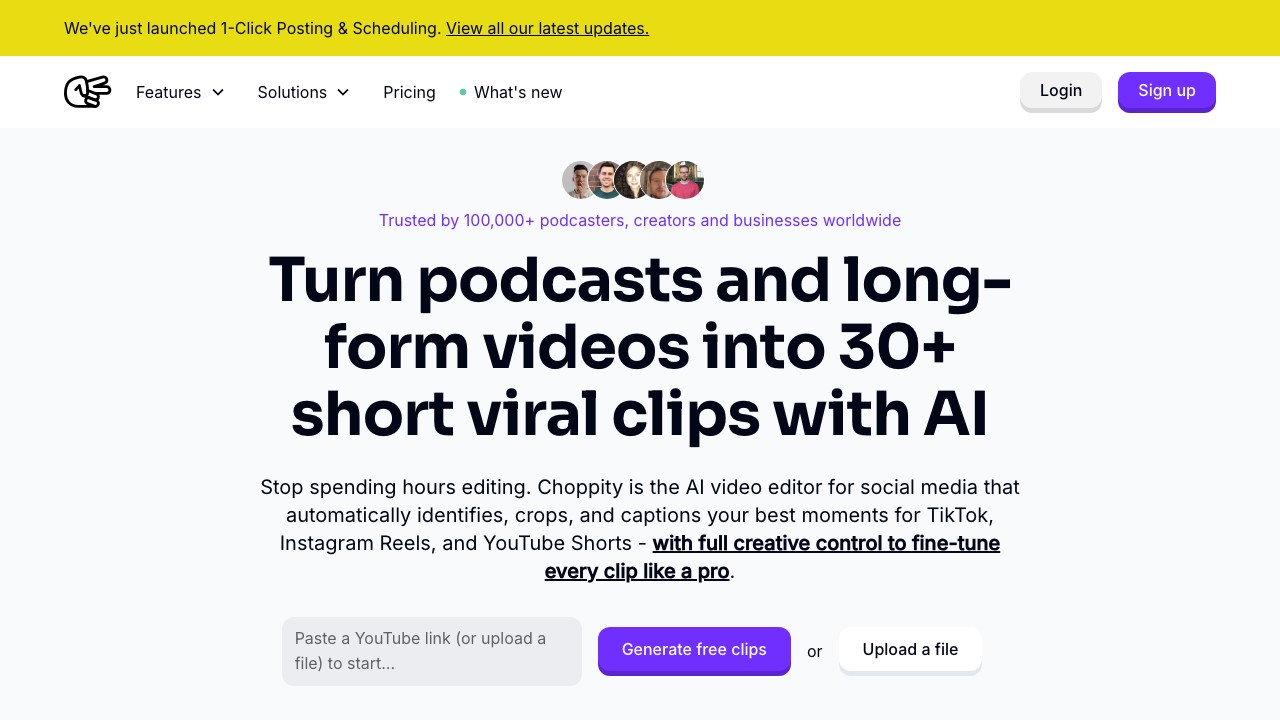
Type: AI Clip Generator | Price: From $10/mo | Best For: Talking-head videos, face-tracking
Choppity specializes in face-tracking for talking-head content. It keeps the speaker centered and properly framed even when they move around, plus it adds auto-captions.
Strengths: Excellent face-tracking, budget-friendly, good for podcasts Weaknesses: Limited to talking-head content, fewer editing features, smaller team
Pricing: $10/mo (10 videos) → $25/mo (30 videos) → $50/mo (80 videos)
Verdict: Best budget option for talking-head clipping specifically. For broader content types (gaming overlays, B-roll, multiple speakers), you'll need a more full-featured tool.
9. Klap — Best for One-Click Simplicity
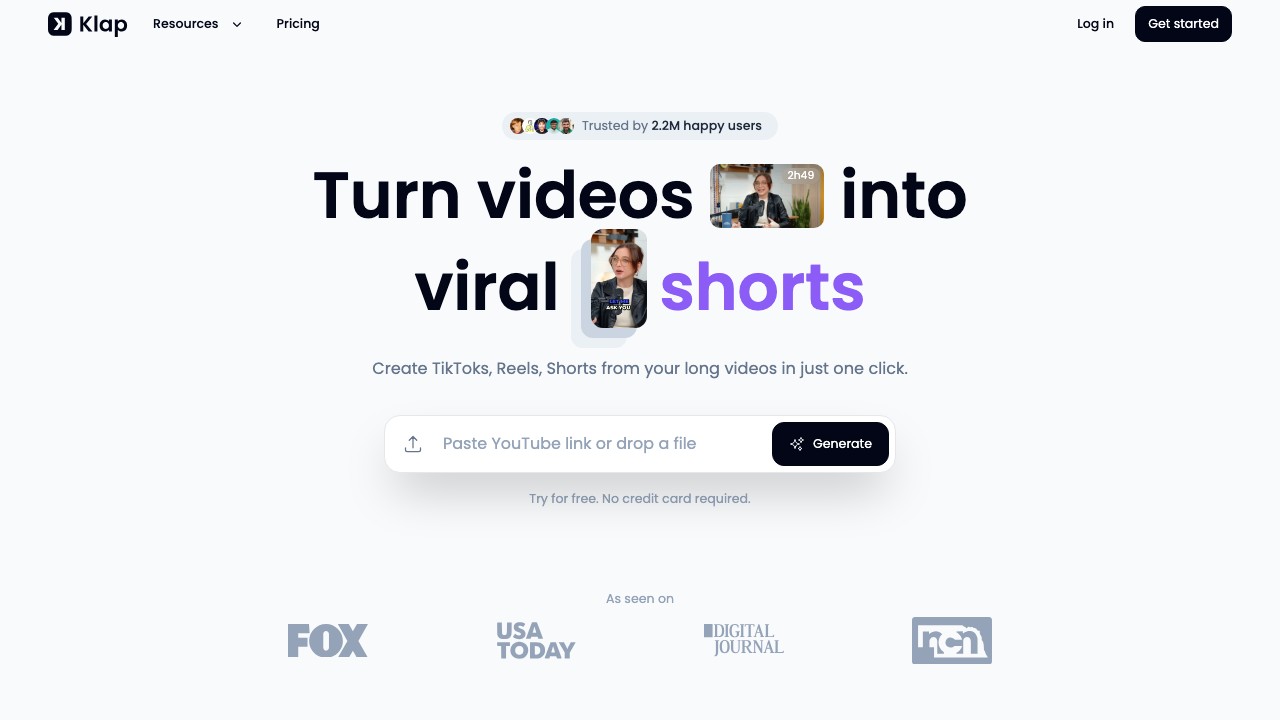
Type: AI Clip Generator | Price: From $29/mo | Best For: Maximum simplicity, minimal editing
Klap delivers the simplest possible workflow: paste a YouTube URL, click generate, get clips. No complex settings, no learning curve.
Strengths: Dead-simple UX, fast processing, YouTube URL input Weaknesses: Highest price for what you get, limited customization, no scheduling, no API
Pricing: $29/mo (8 videos) → $49/mo (20 videos)
Verdict: If you want zero learning curve and don't mind paying a premium for simplicity, Klap works. But $29/mo for 8 videos is hard to justify when Ssemble offers 30 videos for $7.50/mo with more features.
10. CapCut — Best Free Clipping Software
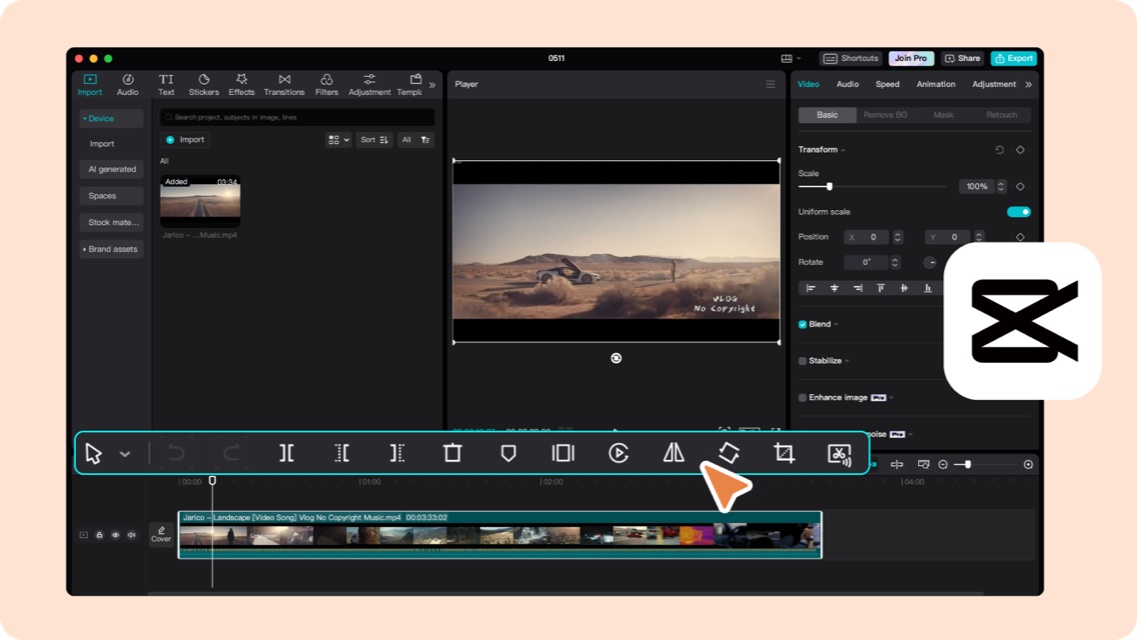
Type: Manual Editor | Price: Free | Best For: Budget creators, manual editing
CapCut (by ByteDance/TikTok) is the most popular free video editor. It doesn't have AI clip detection, but it offers a full editing suite with effects, captions, transitions, and templates — all free.
Strengths: Completely free, full editing suite, TikTok-native templates, mobile + desktop Weaknesses: No AI clip detection (you select clips manually), time-intensive, no scheduling, commercial use restrictions on some assets
Pricing: Free (with optional Pro at ~$8/mo)
Verdict: Can't beat free. If you have time but no budget, CapCut works. But you'll spend 30-60 minutes per video doing what AI tools do in 2-5 minutes.
11. Canva — Best for Templates & Social Graphics
Type: Hybrid | Price: Free / $13/mo | Best For: Creators who also need thumbnails, graphics
Canva's video editor has grown significantly — it now includes AI features, templates, and a Magic Design tool that can help generate shorts. It's not a dedicated clipping tool, but if you already use Canva for graphics, the video features are a bonus.
Strengths: All-in-one design + video, massive template library, team features, affordable Weaknesses: Not a dedicated clip generator, basic AI features, limited clip detection
Pricing: Free (limited) → $13/mo (Pro) → $30/seat/mo (Teams)
Verdict: Great if you're already a Canva user and want basic video editing alongside your design workflow. Not a replacement for dedicated clipping software.
12. Riverside — Best for Record + Clip Workflow
Type: Hybrid (Record + AI Clip) | Price: From $15/mo | Best For: Podcasters who want to record and clip in one tool
Riverside combines studio-quality recording with AI clipping. Record your podcast or interview, then let AI detect highlights and generate clips — all without leaving the platform.
Strengths: Studio-quality recording (local recording), AI clip detection, all-in-one record → clip workflow Weaknesses: Per-hour recording pricing, fewer editing features for clips, not ideal if you already have recorded content
Pricing: Free (limited) → $15/mo (5 hr recording) → $24/mo (15 hr)
Verdict: If you need recording AND clipping in one tool, Riverside is the most seamless option. If you already have video files, a dedicated AI clip generator like Ssemble is more cost-effective.
Best Clipping Software by Use Case
| Use Case | Best Pick | Why |
|---|---|---|
| High-volume YouTube → Shorts | Ssemble | Per-video pricing, 60 videos/mo at $15 |
| Podcast → Social clips | Ssemble or Descript | Ssemble for speed, Descript for precise text editing |
| Agency / Team workflow | Vizard | Team collaboration + approval features |
| Multilingual / International | Reap | AI dubbing with voice cloning |
| TikTok-first with trendy captions | Submagic | Best animated caption styles |
| Talking-head on a budget | Choppity | Face-tracking at $10/mo |
| Free editing | CapCut | Full editor, $0 |
| Record + Clip | Riverside | All-in-one recording + clipping |
| Whop clipping service | Ssemble | API access from $7.50/mo, unlimited social on Business+ |
How to Choose the Right Clipping Software
Step 1: Volume check
- Less than 5 videos/month → any tool works, pick by features
- 5-20 videos/month → per-video pricing (Ssemble, Choppity) saves money
- 20+ videos/month → you need API access (Ssemble) or batch processing
Step 2: Content type
- Talking-head / podcast → Ssemble, Descript, Choppity
- Multi-speaker / interviews → Ssemble, Vizard, Riverside
- Gaming / screen content → CapCut (manual), Ssemble (AI)
- Multilingual → Reap
Step 3: Budget
- Free → CapCut, Canva
- Under $15/mo → Ssemble ($7.50), Choppity ($10)
- $15-30/mo → Ssemble Pro, Opus Clip, VEED, Riverside
- $30+/mo → Vizard, Submagic, Klap
Frequently Asked Questions
What is the best clipping software in 2026?
For most video creators, Ssemble is the best overall clipping software — it combines AI clip detection, B-roll, captions, sound effects, transitions, and scheduling at $7.50/mo. For free editing, CapCut is the best option. For teams, Vizard has the best collaboration features.
What is an AI clip generator?
An AI clip generator is software that automatically analyzes long-form videos, detects the most engaging moments, and generates short-form clips (YouTube Shorts, TikTok, Reels) with captions and formatting — all without manual editing. Tools like Ssemble, Opus Clip, and Vizard are AI clip generators.
What is the best free clip maker?
CapCut is the best free clip maker — it offers a full editing suite with effects, captions, transitions, and templates at no cost. The tradeoff is that you select and edit clips manually (no AI clip detection). If you want AI features, Opus Clip's free plan offers 60 min/month with watermarks.
What is the best AI shorts generator?
Ssemble is the best AI shorts generator for volume creators — upload any video and it generates optimized shorts with captions, B-roll, transitions, and sound effects automatically. Per-video pricing ($7.50/mo for 30 videos) makes it the most cost-effective for creators producing shorts at scale.
AI clipping software vs manual editing — which is faster?
AI clipping software is 10-20× faster. An AI tool like Ssemble processes a 30-minute video in 2-5 minutes and generates 5-15 clips automatically. Manual editing the same video takes 30-60 minutes. For high-volume workflows, AI clipping saves 10-20 hours per week.
Do I need per-minute or per-video pricing?
Per-video pricing (like Ssemble) is better for long-form content — a 30-minute podcast costs the same as a 5-minute video. Per-minute pricing (like Opus Clip, Vizard) penalizes long content. If you process mostly podcasts or webinars (20+ min), per-video pricing saves 50-70% compared to per-minute tools.
Ready to clip smarter?
Ssemble turns any long video into optimized shorts — with AI clipping, B-roll, captions, transitions, and scheduling. From $7.50/mo.
Try Ssemble →
Ssemble Tools:
Related reads:
- 10 Best AI Clipping Tools in 2026
- Opus Clip Review 2026: Is It Worth It?
- Opus Clip Pricing 2026: Full Breakdown
- 7 Best Opus Clip Alternatives (Free & Paid)
- Best Free AI Clipping Tools 2026
- Vizard vs Opus Clip vs Ssemble
- Best AI Tools for Whop Clipping
- Best AI Podcast Clip Makers 2026
- Ssemble AI Clip Maker →
- Twitch Clip Maker →
- Video Repurposing Tool →
Last updated March 2026. Pricing and features may change — we update this post regularly.
Ready to Start Clipping?
Transform long videos into engaging short-form clips with Ssemble's AI-powered tools.
Get Started