7 Best Opus Clip Alternatives (Free & Paid) in 2026

Eric Lee
CEO and Founder of Ssemble
Opus Clip is great — but it's not the only option, and it's not the cheapest. Whether you're looking for a free alternative, a cheaper paid option, or specific features Opus Clip doesn't have, this guide covers the 7 best alternatives with real pricing comparisons.
TL;DR: Ssemble is the best Opus Clip alternative for clippers who need volume — same core features (AI clipping, captions, scheduling, API) without the per-minute credit drain. Process 20+ videos/month for $15 instead of 5. CapCut is the best free alternative (manual editing). Reap wins for AI dubbing.
Why Look for an Opus Clip Alternative?
People switch from Opus Clip for three main reasons:
- Price — Opus Clip's per-minute credit system burns through plans fast. A single 60-minute video uses 60 credits (40% of the Starter plan).
- Free plan limitations — Watermark, 3-day clip expiry, no editing tools.
- Missing features — No API access, no multi-language audio, limited language support (20+ vs 100+).
Quick Comparison: Opus Clip vs Alternatives
| Tool | Type | Starting Price | Credit System | Cost per 60-min Video | No Watermark | API |
|---|---|---|---|---|---|---|
| Opus Clip | AI Clipping | $15/mo | 1 min = 1 credit | ~$6.00 | Paid only | ❌ |
| Ssemble | AI Clipping | $7.50/mo | 1 video = 1 credit | ~$0.75 | ✅ Free+Paid | ✅ |
| CapCut | Manual Editor | Free | Unlimited | $0 | ✅ | ❌ |
| Reap | AI + Dubbing | $9.99/mo | Hours | ~$1.00 | Paid only | ✅ |
| Choppity | AI Clipping | $7.50/mo | Upload hours | ~$2.50 | Paid only | ❌ |
| Vizard | AI + Teams | $14.50/mo | 1 min = 1 credit | ~$14.50+ | Paid only | ❌ |
| Klap | Simple AI | Free (1 video) | Upload-based | ~$29 | ✅ (1 free) | ❌ |
| Submagic | Captions + AI | $12/mo | Videos (2-5 min) | N/A (short only) | Paid only | ✅ |
1. Ssemble — Best Overall Alternative (3–4× Cheaper)
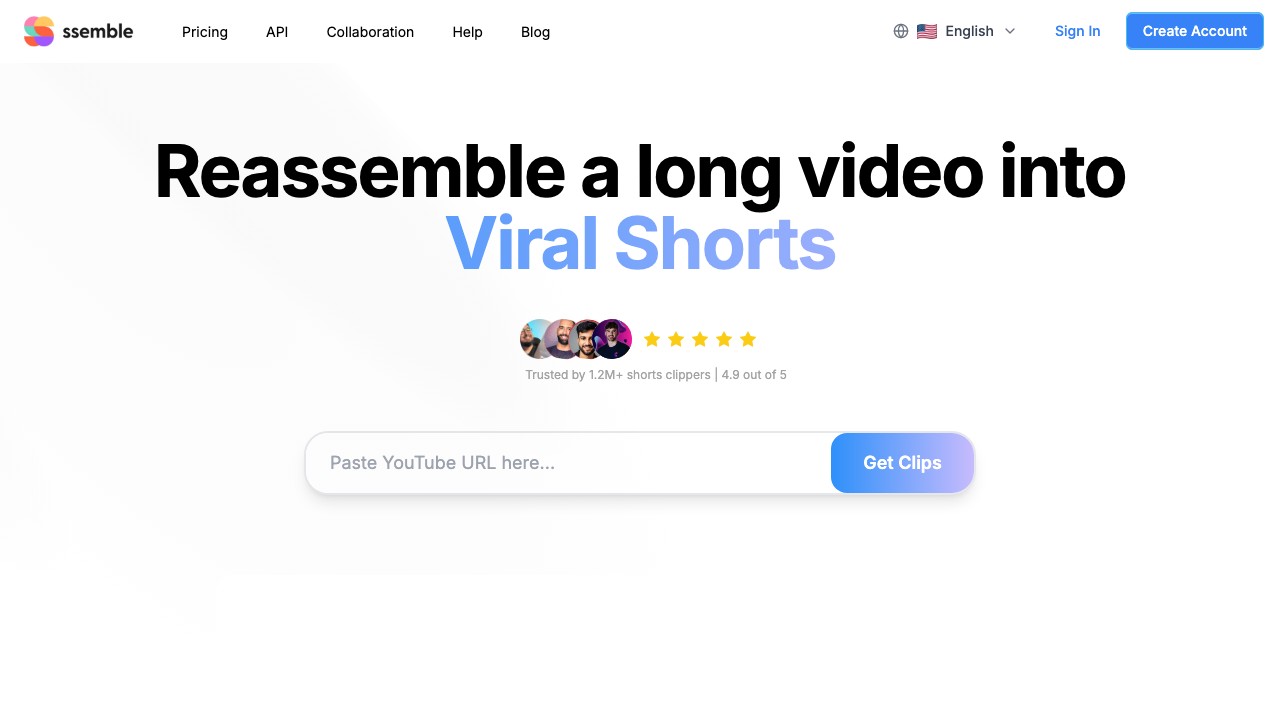
Ssemble is the most direct Opus Clip competitor — and it beats Opus Clip on price by a wide margin.
Why it's the best alternative:
The fundamental difference is the credit system. Opus Clip charges 1 credit per minute of source video. Ssemble charges 1 credit per video (up to 20 minutes). For a 60-minute podcast, that's 60 credits on Opus Clip vs 3 credits on Ssemble.
| Opus Clip Pro | Ssemble Pro | |
|---|---|---|
| Monthly cost (annual) | $14.50/mo | $15/mo |
| Credits/month | 300 min | 60 videos |
| 60-min videos/month | ~5 | ~20 |
| Cost per 60-min video | $2.90 | $0.75 |
| API access | ❌ | ✅ |
| Languages | 20+ | 100+ |
| Social scheduling | ✅ | ✅ |
| Multi-language audio | ❌ | ✅ |
What Ssemble has that Opus Clip doesn't:
- B-roll from Pexels stock footage + music library
- Sound effects, transitions, zoom animations
- CTA overlays, meme hooks, game video overlays
- API access on all plans (automate your clipping workflow)
- Multi-Language Audio (clip from YouTube's dubbed tracks)
- 100+ language support (vs 20+)
- Lower price per clip at every plan level
What Opus Clip has that Ssemble doesn't:
- AI-generated B-roll (vs Ssemble's stock footage B-roll)
- More import sources (Zoom, Twitch, Loom, etc.)
💡 Bottom line: If you're switching from Opus Clip because of price, Ssemble is the obvious choice. You get the same core functionality at 1/4 the cost.
2. CapCut — Best Free Alternative
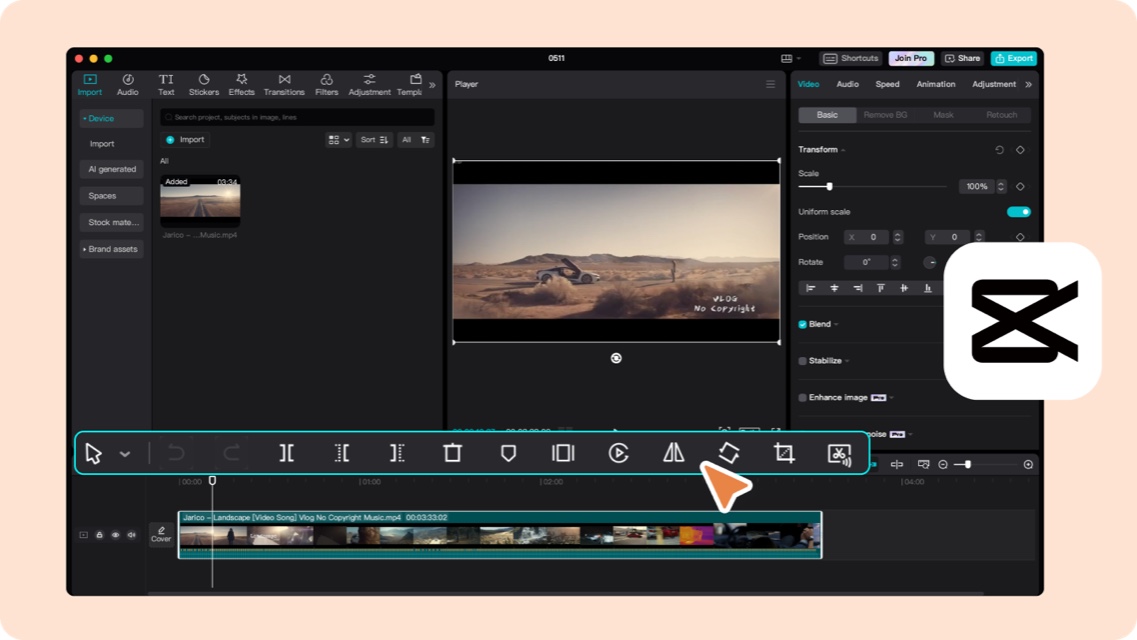
CapCut is the best free alternative to Opus Clip — with one major trade-off: no AI clip detection. You find and trim clips manually.
Pros over Opus Clip:
- Completely free, no watermark, no limits
- Rich template library with trending caption styles
- Direct TikTok integration (same parent company)
- AI auto-captions built in
- Desktop + mobile + web apps
Cons vs Opus Clip:
- No AI highlight detection — manual clip selection
- No Virality Score
- No social scheduling
- Time-intensive for long videos
Best for: Creators on a zero budget who don't mind manual editing, or as a companion tool for final touch-ups after AI clipping.
3. Reap — Best Alternative for Multilingual Content
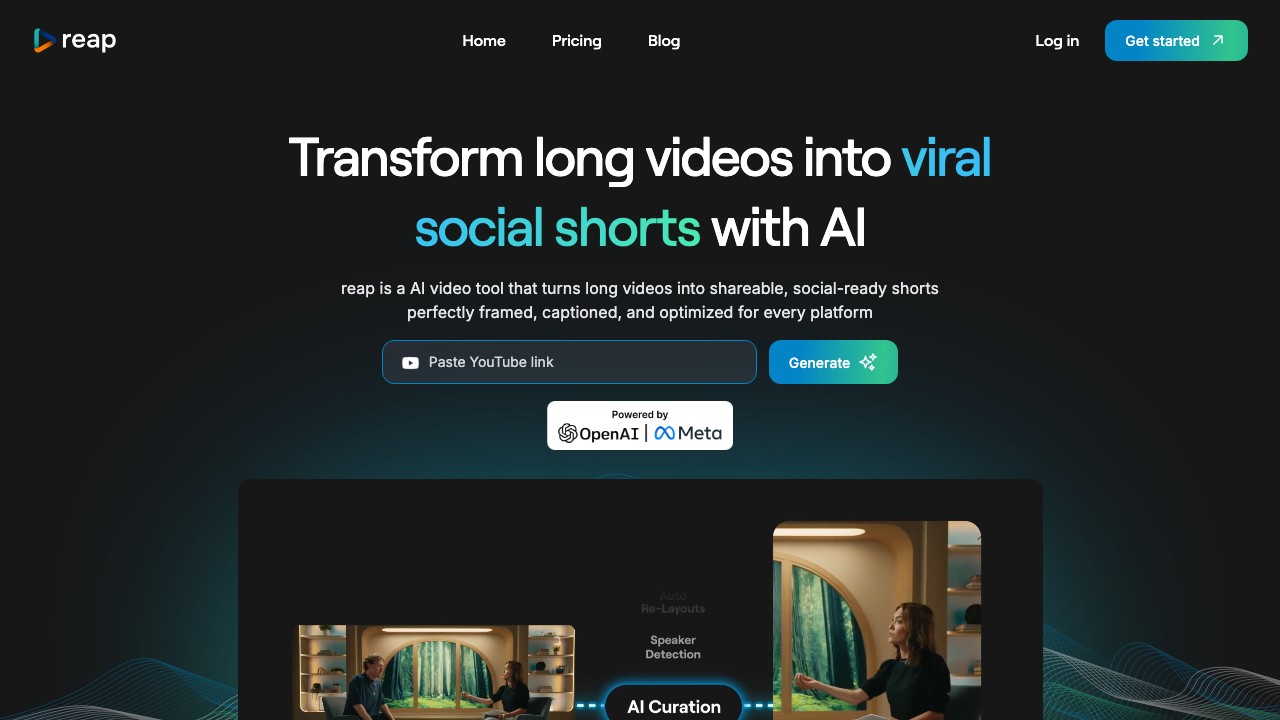
Reap is the best choice if you need something Opus Clip can't do: AI dubbing in 80+ languages. Translate your clips into new markets with AI-generated voiceovers.
Pros over Opus Clip:
- AI dubbing in 80+ languages (Opus Clip can't dub)
- AI voiceover for faceless channels
- Automation API
- Similar AI clipping quality
Cons vs Opus Clip:
- Smaller user community
- Less polished UI
- No Virality Score
Pricing: Creator plan at $9.99/mo (annual) with 120h/year clipping + 24h/year dubbing.
Best for: Educators, brands, and creators targeting international audiences.
4. Choppity — Best Alternative for Caption Quality
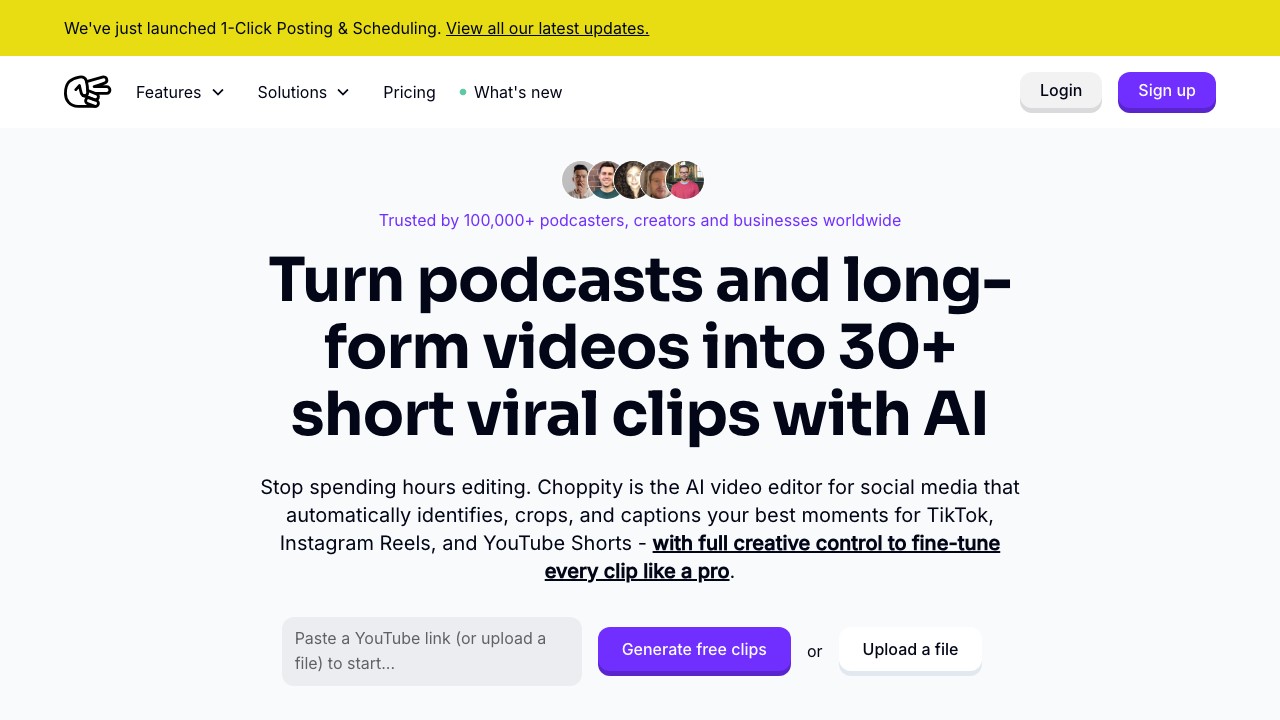
Choppity focuses on what matters most for short-form content: making clips look professional with best-in-class captions and face tracking.
Pros over Opus Clip:
- Better caption customization and templates
- Context-aware AI (finds complete thoughts, not random moments)
- Native face tracking for speaker-centered crops
- Same starting price ($7.50/mo annual)
- 97 language support
Cons vs Opus Clip:
- Upload hour limits (3–5h/month on paid plans)
- No Virality Score
- Smaller feature set overall
Best for: Podcasters and interview clippers who prioritize caption aesthetics.
5. Vizard — Best Alternative for Teams

Vizard is the go-to if you need team collaboration features that Opus Clip lacks on most plans.
Pros over Opus Clip:
- Shared workspaces and brand kits
- Up to 20 social accounts on Business
- Custom fonts and branding
- 100+ languages
Cons vs Opus Clip:
- Same per-minute credit system (expensive for long content)
- Less advanced AI clip detection
- Higher price for comparable features
Best for: Marketing teams and agencies managing multiple brands.
6. Klap — Best for Simplicity
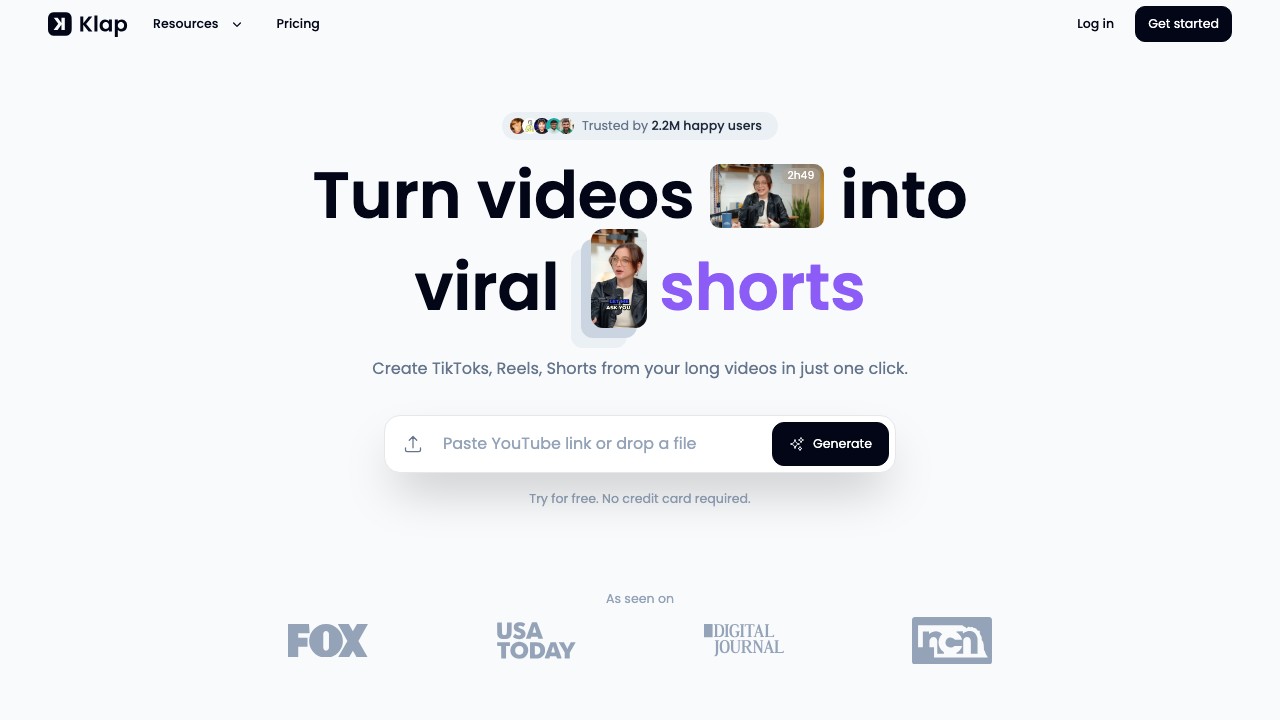
Klap is the simplest AI clipping tool: paste a URL, click once, get clips. No learning curve.
Pros over Opus Clip:
- Extreme simplicity — one-click workflow
- 1 free video with no watermark
- AI Reframe with split-screen and gaming layouts
Cons vs Opus Clip:
- Less feature-rich
- Only 52 languages
- No social scheduling
- ~$29/month for paid plan
Best for: Solo creators who want the fastest possible workflow.
7. Submagic — Best for Visual Effects
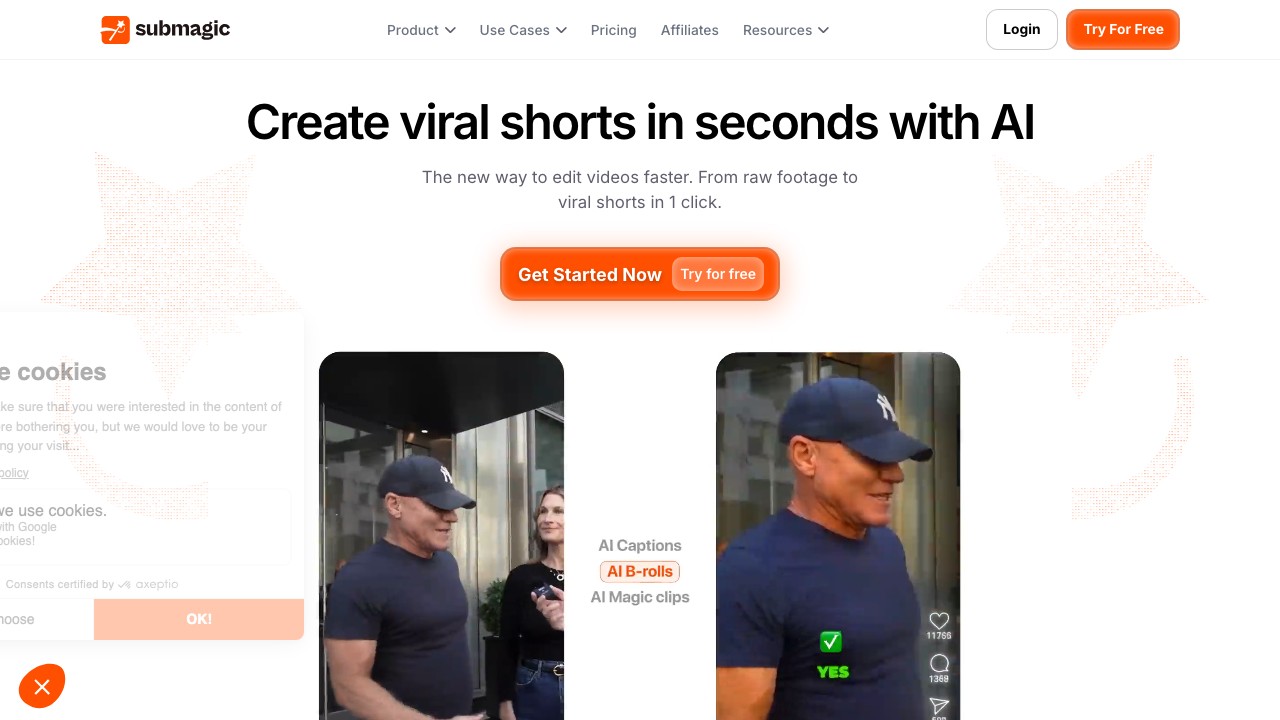
Submagic produces the most visually striking captions of any tool — animated text, emoji overlays, and B-roll from a stock library.
Pros over Opus Clip:
- Best animated caption templates in the market
- AI Auto Edit (zoom, silence removal, eye contact correction)
- Movie-clip B-roll library
Cons vs Opus Clip:
- AI clipping is an add-on (+$19/month)
- Short video limits (2–5 min on most plans)
- Not designed for long-form content
- Expensive for what you get
Best for: Short-form creators who already have clips and want to add viral-style captions and effects.
Reddit Says: What Real Users Think
We scanned Reddit threads about Opus Clip alternatives. Here's what keeps coming up:
Frequently Asked Questions
What is the best free Opus Clip alternative?
▼
CapCut is the best completely free option (no watermark, unlimited editing, but manual). For AI clipping without watermark, Ssemble starts at $7.50/mo — the cheapest paid option available. See our full free AI clipping tools comparison.
Is there an open source Opus Clip alternative?
▼
There are open-source tools like FFmpeg (command-line video processing) and Whisper (OpenAI's transcription model), but there's no open-source equivalent that combines AI clip detection, captioning, and publishing in one tool. For most creators, Ssemble at $7.50/mo is cheaper than the time spent setting up open-source alternatives.
Which Opus Clip alternative has no watermark?
▼
CapCut (free) and Klap (1 free video) offer watermark-free exports. Ssemble (from $7.50/mo) also exports without watermark — the cheapest paid option with AI clipping. Most other tools require higher-tier plans to remove watermarks.
Is Ssemble really better than Opus Clip?
▼
It depends on what matters most. Ssemble is better on: price (3–4× cheaper), languages (100+ vs 20+), API access, multi-language audio. Opus Clip is better on: AI clip detection quality, Virality Score, B-roll generation, editing features. For most creators, the cost savings make Ssemble the better overall value. See our detailed comparison.
Final Verdict
| You want... | Choose |
|---|---|
| Cheapest AI alternative | Ssemble ($7.50/mo, 3–4× cheaper) |
| Best free option | CapCut (unlimited, manual editing) |
| AI dubbing | Reap (80+ language dubbing) |
| Best captions | Choppity or Submagic |
| Team features | Vizard (brand kits, 20 seats) |
| Maximum simplicity | Klap (one-click clips) |
Switch and save: Try Ssemble — from $7.50/mo, same AI clipping at 1/4 the cost, 100+ languages, API access. See why 2.4M+ creators switched.
📚 Related Guides
- Opus Clip Pricing 2026: Is It Worth It?
- Vizard vs Opus Clip vs Ssemble 2026
- 10 Best AI Clipping Tools in 2026
- Best Free AI Clipping Tools 2026
- Opus Clip Review 2026: Pros, Cons & Alternatives
- 12 Best Clipping Software for Creators
- How to Clip Twitch Streams with AI
- Ssemble AI Clip Maker →
- YouTube Shorts Maker →
- AI Caption Generator →
Disclaimer: Ssemble is our product. All pricing and feature comparisons are based on publicly available data as of March 2026.
Ssemble Tools:
Ready to Start Clipping?
Transform long videos into engaging short-form clips with Ssemble's AI-powered tools.
Get Started