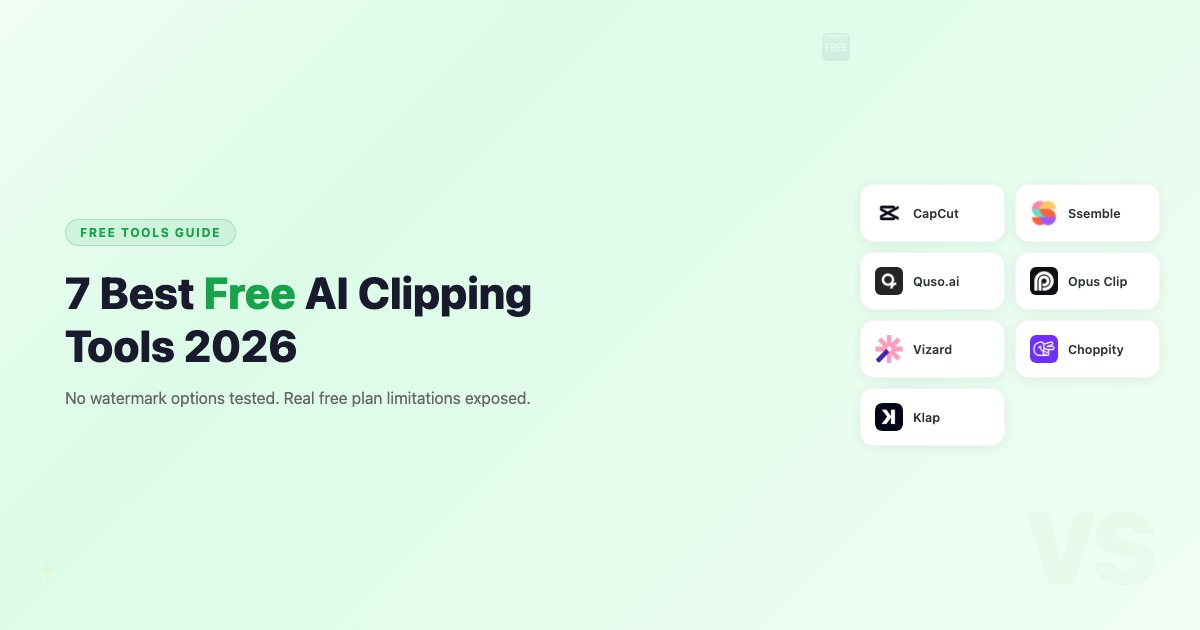
7 Best Free AI Clipping Tools in 2026 (No Watermark Options)

Eric Lee
CEO and Founder of Ssemble
Most "free" AI clipping tools aren't really free. Watermarks, 720p caps, 3-day expiry, or 10-minute limits make them unusable for real content. We tested every major free plan to find which ones actually let you clip and publish without paying.
TL;DR: CapCut is the best truly free tool (no limits, no watermark) but requires manual editing. Vidyo.ai gives you the most free AI clipping minutes (75/month). And when you outgrow free plans, Ssemble at $7.50/mo is the cheapest AI clipping upgrade — purpose-built for volume clippers.
Free Plan Comparison at a Glance
| Tool | Free Minutes | Watermark | Export Quality | AI Clipping | Expiry | Scheduling |
|---|---|---|---|---|---|---|
| CapCut | Unlimited | ❌ None | Up to 4K | ❌ Manual | None | ❌ |
| Vidyo.ai (Quso) | 75 min/mo | ✅ | 720p | ✅ | None | ❌ |
| Opus Clip | 60 min/mo | ✅ | 1080p | ✅ | 3 days | ❌ |
| Vizard | 60 credits/mo | ✅ | 720p | ✅ | 3 days | ❌ |
| Choppity | 1 hour | ✅ | 720p | ✅ | None | ❌ |
| Klap | 1 video | ❌ None | 1080p | ✅ | None | ❌ |
1. CapCut — Best Truly Free Option (Manual Editing)
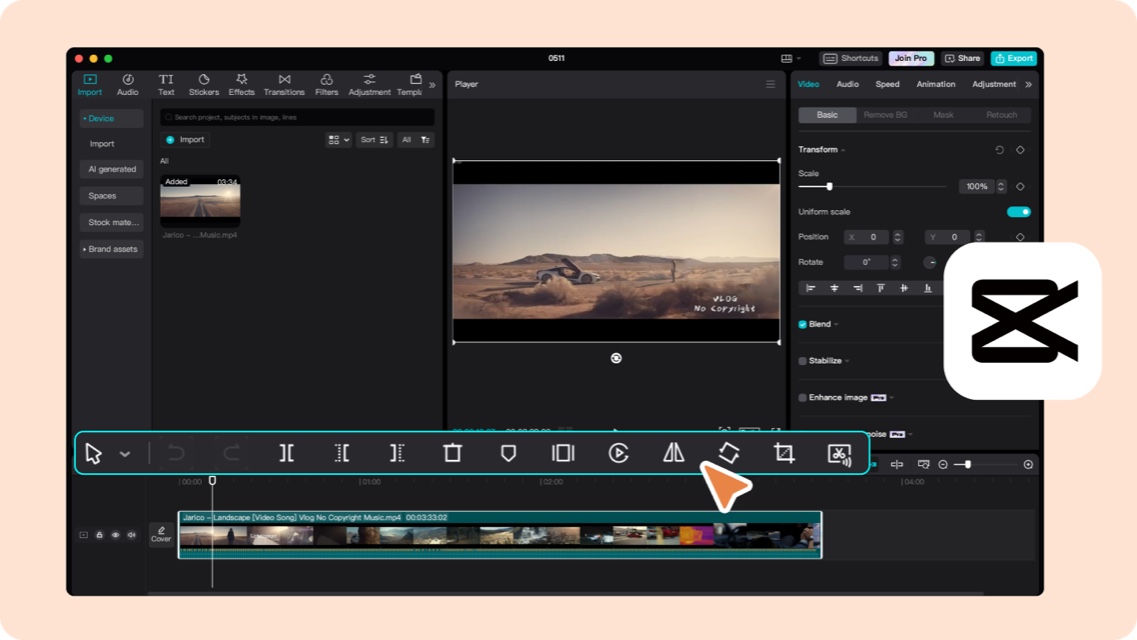
CapCut by ByteDance (TikTok's parent) is the only tool on this list that's genuinely free with no catches. No watermark, no time limits, no expiry. The trade-off? You have to find and trim clips manually.
What you get free:
- Unlimited video editing with no watermark
- AI auto-captions
- Rich template library + effects
- Direct TikTok publishing
- Desktop + mobile + web apps
The catch: No AI highlight detection. You watch the video, pick the moments, and trim manually. For one or two videos a week, that's fine. For daily clipping, you'll want AI assistance.
Best for: Beginners, budget-zero creators, anyone willing to trade time for money.
When Free Isn't Enough: Ssemble ($7.50/mo)
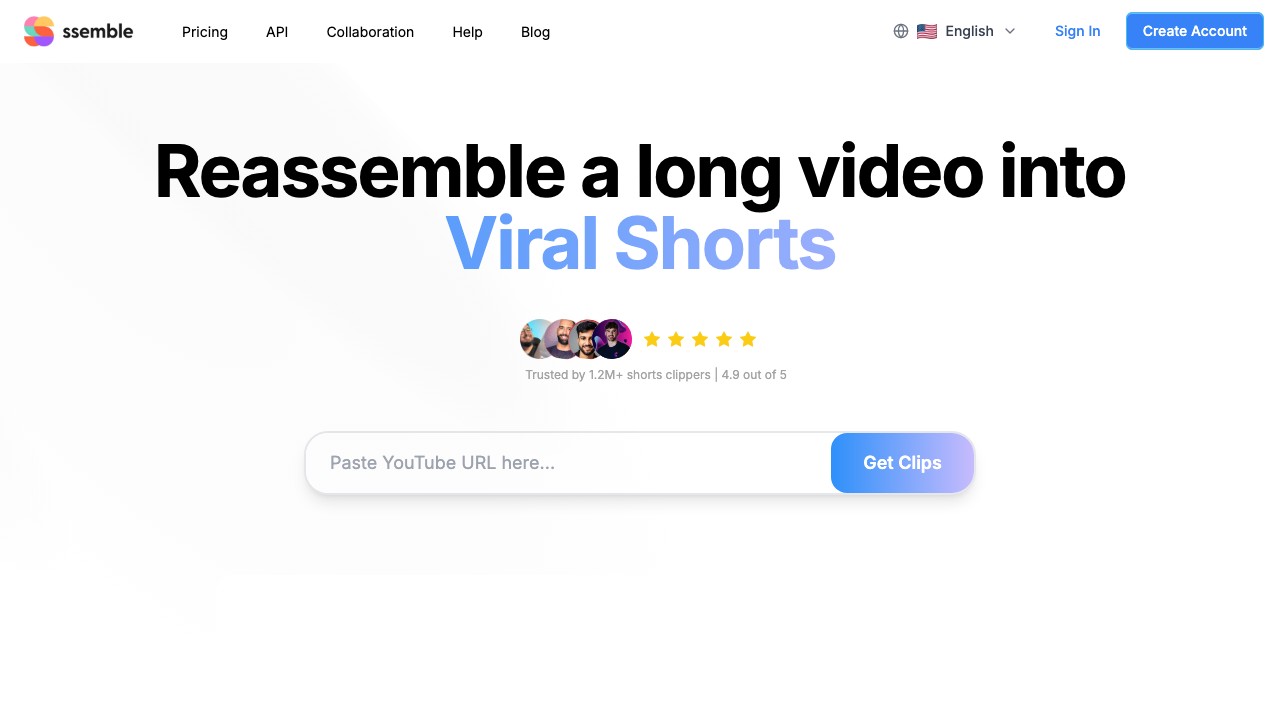
Free tools get you started, but watermarks, minute limits, and 720p exports hold you back. When you're ready to upgrade, Ssemble is the most affordable AI clipping tool — starting at $7.50/month with a credit system designed for volume: 1 credit = 1 video (up to 20 minutes).
What $7.50/mo gets you (Starter plan):
- 30 credits/month (~10 videos from 60-minute sources)
- AI clipping + auto-captions in 100+ languages
- No watermark, 1080p export
- Social scheduling + API access
Why it's the smartest next step from free: Every free AI clipping tool on this list has dealbreaker limitations — watermarks, 720p, 3-day expiry, or minute caps. Ssemble Starter at $7.50/mo removes all of those at once, while giving you 3–4× more capacity than competitors' $15/mo plans.
Best for: Clippers who've outgrown free plans and need a tool that scales with their output — without paying for features they don't use.
💡 The math: Ssemble Starter ($7.50/mo) processes ~10 full videos. Opus Clip Starter ($15/mo) processes ~2.5. Same workflow, half the price, 4× the capacity.
3. Vidyo.ai (Quso) — Most Free Minutes (75/month)
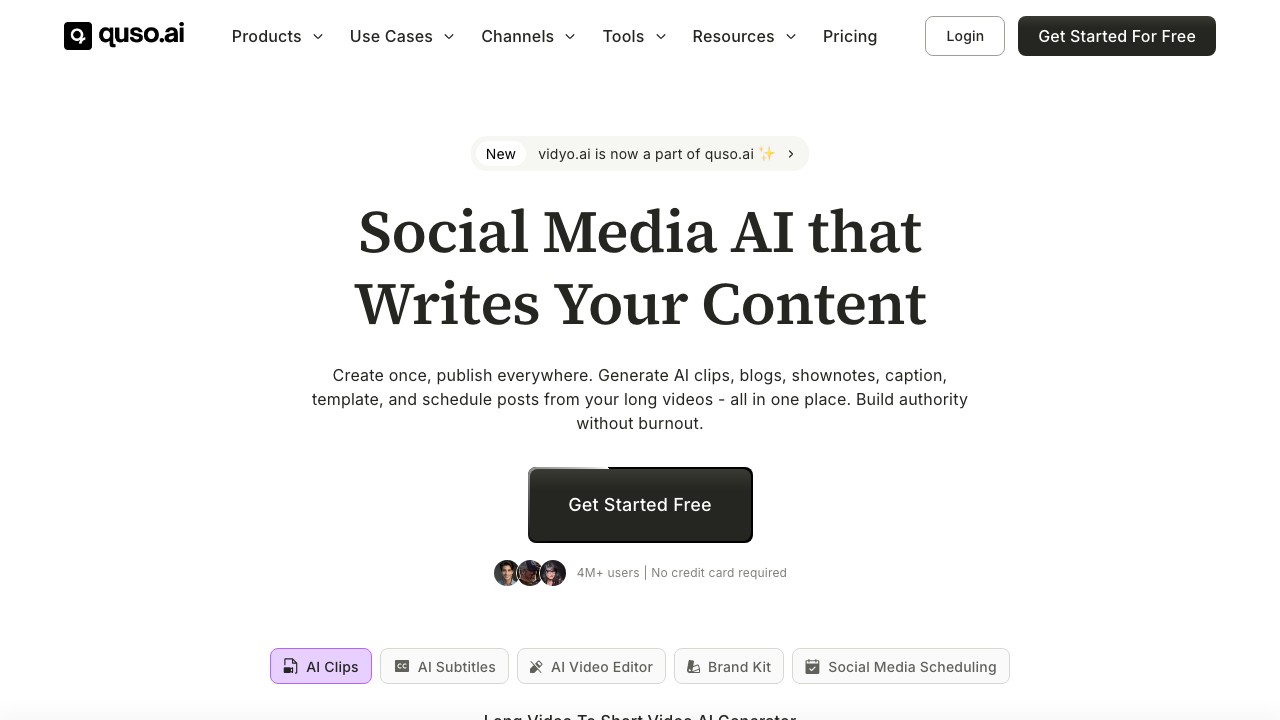
Vidyo.ai (recently rebranded to Quso) offers the most generous free tier among AI clipping tools: 75 minutes per month with no credit card required.
What you get free:
- 75 minutes/month of processing
- AI clip detection with CutMagic
- Brand kit basics (logo, colors)
- 720p export
- Watermark on exports
The catch: 720p export and watermark make it hard to publish professional-looking clips. You'd need the Essential plan ($21/mo) to remove both.
Best for: Testing AI clipping without commitment. 75 minutes is enough for one 60-minute video per month — useful for evaluating if AI clipping works for your content.
4. Opus Clip — Best AI Quality on Free (But Limited)
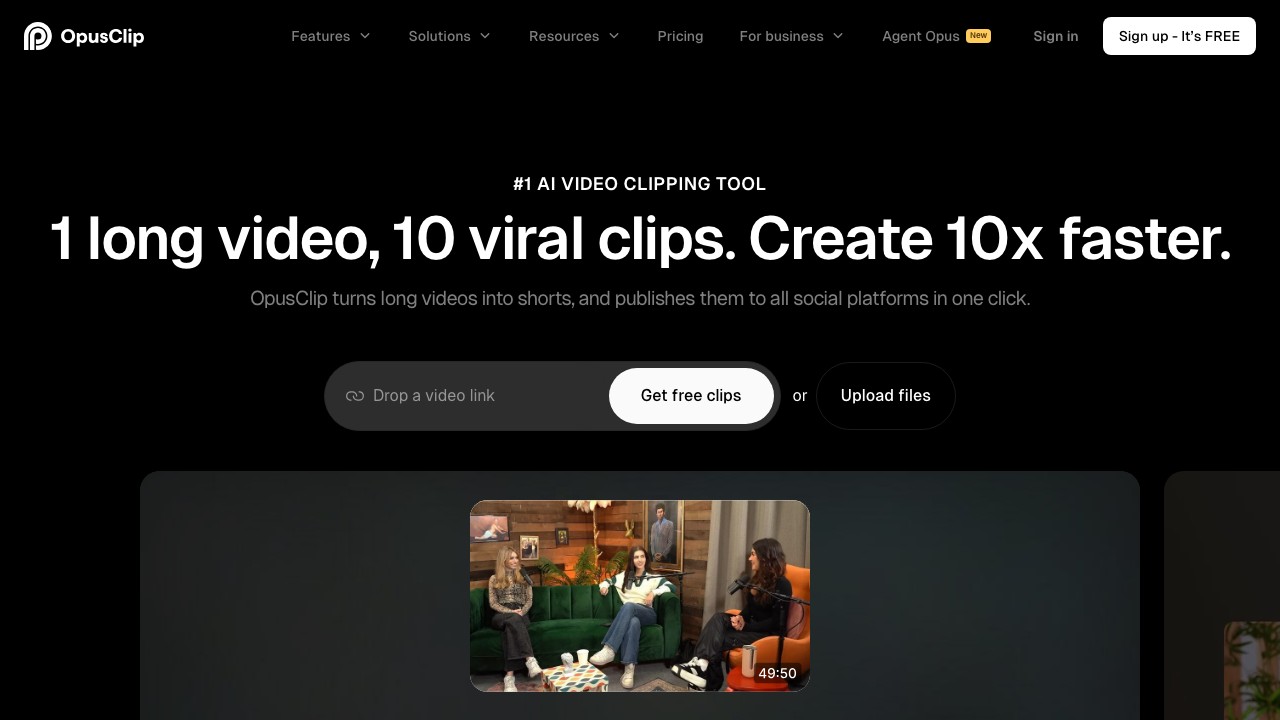
Opus Clip gives you 60 free minutes per month and genuinely best-in-class AI clip detection. The problem? Watermark, 3-day clip expiry, and no editing tools.
What you get free:
- 60 minutes/month
- Multimodal AI clipping with Virality Score
- 1080p export
- Watermark + 3-day expiry on clips
The catch: The 3-day expiry is the real killer. If you don't download clips within 3 days, they're gone. Combined with the watermark, the free plan is really just a demo — not a usable production tool.
Best for: Testing Opus Clip's AI quality before committing to the $15/mo Starter plan.
⚠️ Watch out: Opus Clip's free tier has a 3-day expiry on generated clips. Export immediately or lose your clips.
5. Vizard — Solid Free Tier with Limitations
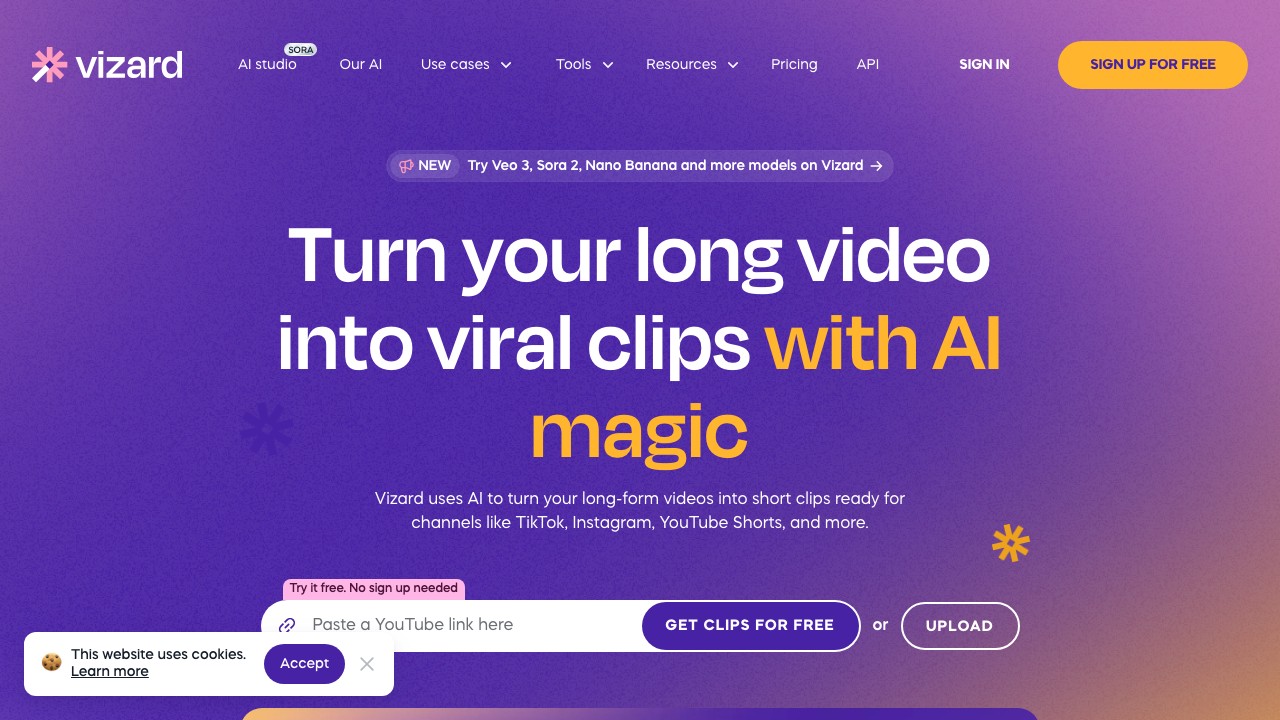
Vizard offers 60 free credits per month (1 credit = 1 minute). Like Opus Clip, the free plan has watermark and 3-day storage limits.
What you get free:
- 60 credits/month
- AI clipping + auto-captions
- Text-based editing
- 720p export
- Watermark + 3-day storage
The catch: 720p + watermark + 3-day limit. Similar restrictions to Opus Clip's free plan, with lower export quality.
Best for: Teams evaluating Vizard's collaboration features before committing.
6. Choppity — One Free Hour to Try
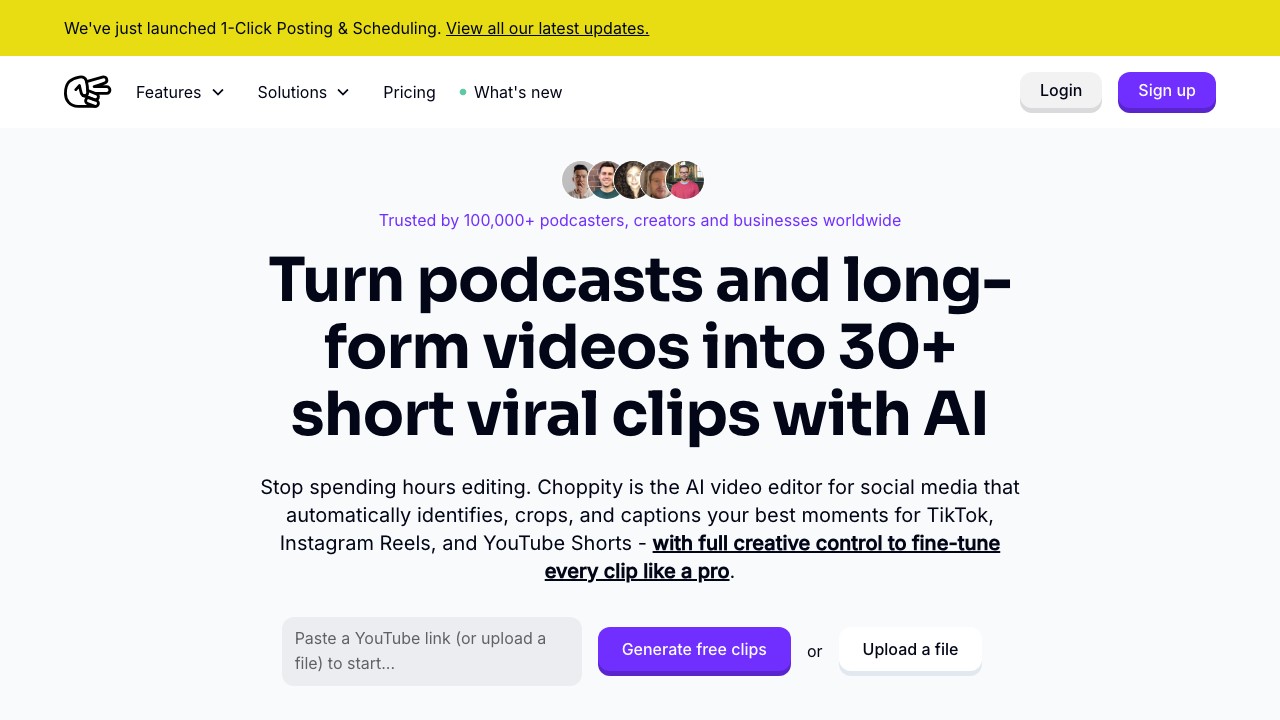
Choppity gives you 1 hour of free AI analysis — enough to test with one video. Its face-tracking and caption customization are among the best, but the free tier is very limited.
What you get free:
- 1 hour of AI analysis (one-time)
- Context-aware clip detection
- 2GB storage
- Watermark on exports
- No downloads
The catch: "No downloads" on the free plan means you can preview clips but can't actually export them. It's a demo, not a free tool.
Best for: Testing Choppity's caption styles before paying. Not viable as a free production tool.
7. Klap — One Free Video
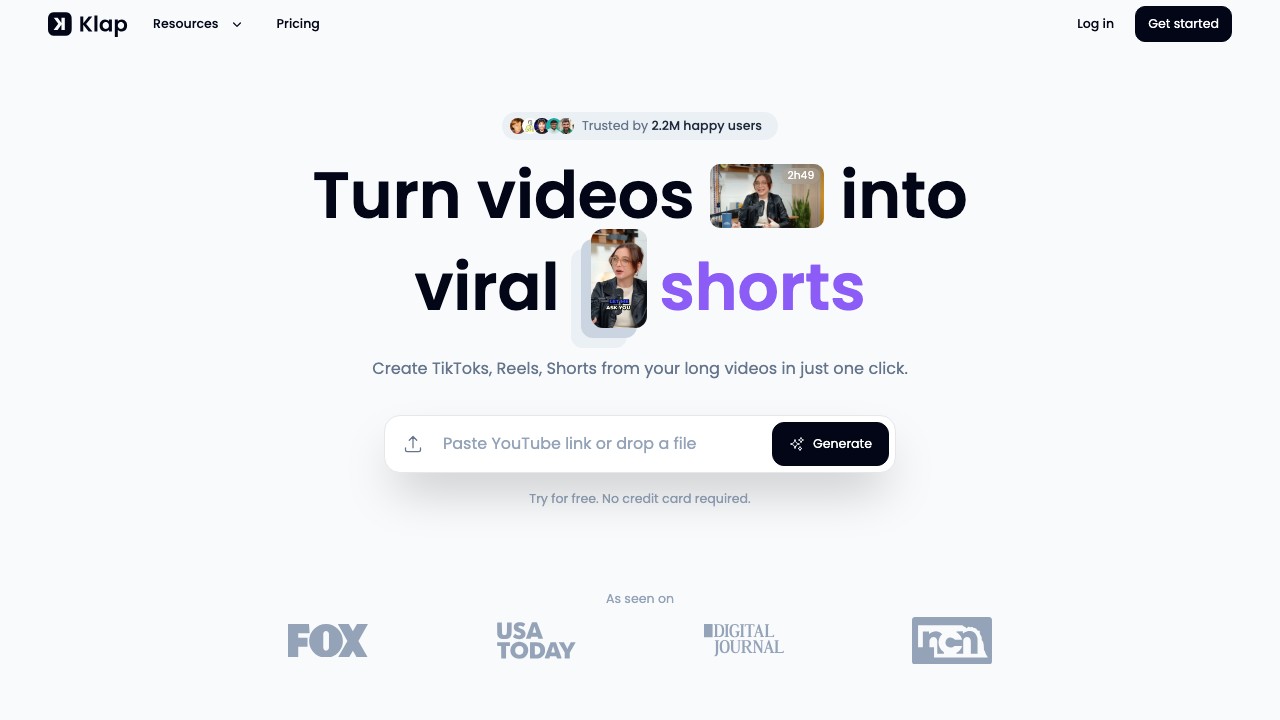
Klap gives you exactly one free video to try their AI clipping. No watermark on that one video, which is nice for testing.
What you get free:
- 1 video (one-time)
- AI clipping + Virality Score
- 1080p export
- No watermark
The catch: One video. That's it. After that, you're looking at ~$29/month.
Best for: A quick test to see if Klap's simplicity matches your workflow.
The Real Question: Is Free Good Enough?
Here's the honest answer: free AI clipping tools work for testing, but not for consistent publishing.
The problems with free plans:
- Watermarks kill professionalism (Opus Clip, Vizard, Vidyo.ai, Choppity)
- 720p export looks bad on YouTube Shorts and Instagram Reels
- Minute limits mean one 60-minute video per month at best
- 3-day expiry forces rushed workflows (Opus Clip, Vizard)
If you're clipping more than 1–2 videos per month, a paid plan pays for itself in time savings alone.
Frequently Asked Questions
What is the best free AI clipping tool without watermark?
▼
CapCut is completely free with no watermark, but requires manual clip selection. Klap gives one free video without watermark. For paid tools, Ssemble Starter ($7.50/mo) is the cheapest AI clipping option with no watermark.
Is there a free Opus Clip alternative?
▼
For free: CapCut is the best option but requires manual work. For the cheapest AI alternative: Ssemble starts at $7.50/mo with no watermark and 4× more capacity than Opus Clip's $15 plan. See our full Opus Clip Alternative Free guide for more options.
Can I really make money with free clipping tools?
▼
Yes, but it's harder. Watermarked clips look unprofessional, and minute limits slow you down. Most successful clippers upgrade to a paid plan quickly — even Ssemble's $7.50/mo Starter plan removes all friction. See our clipping monetization guide for real strategies.
What's the cheapest AI clipping tool after free?
▼
Ssemble Starter at $7.50/month (annual billing) is the cheapest paid AI clipping plan available. It includes 30 credits/month, API access, and social scheduling — features that competitors charge $15–29/month for.
Final Verdict
For zero budget: Use CapCut and clip manually. It works, it's just slower.
For ready to invest minimal budget: Ssemble Starter at $7.50/mo is the cheapest professional AI clipping tool — no watermark, no expiry, 10 full videos/month. It's the logical next step when free plans hold you back.
For evaluating tools: Try Opus Clip's free plan and Ssemble's Starter plan ($7.50/mo) side-by-side with the same video. Compare clip quality, then decide if the 3.9× cost difference matters for your workflow.
Outgrown free tools? Try Ssemble — $7.50/mo for everything free plans won't give you: no watermark, 1080p, scheduling, and API access. Built for clippers who need volume.
📚 Related Guides
Disclaimer: Free plan features are accurate as of March 2026 and may change. We work at Ssemble — but all comparisons are based on publicly available data.
Ssemble Tools:
Ready to Start Clipping?
Transform long videos into engaging short-form clips with Ssemble's AI-powered tools.
Get Started