10 Best AI Podcast Clip Makers in 2026 (Tested & Compared)

Eric Lee
CEO and Founder of Ssemble
Podcasters waste hours scrubbing through episodes looking for the perfect 30-second clip. AI clipping tools promise to automate that — but which ones actually work for long-form podcast content?
We tested 10 AI podcast clip makers by uploading the same 90-minute, two-host podcast episode to each tool. Here's what we found.
TL;DR: For podcasters who clip weekly, the tool needs to handle long episodes without burning your budget. Most tools charge per minute — one 90-minute episode eats 90 credits. Ssemble charges per video (up to 20 min each), so the same episode costs just ~5 credits. Combined with auto-captions, scheduling, and API access, it's built for podcasters who clip regularly — not just occasionally.
Quick Comparison: Top 10 AI Podcast Clip Makers
| Tool | Best For | Starting Price | Credit System | Podcast-Specific |
|---|---|---|---|---|
| Ssemble | Budget-conscious podcasters | $7.50/mo | 1 credit = 1 video (20 min) | ✅ |
| Opus Clip | Hands-off viral clips | $15/mo | 1 credit = 1 minute | ❌ |
| Choppity | Caption customization | $7.50/mo | Upload hours (3 hrs) | ❌ |
| Descript | Full episode editing | $16/mo | Media hours (10 hrs) | ✅ |
| Riverside | Record + clip workflow | $19/mo | Recording hours (5 hrs) | ✅ |
| Vizard | Interview-style podcasts | $14.50/mo | Credits (varies) | ❌ |
| Flowjin | Audiogram creation | $19/mo | 150 min/mo | ✅ |
| Podsqueeze | Show notes + clips | $5.99/mo | 120 min/mo | ✅ |
| Vidyo.ai (Quso) | Social media scheduling | $21/mo | 300 min/mo | ❌ |
| Submagic | Trendy captions | $19/mo | 15 videos (2 min max) | ❌ |
How We Tested
We uploaded the same 90-minute podcast episode (two hosts, conversational format, 4K video) to every tool on this list. Here's what we evaluated:
- Processing speed — How long to analyze a full episode
- Clip relevance — Did the AI find genuinely interesting moments, or just loud ones?
- Caption accuracy — Transcription quality, especially with multiple speakers
- Export quality — Resolution, aspect ratio options, watermarks
- Cost efficiency — What does it actually cost to clip one 90-minute episode?
1. Ssemble — Best Value for Podcasters
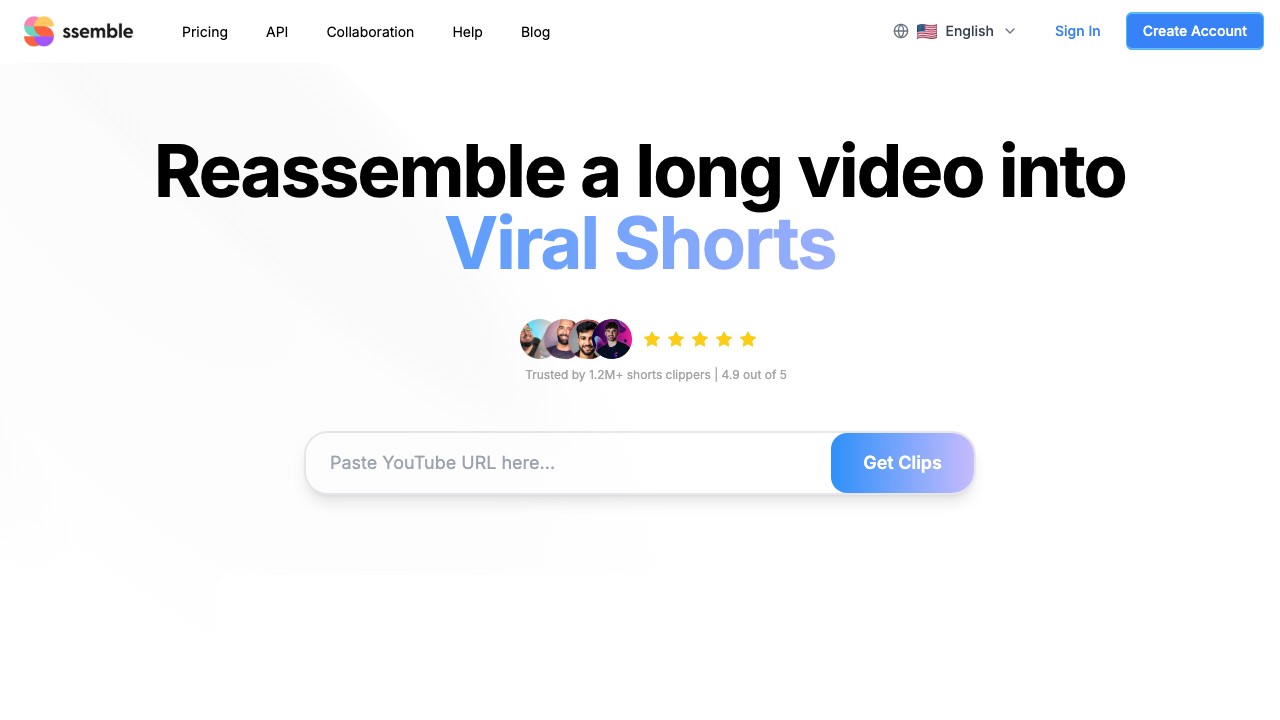
Ssemble takes a fundamentally different approach to pricing: 1 credit = 1 video, up to 20 minutes long. While every other tool on this list charges per minute of source video, Ssemble charges per output clip. That means your 90-minute episode doesn't cost 90 credits — it costs however many clips you generate.
Pricing
| Plan | Monthly | Annual | Credits | Per Episode Cost* |
|---|---|---|---|---|
| Starter | $15/mo | $7.50/mo | 30/mo (360/yr) | ~$1.25 |
| Pro | $30/mo | $15/mo | 60/mo + bonus (840/yr) | ~$1.25 |
| Business | $60/mo | $30/mo | 120/mo + bonus (1800/yr) | ~$1.25 |
| Scale | $100/mo | $50/mo | 200/mo + bonus (2600/yr) | ~$1.00 |
*Assuming ~5 clips per episode
What stood out
- Full editing suite: B-roll (Pexels stock), transitions, sound effects, zoom animations, CTA overlays, meme hooks, game video overlays
- Virality scoring: AI ranks clips by engagement potential
- Multi-Language Audio: Select YouTube dubbed audio tracks (Hindi, Spanish, French, Portuguese) and create Shorts from dubbed versions — unique feature for global podcasters
- Auto-posting: Schedule clips directly to TikTok, YouTube Shorts, and Instagram Reels
- API access: Even on the Starter plan, useful for automating podcast workflows
- No per-minute penalty: A 20-minute clip and a 2-minute clip cost the same 1 credit
💡 Podcast math: With the Pro plan ($15/mo annual), you get 60 credits/month. That's enough for 12 full podcast episodes at 5 clips each — roughly $1.25 per episode. The same usage on Opus Clip would require 12 × 90 = 1,080 minutes, which costs $52/month on their Pro plan.
Limitations
- No built-in recording (clip-only tool)
- AI clip detection is improving but not yet the most sophisticated
- Less caption template variety than Submagic or Choppity
2. Opus Clip — Best for Viral Potential Scoring
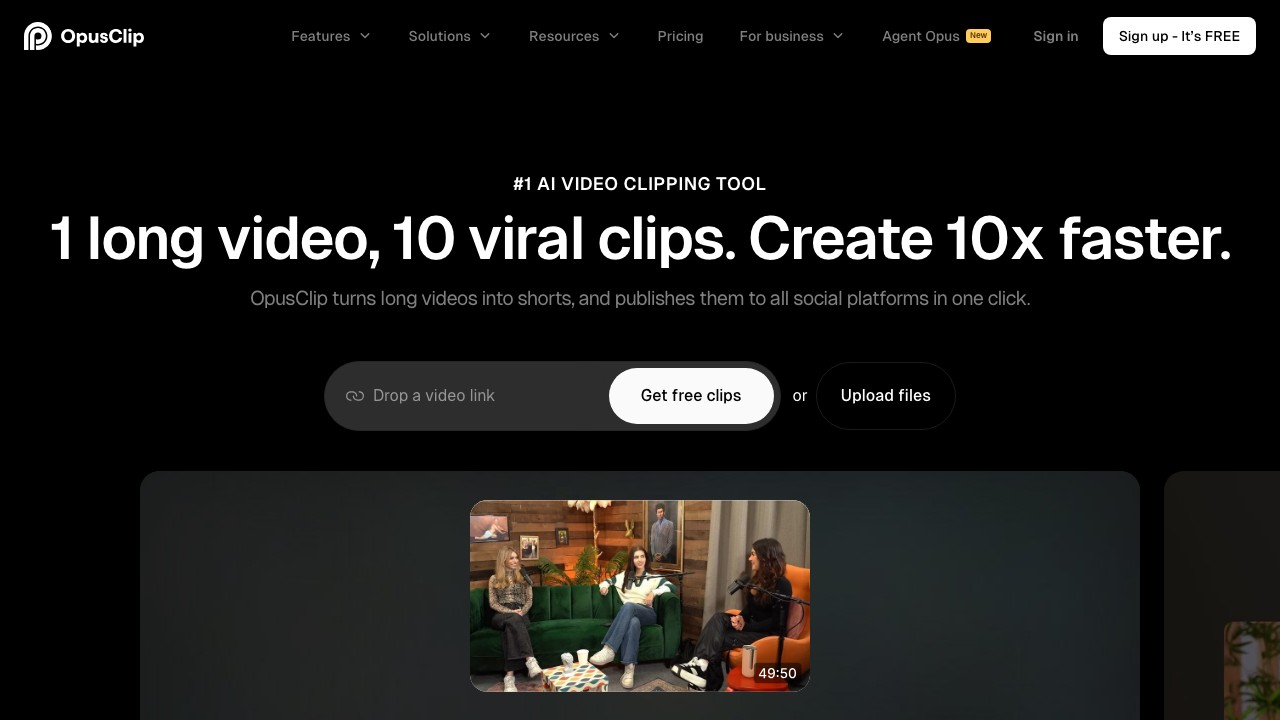
Opus Clip is the most popular AI clipping tool for a reason: its Virality Score ranks every generated clip by predicted social media performance, so you can pick winners without watching each one.
Pricing
| Plan | Monthly | Annual | Credits |
|---|---|---|---|
| Free | $0 | $0 | 60 min/mo |
| Starter | $15/mo | — | 150 min/mo |
| Pro | $29/mo | ~$14.50/mo | 300 min/mo |
What stood out
- Virality Score: Each clip gets a 0–100 score — genuinely useful for batch processing
- AI B-Roll: Auto-generates visual overlays for talking-head segments
- Active Speaker Detection: Solid face tracking for multi-host shows
- Social scheduler: Built-in posting to major platforms
Limitations
- 1 credit = 1 minute means one 90-min episode uses 90 credits (60% of the Pro plan)
- Sometimes prioritizes "loud moments" over genuinely insightful clips
- Caption customization is more limited than Choppity or Submagic
- Struggles with nuanced multi-speaker podcast conversations
⚠️ Watch the credits: On the Pro plan ($14.50/mo annual), 300 minutes sounds generous — but if you publish weekly 90-minute episodes, that's 360 minutes/month. You'll need to buy extra credits or upgrade.
For a full pricing deep-dive, see our Opus Clip Pricing 2026 breakdown.
3. Choppity — Best Caption Customization
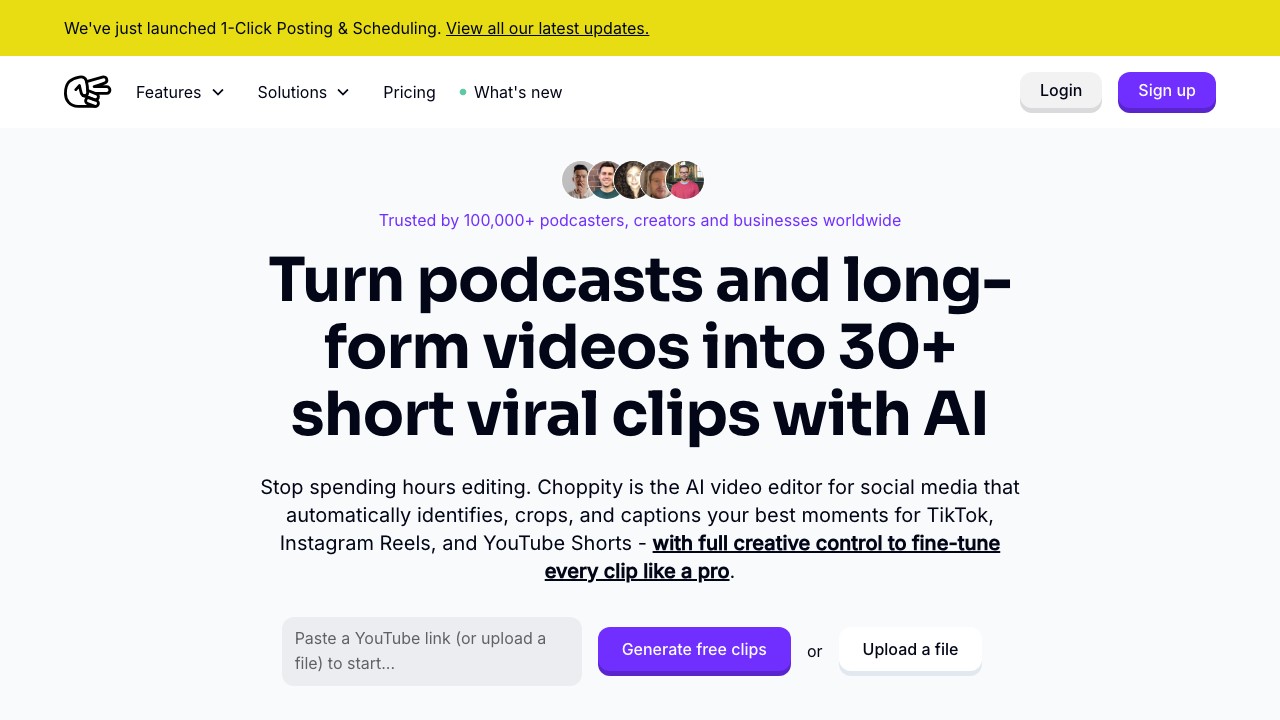
Choppity focuses on speed and polish, with some of the best animated caption templates available. It processes upload hours rather than per-minute credits.
Pricing
| Plan | Monthly | Annual | Upload Hours |
|---|---|---|---|
| Free | $0 | $0 | 1 hr/mo |
| Starter | $15/mo | $7.50/mo | 3 hrs/mo |
| Pro | $28/mo | $14/mo | 5 hrs/mo |
What stood out
- Caption templates: Professional, podcast-specific designs
- Face tracking: Smooth multi-speaker detection
- Transcript editing: Edit clips by editing text
- Profanity censoring: Automatic — great for advertiser-friendly clips
- 97 language support
Limitations
- AI clip detection is decent but not as advanced as Opus Clip's Virality Score
- Less effective for audio-only podcasts without video
- Upload hour limits can feel tight for prolific publishers
4. Descript — Best for Full Episode Editing
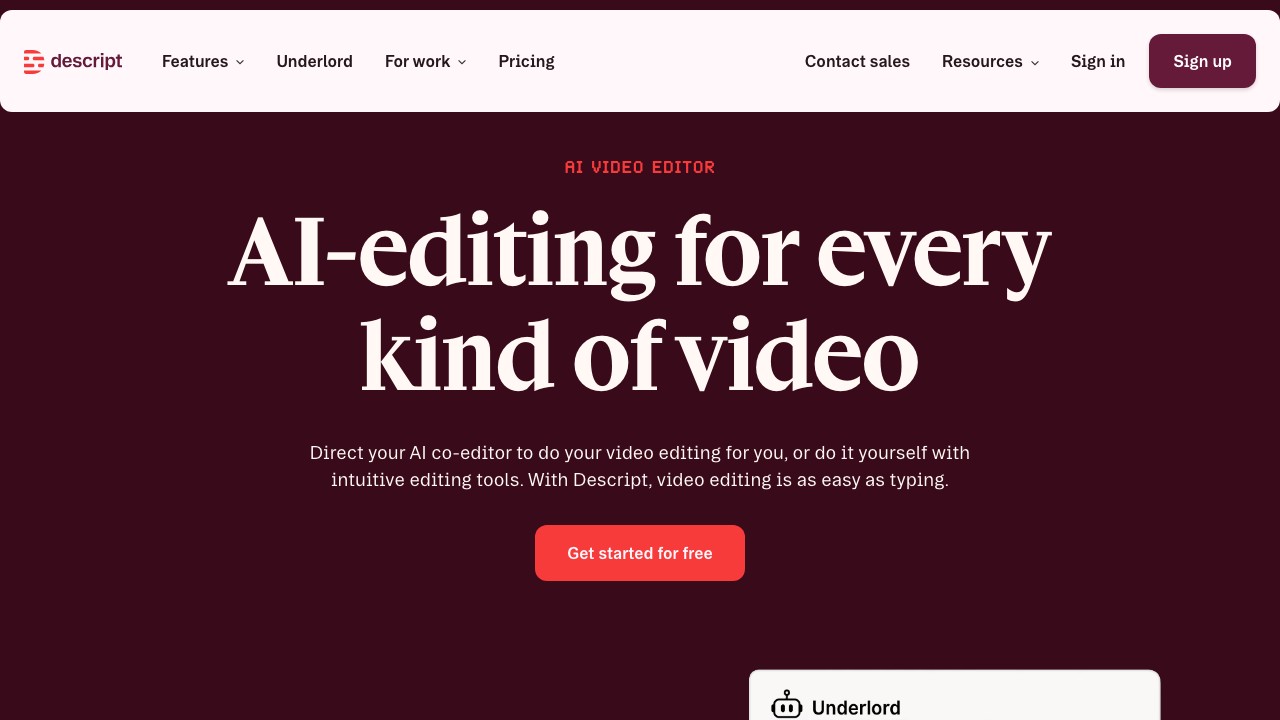
Descript isn't just a clip maker — it's a complete podcast editing suite that happens to include AI clip generation. If you edit your full episodes AND want to extract clips, Descript is the only tool that does both.
Pricing
| Plan | Monthly | Annual | Media Hours |
|---|---|---|---|
| Free | $0 | $0 | 1 hr/mo |
| Hobbyist | $24/mo | $16/mo | 10 hrs/mo |
| Creator | $35/mo | $24/mo | 30 hrs/mo |
| Business | $65/mo | $50/mo | 40 hrs/mo |
What stood out
- Text-based editing: Edit audio/video by editing the transcript — revolutionary for podcasters
- Filler word removal: Automatic "um" and "uh" removal
- Studio Sound: One-click audio quality enhancement
- AI Underlord: AI co-editor that suggests cuts and highlights
- Multi-speaker detection: Labels speakers automatically
Limitations
- Clip generation requires more manual input than dedicated tools
- Most AI features consume "AI credits" (separate from media hours)
- Steeper learning curve than single-purpose clip tools
- Expensive if you only need clip generation
5. Riverside — Best Record + Clip Combo
Riverside is primarily a podcast recording platform that added AI clip generation (Magic Clips). If you already record on Riverside, the clip feature is a natural extension.
Pricing
| Plan | Monthly | Annual | Key Feature |
|---|---|---|---|
| Free | $0 | $0 | 2 hrs recording (one-time) |
| Pro | — | ~$19/mo | 15 hrs multi-track, Magic Clips |
| Live | — | ~$24/mo | + live streaming, multistreaming |
| Enterprise | Custom | Custom | Unlimited everything |
What stood out
- Seamless record-to-clip: No exporting/re-uploading — clip directly from recordings
- Studio-quality capture: Up to 4K video, 48kHz audio per track
- Magic Clips: AI identifies highlights and generates clips automatically
- Podcast hosting: Publish episodes to directories directly
Limitations
- Magic Clips AI is less sophisticated than Opus Clip or Ssemble for moment detection
- Clip generation is a secondary feature, not the core product
- Overkill (and expensive) if you already have a recording setup
6. Vizard — Best for Interview-Style Shows

Vizard works well for structured interview podcasts where the AI can identify clear question-and-answer segments. It's browser-based, so there's nothing to install.
Pricing
| Plan | Annual Price | Credits |
|---|---|---|
| Free | $0 | 60 credits/mo |
| Creator | $14.50/mo | Varies |
| Business | $19.50/mo | More credits |
What stood out
- Browser-based: No download required
- 10M+ users: Large community and proven platform
- Quick turnaround: Fast processing for standard podcast formats
- Text-based editing: Edit clips through the transcript
Limitations
- Struggles with free-flowing, casual conversations
- Fewer customization options than Choppity or Submagic
- Processing slows down on episodes over 60 minutes
7. Flowjin — Best for Audiograms
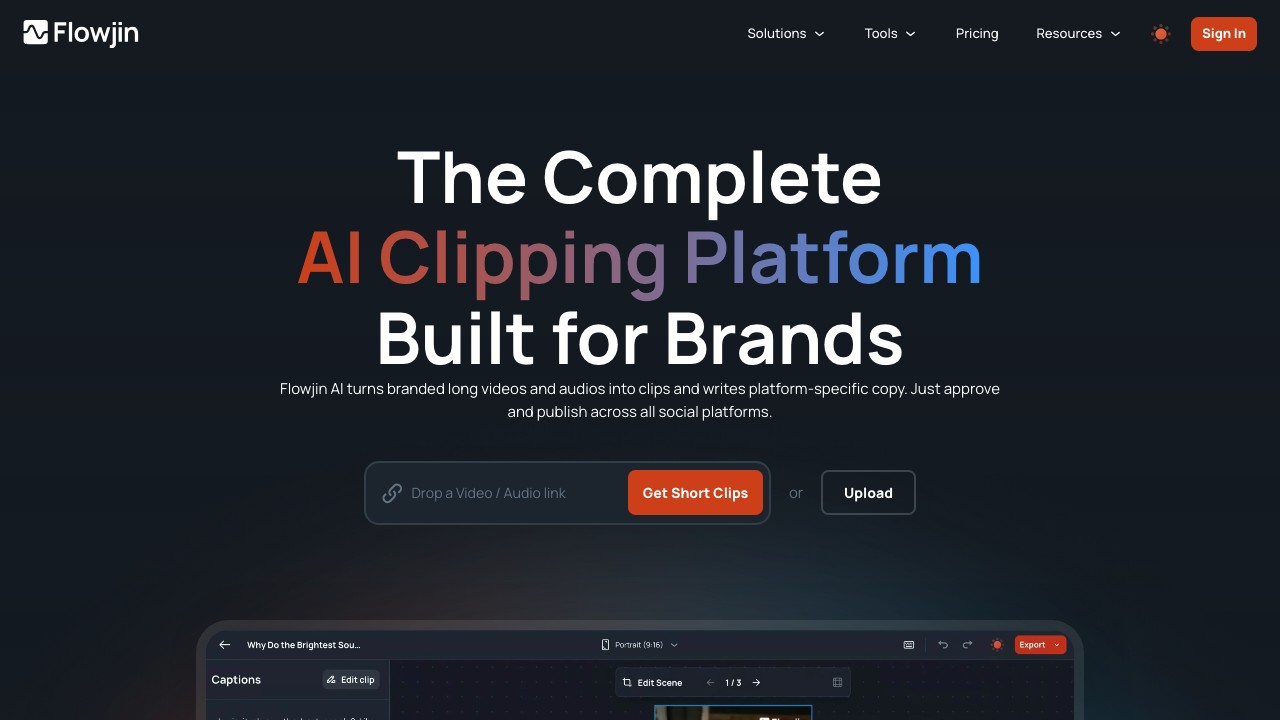
Flowjin is built specifically for podcast content repurposing, including video clips, audiograms, quote graphics, and social copy — all from a single upload.
Pricing
| Plan | Price | Processing Time |
|---|---|---|
| Free | $0 | 60 min (one-time) |
| Starter | $19/mo | 150 min/mo |
| Creator | $29/mo | 5 hrs/mo |
What stood out
- Podcast-native: Built for podcasters, not general video creators
- Quote graphics: Auto-generates shareable quote images from transcript
- Social copy: AI writes LinkedIn, X, and YouTube descriptions
- Audiogram support: Create audio-only clips with waveform visualization
- Credit rollover: Unused minutes carry to next month
Limitations
- Smaller user base means less community support
- 720p on free plan
- No social posting/scheduling (listed as "coming soon")
- Limited language support (English + 6 European languages)
8. Podsqueeze — Best for Show Notes + Clips
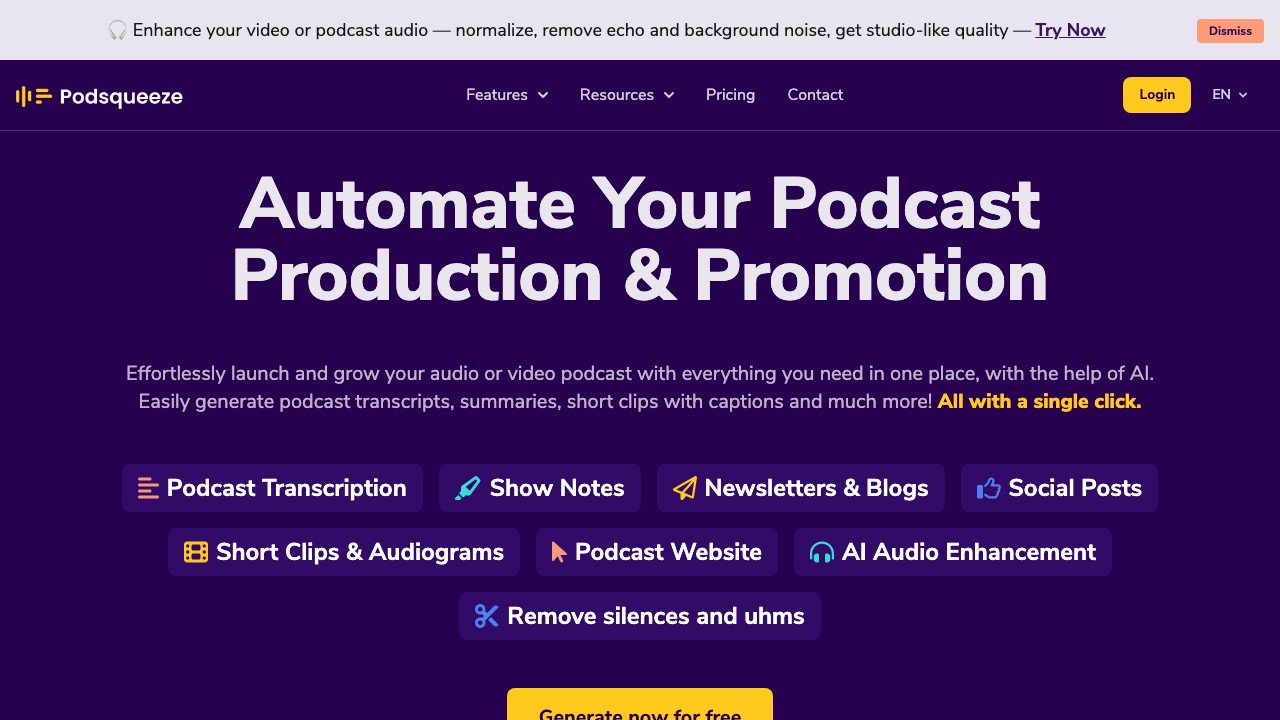
Podsqueeze is a podcaster's Swiss Army knife: it generates clips, but also show notes, transcripts, blog posts, newsletters, and even podcast websites — all from your episodes.
Pricing
| Plan | Monthly | Annual | Minutes |
|---|---|---|---|
| Starter | $8.99/mo | $5.99/mo | 120 min/mo |
| Pro | $49/mo | $35/mo | 320 min/mo |
| Agency | $89/mo | $62/mo | 600 min/mo |
What stood out
- All-in-one content: Show notes, transcripts, blog posts, clips — from one upload
- Podcast website: Auto-generated landing page for your show
- Audio enhancement: Built-in audio cleanup
- Chat with transcript: Ask questions about your episode content
- Cheapest entry point: $5.99/mo for 120 minutes
Limitations
- Video clip limit per episode (8 on Starter, 20 on Pro)
- Clip quality lags behind dedicated tools like Opus Clip or Ssemble
- Less focus on caption aesthetics
- 4GB file upload limit on Starter
9. Vidyo.ai (now Quso) — Best for Social Scheduling
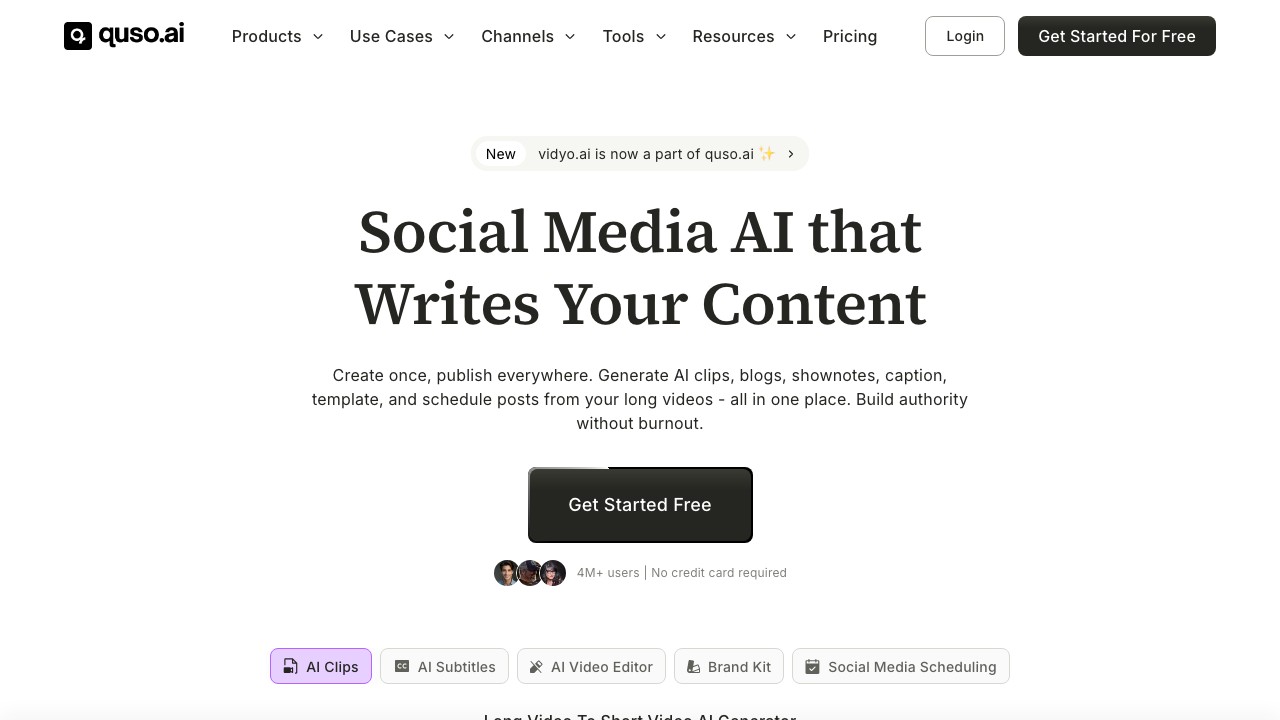
Vidyo.ai (recently rebranded to Quso) combines clip generation with a full social media management suite — scheduling, analytics, and multi-platform publishing.
Pricing
| Plan | Monthly | Annual | Credits |
|---|---|---|---|
| Free | $0 | $0 | 75 min/mo |
| Essential | — | $21/mo | 300 min/mo |
| Growth | — | $25/mo | 600 min/mo |
| Custom | — | $42–83/mo | 900–1800 min/mo |
What stood out
- Social scheduling: 1-click publish to 7 platforms
- Brand kit: Custom logos, colors, fonts
- CutMagic: AI-powered intelligent trimming
- AI Content Planner: Suggests posting schedule
- Generous free tier: 75 minutes/month, no credit card
Limitations
- Rebranding from Vidyo.ai to Quso may cause confusion
- AI clip selection less sophisticated for podcast content
- 720p on free plan
- Analytics features still in development ("coming soon")
10. Submagic — Best Caption Aesthetics
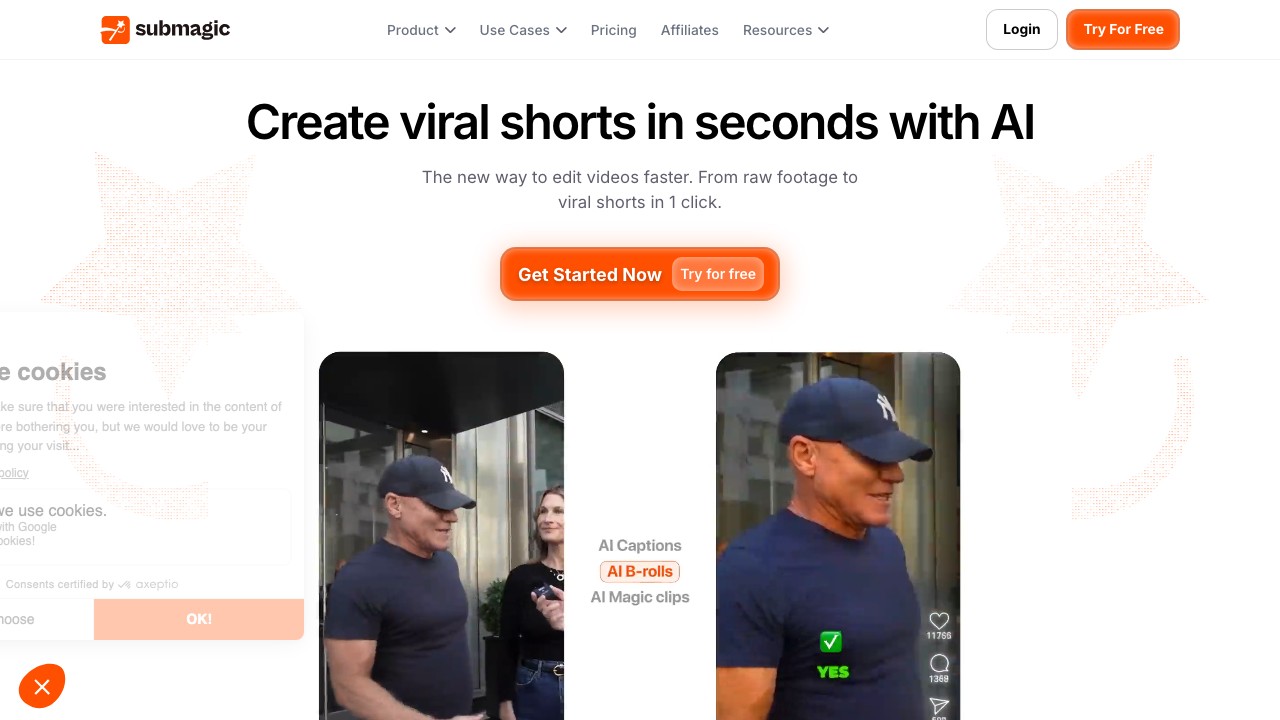
Submagic produces the most visually striking captions of any tool on this list. If your clips need to stand out on TikTok with trendy, animated text — Submagic is hard to beat.
Pricing
| Plan | Monthly | Annual | Videos |
|---|---|---|---|
| Starter | $19/mo | varies | 15 videos (2 min max) |
| Pro | $40/mo | varies | 40 videos (5 min max) |
| Business | $120/mo | varies | 100 videos (30 min max) |
*Magic Clips add-on: +$12–19/mo for AI clipping from long videos
What stood out
- Caption design: Trendy animated styles, custom templates
- B-Roll library: Stock footage + movie clips auto-inserted
- AI Clean Audio: Studio-quality enhancement
- Eye contact correction: AI adjusts gaze to camera
- 4K/60fps export on Business plan
Limitations
- Not designed for podcasts: 2-minute max per video on Starter is a dealbreaker
- AI moment detection is weak — you select segments manually
- Magic Clips (AI clipping) costs extra on top of base plan
- Expensive relative to features for podcast use
The Real Cost: Processing One 90-Minute Podcast Episode
This is where things get interesting. Monthly pricing tells one story — but what does it actually cost to clip a single episode?
Which Tool Should You Choose?
How to Get More Clips From Your Podcast Episodes
Whichever tool you choose, these tips help maximize your clip output:
- Record in 4K if possible — AI face tracking and reframing work much better with high-res source footage
- Use chapter markers — Some tools (Descript, Riverside) use chapters to improve clip detection accuracy
- Front-load interesting content — AI clip detection is biased toward the first 30 minutes of an episode
- Vary your aspect ratios — Generate 9:16 (TikTok/Reels), 1:1 (LinkedIn/X), and 16:9 (YouTube) from the same source
- Batch process — Upload multiple episodes at once to find the best clips across your entire catalog
- Automate distribution — Set up a podcast-to-shorts workflow that clips, schedules, and posts automatically
Frequently Asked Questions
What is the best free AI podcast clip maker?
▼
Opus Clip (60 min/mo) and Vidyo.ai (75 min/mo) offer free plans with AI clipping. For podcast-length content, Vidyo.ai's 75 minutes gives you the most free processing time — enough for roughly one standard episode per month. When you need more, Ssemble Starter ($7.50/mo) handles ~12 episodes/month at a fraction of competitors' costs.
Can AI clip makers handle 2+ hour podcast episodes?
▼
Most tools support long episodes, but processing time and credit cost vary significantly. Opus Clip, Ssemble, and Descript handle 2+ hour episodes without issues. Submagic caps at 30 minutes per video even on Business. Choppity's 5-hour monthly limit (Pro) means one 2-hour episode takes almost half your quota. Always check the upload duration limit before committing to a plan.
What's the difference between per-minute and per-video credits?
▼
Per-minute tools (Opus Clip, Flowjin, Podsqueeze) charge based on your source video length — a 90-minute episode costs 90 credits regardless of how many clips you make. Per-video tools (Ssemble) charge per output clip — you might generate 5 clips from that same episode for just 5 credits. For podcasters with long episodes, per-video pricing is dramatically more cost-effective.
Do AI podcast clip makers support audio-only episodes?
▼
Flowjin is the best option for audio-only podcasts — it generates audiograms with waveform visualization. Podsqueeze also supports audio uploads. Most other tools (Opus Clip, Ssemble, Choppity) are optimized for video and will require you to add a static image or background to audio-only files before processing.
Which tool has the most accurate AI caption transcription?
▼
Descript leads in transcription accuracy, especially for multi-speaker content — it's their core technology. Opus Clip and Choppity are close behind with 95%+ accuracy in English. For non-English podcasts, Choppity's 97-language support is the broadest, while Ssemble's Multi-Language Audio feature lets you clip from YouTube's dubbed audio tracks.
Can I automate podcast clip publishing?
▼
Ssemble, Opus Clip, and Vidyo.ai (Quso) all offer built-in social media scheduling and auto-posting. Ssemble's API access even lets you build fully automated workflows — upload episode, generate clips, schedule posts — without manual intervention. Choppity supports auto-posting to YouTube Shorts, IG Reels, LinkedIn, and TikTok.
Final Verdict
There's no single "best" podcast clip maker — it depends on your workflow, budget, and episode length.
Our recommendation: If you're a podcaster who publishes weekly, start with Ssemble Pro ($15/mo). The per-video credit system means you'll pay a fraction of what per-minute tools charge at the same volume. Pair it with Descript for full episode editing, and you have a complete podcast-to-social pipeline.
📚 Related Guides
- 10 Best AI Clipping Tools in 2026: Complete Comparison
- Opus Clip Pricing 2026: Is It Worth It?
- Best Opus Clip Alternative in 2026
- Opus Clip Review 2026: Is It Worth It?
- 12 Best Clipping Software for Creators
- How to Clip Twitch Streams with AI
- Ssemble AI Clip Maker →
- Podcast Clip Maker →
- AI Caption Generator →
- AI B-Roll Generator →
Disclaimer: Pricing data is accurate as of March 2026 and may change. Some links in this article are affiliate links. We tested all tools independently — our recommendations are based on real-world usage, not sponsorship.
Ssemble Tools:
Ready to Start Clipping?
Transform long videos into engaging short-form clips with Ssemble's AI-powered tools.
Get Started