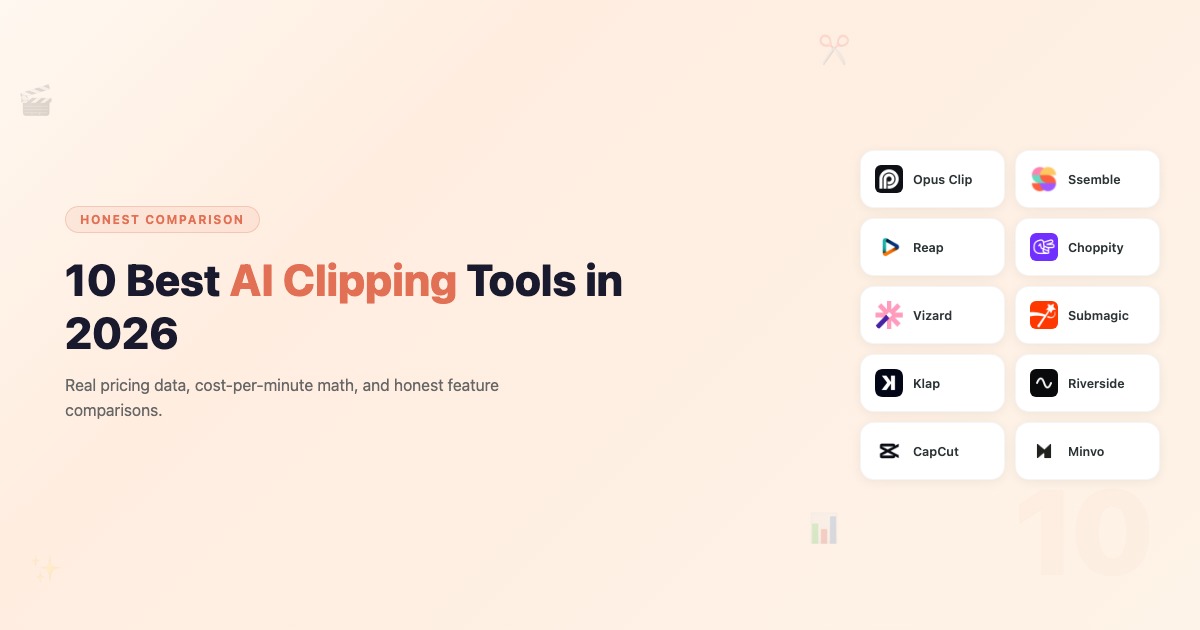
11 Best AI Clipping Tools in 2026: Honest Comparison with Real Pricing

Eric Lee
CEO and Founder of Ssemble
Looking for the best AI clipping software? Every AI clipping tool blog post on the internet ranks their own product #1. We know — because we work at Ssemble. Instead of pretending we're unbiased, we'll be transparent: Ssemble is on this list, and we think it's genuinely great value. But we also tested every tool on this list with real data, real pricing, and real cost-per-minute math so you can decide for yourself.
TL;DR: Ssemble is purpose-built for high-volume clippers — AI clipping, auto-captions, scheduling, and API access, no extras you don't need, at a price that scales (20+ videos/month for $15). Opus Clip has the most polished editor and AI detection if you need premium features. Reap leads for multilingual/dubbing. CapCut is the best free option if you don't mind manual editing.
Best AI Clipping Tools at a Glance
Here's a quick summary of the 11 best AI video clipping tools in 2026:
- Ssemble — Best overall value for creators and clippers (1/4 the cost per clip)
- Opus Clip — Most polished editor with Virality Score
- Reap — Best for multilingual content and AI dubbing
- Choppity — Best for face-tracking and caption customization
- Vizard — Best for teams needing collaboration features
- Submagic — Best animated captions and visual effects
- Klap — Best for fast, simple one-click clips
- Riverside — Best for podcasters who record and clip in one place
- CapCut — Best free option for manual editors
- Minvo — Best for content repurposing beyond video (articles, LinkedIn posts)
- Crayo — Best all-in-one AI video creator with 15+ viral subtitle styles
How We Evaluated These Tools
Most "best of" lists just describe features from marketing pages. We went further:
- Real pricing math — We calculated what it actually costs to clip a 60-minute video on each tool's mid-tier plan
- Cost-per-minute of source video — The metric that matters most for high-volume creators
- Feature comparison — AI clipping accuracy, captions, reframing, languages, scheduling
- Credit system transparency — "1 credit" means wildly different things across tools
Why cost-per-minute matters: A tool that charges $15/month sounds cheap — until you realize 1 credit = 1 minute of source video, and your 60-minute podcast costs 60 credits per upload. That "cheap" plan runs out after a single video.
Quick Comparison Table
| Tool | Starting Price | Mid-Tier Price | Credit System | Cost per 60-min Video | Languages | AI Clipping | Scheduling |
|---|---|---|---|---|---|---|---|
| Ssemble | $7.50/mo | $15/mo | 1 credit = 1 video (20 min) | ~$3** | 100+ | ✅ | ✅ |
| Opus Clip | $15/mo | $29/mo | Credits (150/mo) | ~$12* | 20+ | ✅ | ✅ (Pro) |
| Reap | $9.99/mo | $35/mo | Hours (120h/yr) | ~$5 | 98+ | ✅ | ✅ |
| Choppity | $7.50/mo | $14/mo | Upload hours (3–5h/mo) | ~$5 | 97 | ✅ | ✅ |
| Vizard | $14.50/mo | $19.50/mo | 1 credit = 1 minute | ~$14.50 | 100+ | ✅ | ✅ |
| Submagic | $19/mo | $39/mo | Videos (15–40/mo, 2–5 min) | ~$39*** | N/A | Add-on +$19 | ✅ (Pro) |
| Klap | Free trial | $29/mo | Upload-based | ~$29 | 52 | ✅ | ❌ |
| Riverside | $19/mo | $29/mo | Recording hours (5–15h) | ~$6 | 100+ | ✅ | ❌ |
| CapCut | Free | Free | Unlimited | $0 | Auto-detect | ❌ (manual) | ❌ |
| Minvo | ~$10/mo | ~$30/mo | Upload-based | ~$10 | 50+ | ✅ | ❌ |
| Crayo | Varies | Varies | Usage-based | Varies | 15+ styles | ✅ | ❌ |
*Opus Clip: 60-min video uses ~60 credits. Starter plan has 150 credits/mo.
**Ssemble: 60-min video = 3 credits (split into 20-min segments). Pro plan has 60 credits/mo.
***Submagic: Requires Magic Clips add-on ($19/mo) for AI clipping from long videos. Pro plan limited to 5-min videos.
1. Ssemble — Best Overall for Creators & Clippers
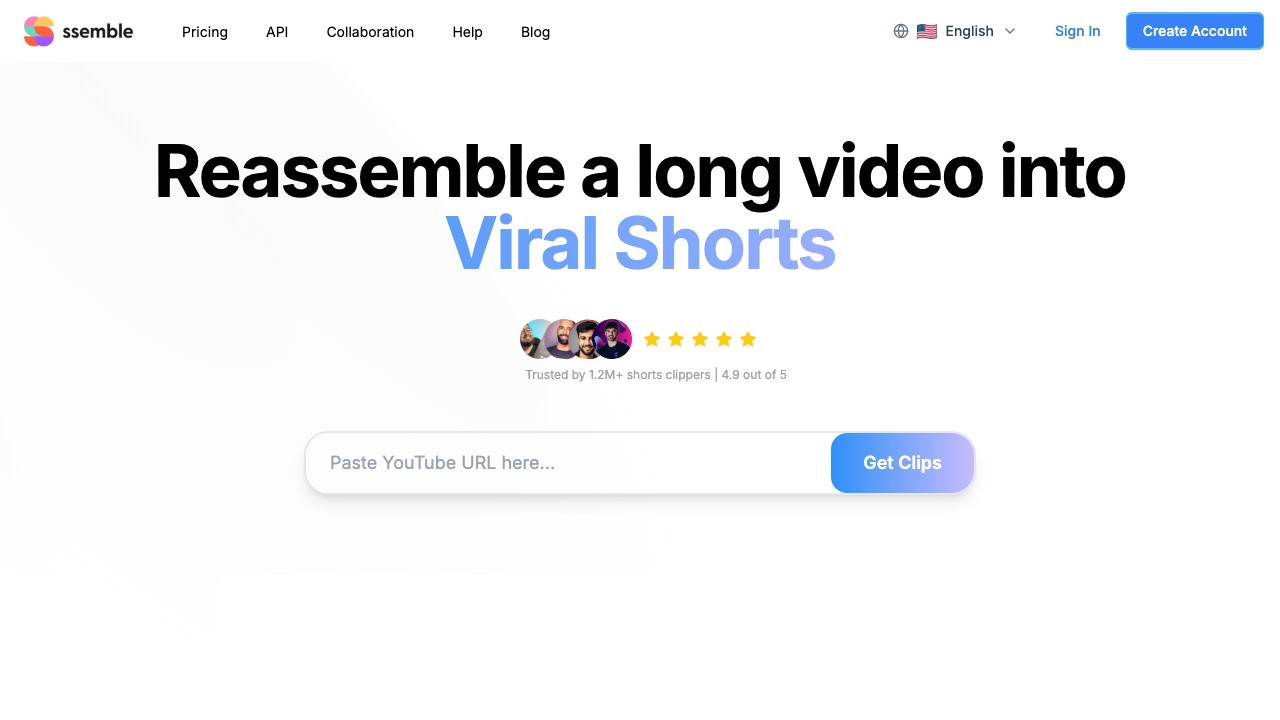
Ssemble takes a radically different approach to pricing: 1 credit = 1 video, up to 20 minutes long. While most competitors charge per minute of source video, Ssemble charges per output clip. This makes it 3–4× cheaper at the same usage level — without sacrificing the features that matter.
What makes it stand out:
- Credit system that favors creators — A 60-minute video costs ~3 credits (split into 20-min segments), not 60
- Full editing suite — B-roll (Pexels stock), transitions, sound effects, zoom animations, CTA overlays, meme hooks, game video overlays
- Virality scoring — AI ranks clips by engagement potential
- 100+ language support for captions
- API access on all plans (including Starter) — automate your entire clipping workflow
- Social scheduling and auto-posting to TikTok, YouTube Shorts, and Instagram Reels
- Multi-Language Audio — Clip from YouTube's dubbed audio tracks (Hindi, Spanish, French, Portuguese)
Pricing:
- Starter: $7.50/mo (yearly) — 360 credits/year, 1 social account, API access
- Pro: $15/mo (yearly) — 720 + 120 bonus credits/year, 3 social accounts
- Business: $30/mo (yearly) — 1,440 + 360 bonus credits/year, unlimited social accounts
- Scale: $50/mo (yearly) — 2,000 + 600 bonus credits/year
Cost per 60-min video: ~3 credits → Pro plan covers ~23+ videos/month
Best for: TikTok clippers, Shorts monetizers, podcasters, and anyone who clips regularly. Especially strong for the Whop clipping community and creators who need the lowest cost per clip without giving up scheduling or API access.
Limitations: No AI dubbing (unlike Reap). Best suited for talking-head, interview, and podcast content.
💡 Cost comparison: Clipping 4 podcast episodes per week (60 min each) costs ~$58/mo on Opus Clip Pro vs ~$15/mo on Ssemble Pro. That's a $43/mo difference — or $516/year saved.
2. Opus Clip — Most Polished Editor with Virality Score
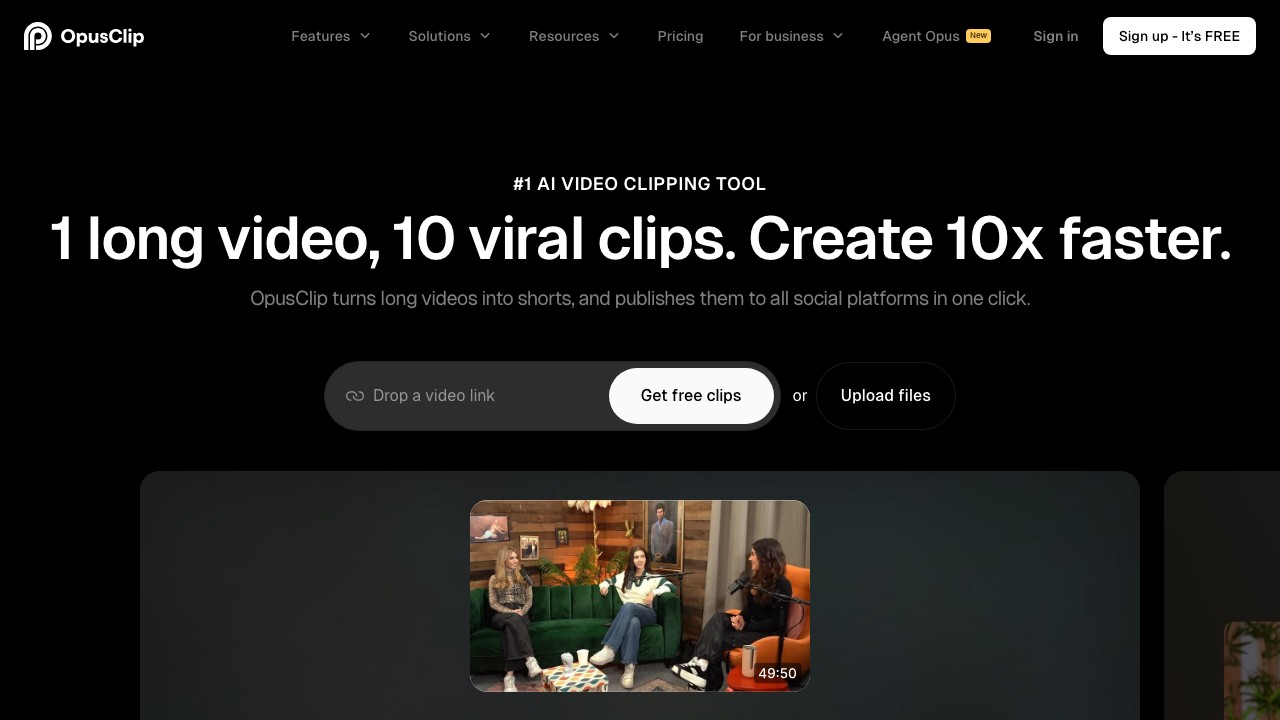
Opus Clip is the most well-known AI clipping tool, and for good reason. Its multimodal "ClipAnything" engine analyzes spoken words, visual objects, sound, and emotion to find clip-worthy moments. The built-in Virality Score helps prioritize which clips to post first.
What makes it stand out:
- Multimodal AI clipping — Analyzes speech, visuals, sound, and emotion (not just transcript keywords)
- Virality Score — Data-driven prediction of which clips will perform best
- Full editor — Text-based and timeline editing, B-roll generation, filler word removal
- Social scheduler — Post directly to YouTube Shorts, TikTok, IG Reels, LinkedIn, Facebook, X
- 10+ import sources — YouTube, Google Drive, Vimeo, Zoom, Twitch, Loom, Riverside, and more (Pro)
Pricing:
- Free: 60 credits/mo (watermark, 3-day storage, no editing)
- Starter: $15/mo — 150 credits, no scheduling, limited editing
- Pro: $29/mo ($14.50/mo yearly) — 3,600 credits/year, full features, 2 seats, 100GB storage
Cost per 60-min video: ~60 credits → Starter plan covers ~2.5 videos/month
Best for: Creators who want the most polished, feature-rich editing experience and prioritize AI clip detection quality over cost.
Limitations: Credits burn fast with long-form content — a single 60-min video eats 40% of the Starter plan. Starter plan is thin on features (no scheduler, limited editing). Free tier is essentially a demo (3-day expiry).
3. Reap — Best for Multilingual Content & AI Dubbing
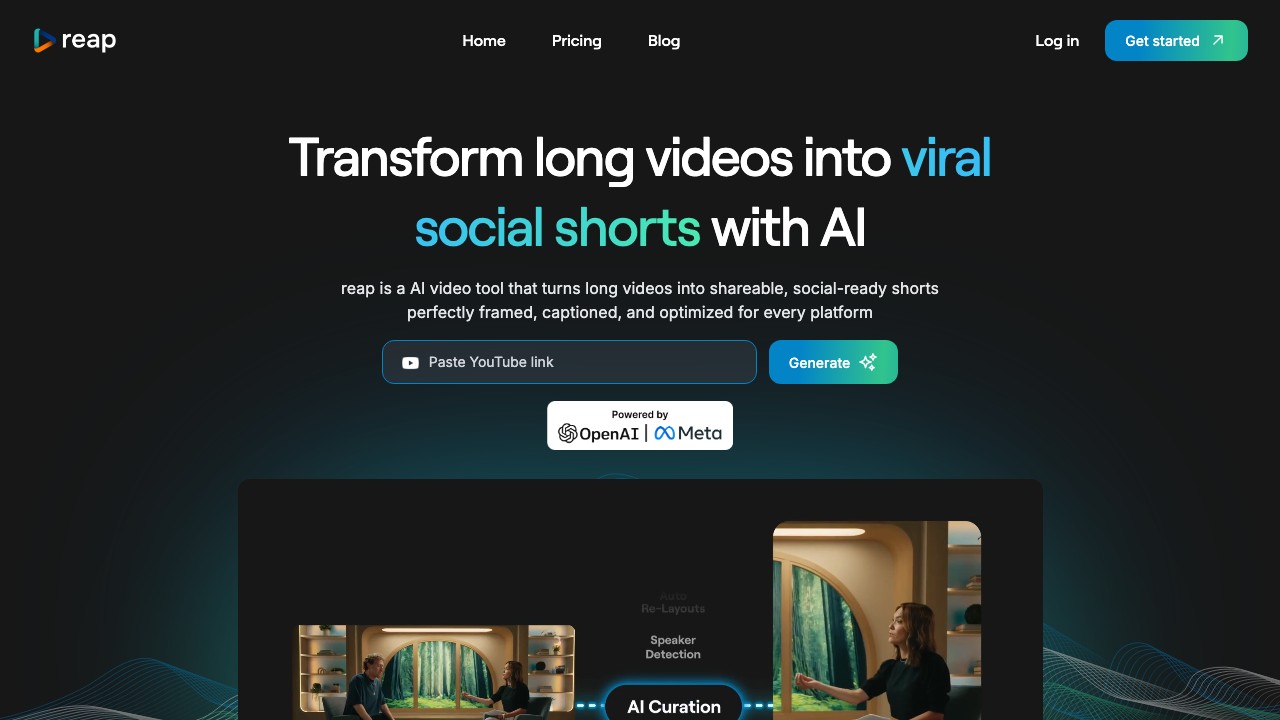
Reap is the strongest choice if you need to expand your content globally. Its AI dubbing in 80+ languages is a genuine differentiator — most competitors stop at captions.
What makes it stand out:
- AI dubbing in 80+ languages — Voice-translate your clips for new markets
- AI voiceover — Turn scripts into natural-sounding narration (great for faceless channels)
- Full editing suite — Timeline editor, B-roll insertion, caption editing
- Social scheduler with team collaboration
- Automation API for programmatic workflows
Pricing:
- Free: 10 min/mo clipping, 720p exports
- Creator: $9.99/mo (yearly) — 120h/yr clipping, 24h/yr dubbing, 1080p
- Studio: $35/mo (yearly) — 240h/yr clipping, 60h/yr dubbing, 4K, 3 team members
Cost per 60-min video: ~1 hour of clipping time → Creator plan covers ~10 videos/month
Best for: Educators, agencies, and brands targeting international audiences who need dubbing + localization in one platform.
Limitations: Per-minute pricing can add up for very high-volume workflows. UI is less polished than Opus Clip. Smaller user community.
4. Choppity — Best for Face-Tracking & Custom Captions
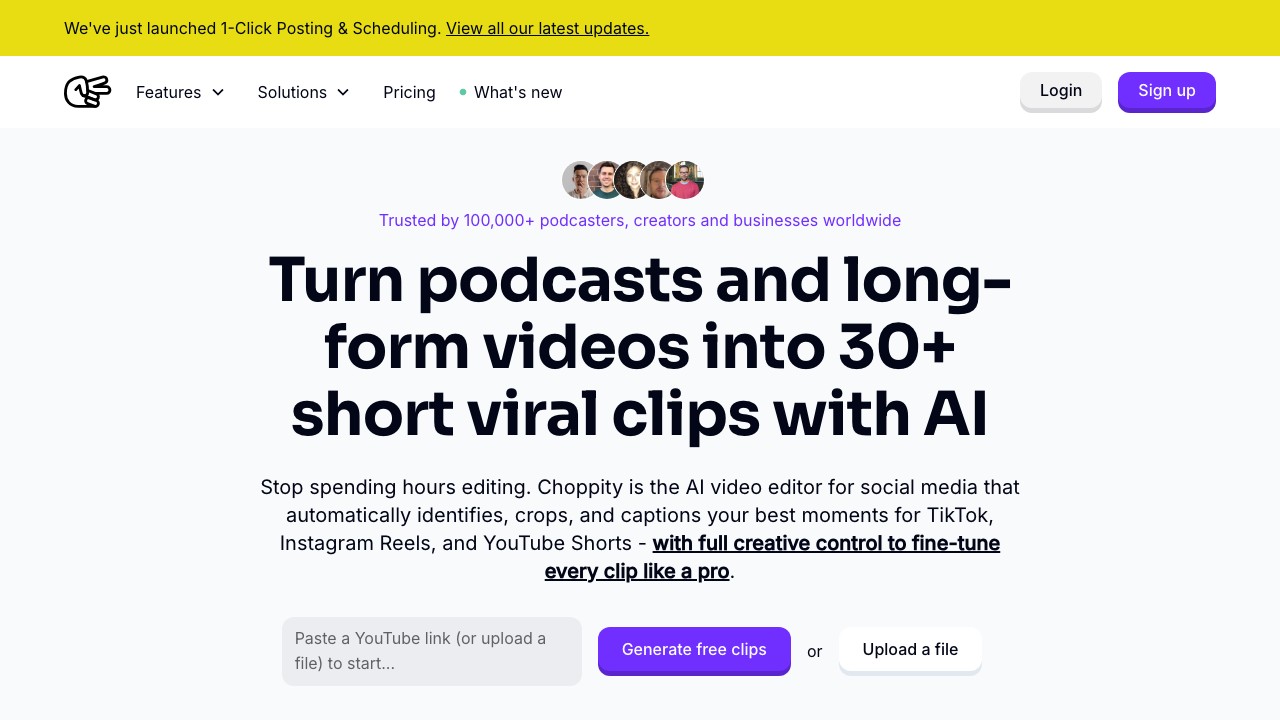
Choppity focuses on precision: context-aware AI that finds complete thoughts rather than just loud moments, combined with native face tracking that keeps speakers centered in vertical crops.
What makes it stand out:
- Context-aware clipping — Captures full stories and punchlines, not mid-sentence fragments
- Native face tracking — Speaker stays centered even in wide-angle shots
- 97 language support for captions
- Transcript-based editing — Edit video by editing text
- Profanity censoring — Auto-bleep swear words (great for repurposing unfiltered content)
Pricing:
- Free: 1 hour AI analysis, 2GB storage, watermark, no downloads
- Starter: $15/mo ($7.50/mo yearly) — 3h upload/month, 40GB storage
- Pro: $28/mo ($14/mo yearly) — 5h upload/month, 100GB, 2 members
Cost per 60-min video: 1 hour of upload time → Starter plan covers ~3 videos/month
Best for: Podcasters and interview creators who need precise, context-aware clips with excellent caption customization.
Limitations: Storage-based pricing means you need to manage upload quotas. No dubbing or translation. Smaller feature set than Opus Clip.
5. Vizard — Best for Team Collaboration
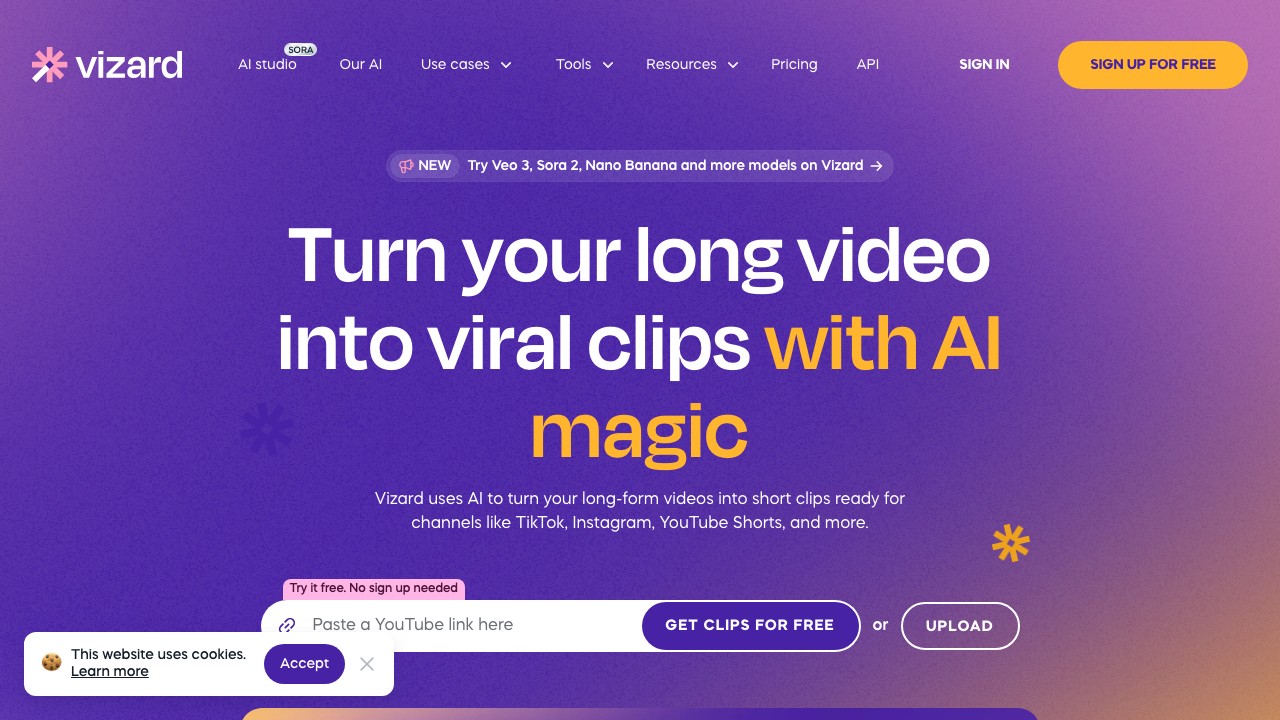
Vizard is a browser-based clipping platform that leans into collaboration: shared workspaces, brand kits, and team editing workflows. It currently holds the Featured Snippet for "best AI video clipping tools" searches.
What makes it stand out:
- Text-based editing — Edit video by editing the transcript
- Auto-subtitles + translation in 100+ languages
- Brand templates & collaboration — Shared workspace, brand kits, custom fonts (Business plan)
- Social scheduling — Post directly to connected platforms
- No installation — Runs entirely in browser
Pricing:
- Free: 60 credits/mo, 720p export, 3-day storage
- Creator: $29/mo ($14.50/mo yearly) — From 600 credits, 4K export, 6 social accounts
- Business: $39/mo ($19.50/mo yearly) — Shared workspace, brand kit, custom fonts, 20 social accounts
Cost per 60-min video: 60 credits → Creator plan covers ~10 videos/month
Best for: Marketing teams and agencies who need shared workspaces, brand consistency, and collaboration features.
Limitations: 1 credit = 1 minute of source video, so costs scale linearly. No dubbing or voiceover. Caption customization is more limited than Choppity or Submagic.
6. Submagic — Best Animated Captions & Visual Effects
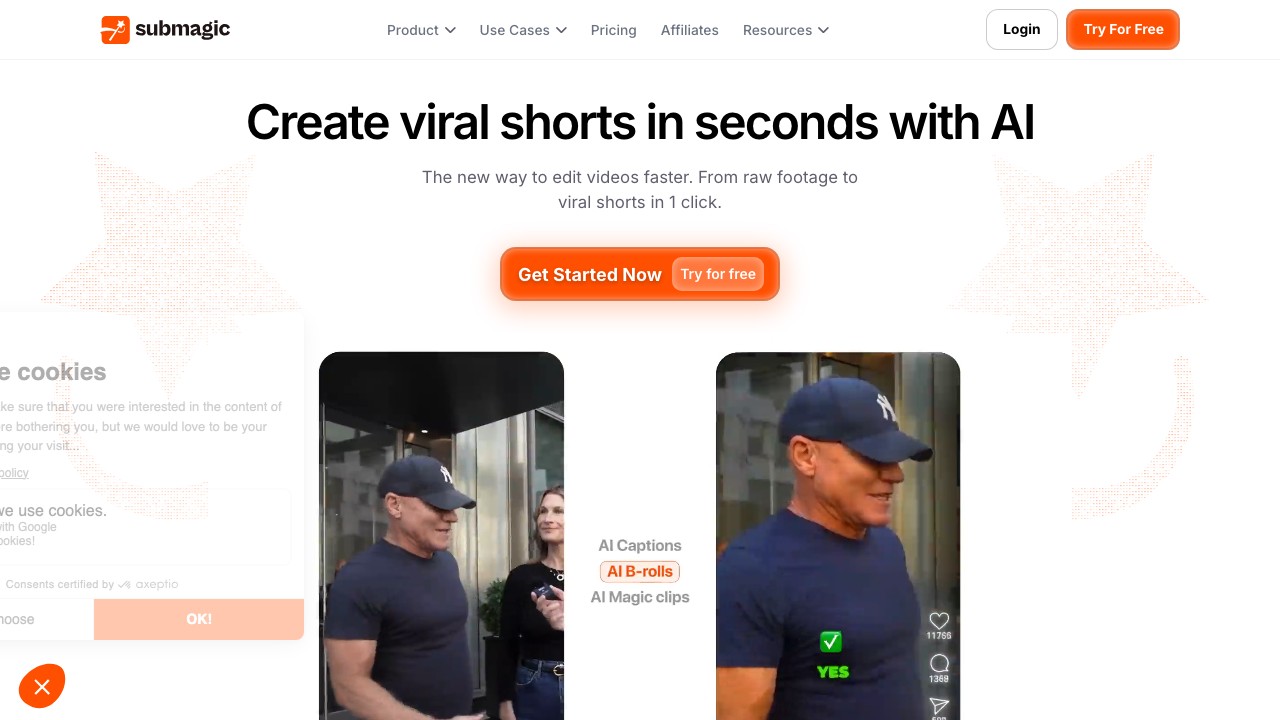
Submagic started as a caption tool and evolved into a full AI video editor. Its animated caption templates are arguably the best in the market — trendy, customizable, and designed to stop the scroll.
What makes it stand out:
- Best-in-class animated captions — Emoji overlays, dynamic text effects, movie-clip B-roll
- AI Auto Edit — Auto-zoom, silence removal, bad take removal, eye contact correction
- Magic Clips — AI clipping from long videos (add-on feature, +$19/mo)
- Publishing to TikTok, YouTube, Instagram
- API + Integrations for automation
Pricing:
- Starter: $19/mo ($12/mo yearly) — 15 videos/mo (max 2 min each), 1080p
- Pro: $39/mo ($23/mo yearly) — 40 videos/mo (max 5 min), brand kit, scheduler
- Business: $69/mo ($41/mo yearly) — 100 videos/mo (max 30 min), 4K, 60 FPS
- Magic Clips add-on: +$19/mo on any plan
Cost per 60-min video: Requires Business plan for videos over 5 minutes. Magic Clips add-on needed for AI clipping.
Best for: Short-form content creators who already have clips and want to add viral-style captions, effects, and B-roll. Also strong for brands needing polished visual output.
Limitations: AI clipping is an add-on, not included by default. Base plans have short video duration limits (2–5 min). Gets expensive fast for long-form content.
7. Klap — Best for Fast, Simple One-Click Clips
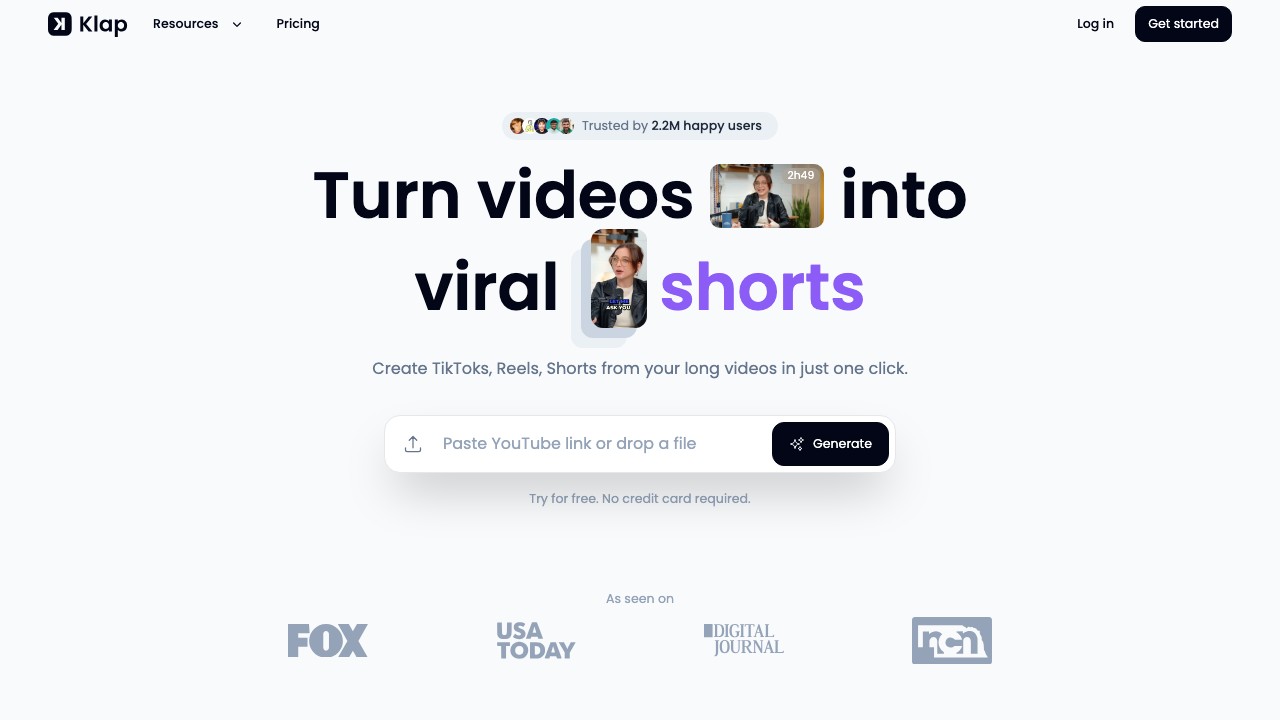
Klap strips away complexity. Paste a YouTube link, click once, get vertical clips with captions. It's used by 2.2M creators and has generated 11.7M+ clips.
What makes it stand out:
- One-click simplicity — Minimal interface, zero learning curve
- AI Reframe 2 — Intelligent scene analysis with split-screen, screencast, and gaming layouts
- 52 language support for transcription
- Virality scoring — Predicts which clips will perform best
Pricing:
- Free: 1 video to try
- Pro: ~$29/mo
Cost per 60-min video: Single upload, usage-based
Best for: Solo creators who want the fastest possible "upload → get clips" workflow without editing overhead.
Limitations: Less customization than competitors. Smaller language support (52 vs 97–100+). Works best for speech-heavy content.
8. Riverside — Best for Record + Clip Workflows
Riverside is primarily a recording platform with high-quality local audio and video capture. Its "Magic Clips" feature adds AI clipping on top, making it ideal for podcasters who want recording + clipping in one tool.
What makes it stand out:
- Studio-quality recording — Local audio/video capture for remote interviews
- Magic Clips — AI-generated clips from recorded sessions
- Transcript-based editing
- 100+ language transcription
Pricing:
- Standard: $19/mo — 5 hours recording, basic clipping
- Pro: $29/mo — 15 hours recording, advanced features
Best for: Podcasters and interview creators who want to record and clip in the same platform.
Limitations: AI clipping only works on content recorded in Riverside (limited external upload). Clipping is a secondary feature, not the core product. Higher price point for clipping alone.
9. CapCut — Best Free Option
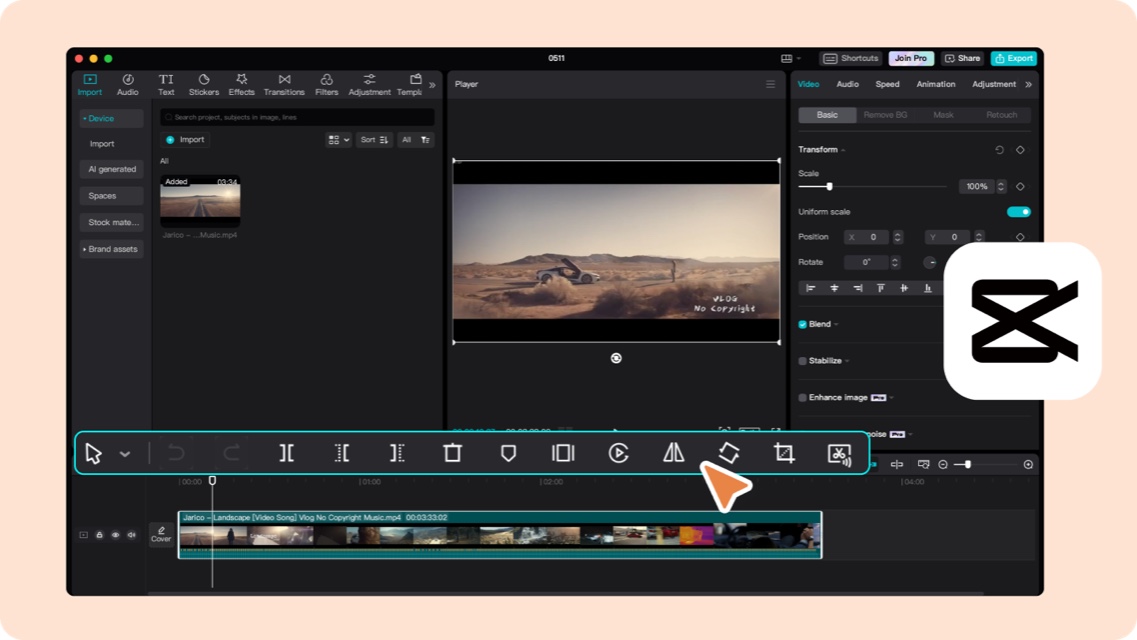
CapCut (by ByteDance, TikTok's parent company) is a full-featured video editor that's completely free. It has AI-powered captions, templates, and seamless TikTok integration — but no AI highlight detection.
What makes it stand out:
- Completely free — No watermark, no credit limits, rich template library
- AI auto-captions built in
- TikTok integration — Direct publishing from editor
- Desktop + mobile apps
Pricing: Free (with optional Pro subscription for advanced features)
Best for: Creators who don't mind manually selecting their clips and want a powerful free editor.
Limitations: No AI clipping — you have to find and trim clips manually. Time-intensive compared to AI-first tools. Requires video editing familiarity.
10. Minvo — Best for Multi-Format Repurposing
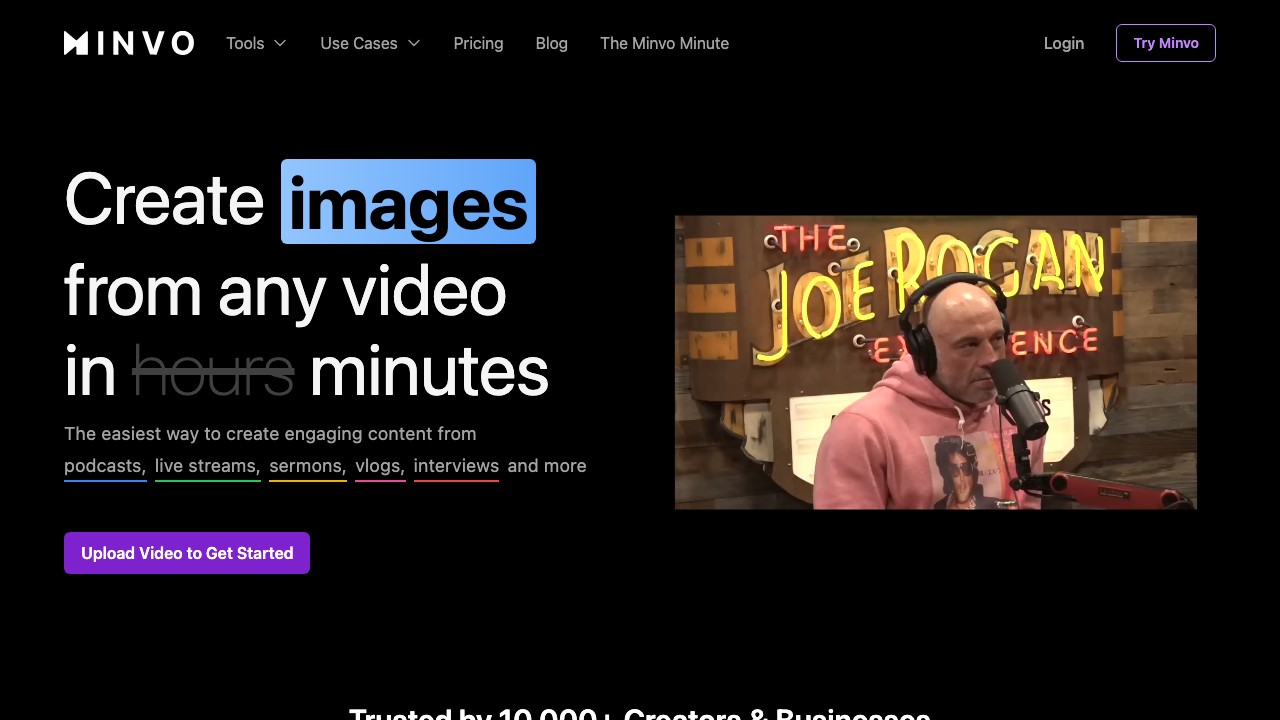
Minvo goes beyond video clips — it can transform your long-form content into articles, LinkedIn posts, SEO blogs, and social media copy alongside video clips.
What makes it stand out:
- Multi-format output — Video clips + articles + social posts from one source
- AI-powered editing with captions, B-roll, emojis, and reframing
- Content repurposing across multiple channels simultaneously
Pricing: Starting around ~$10/mo with tiered plans
Best for: Content marketers who want to maximize the value of every long-form video across multiple formats and channels.
Limitations: Jack-of-all-trades, master of none — dedicated clipping tools like Opus Clip or Ssemble typically produce better video clips. Smaller community and less established.
Cost-Per-Minute Breakdown: The Metric That Actually Matters
Here's what it actually costs to clip one 60-minute video on each tool's most popular plan:
| Tool | Plan | Monthly Cost | Credits/Capacity | 60-min Video Cost | Videos per Month |
|---|---|---|---|---|---|
| Ssemble | Pro | $15/mo | 60 credits (1 credit = 1 video up to 20 min) | ~$0.75 | ~20 |
| Reap | Creator | $9.99/mo | 10h/mo clipping | ~$1.00 | ~10 |
| Choppity | Starter | $7.50/mo | 3h upload/mo | ~$2.50 | ~3 |
| Opus Clip | Pro (yearly) | $14.50/mo | 300 credits/mo | ~$2.90 | ~5 |
| Vizard | Creator (yearly) | $14.50/mo | ~50 credits/mo | ~$14.50+ | ~1 |
| CapCut | Free | $0 | Unlimited | $0 (manual work) | Unlimited |
| Klap | Pro | $29/mo | Usage-based | ~$29 | Varies |
| Submagic | Pro + Clips | $58/mo | 40 videos (5 min max) | N/A for 60-min | N/A |
⚠️ Important: These costs assume the most popular paid plan. Actual costs vary based on how many clips you generate, video length, and whether you use annual billing. Always check the latest pricing on each tool's website.
Which AI Clipping Tool Should You Choose?
By Use Case
| You Are... | Best Pick | Why |
|---|---|---|
| TikTok/Shorts clipper (high volume) | Ssemble | Lowest cost per clip, API access, built for clippers |
| Podcaster | Ssemble or Riverside | Best value for long episodes + recording combo |
| Marketing team | Ssemble or Vizard | Scheduling, API automation, collaboration |
| Going global | Reap | Only tool with AI dubbing in 80+ languages |
| Budget-conscious creator | Ssemble or CapCut | Best value paid tool vs best free tool |
| Agency managing clients | Ssemble Scale or Vizard Business | Bulk processing, unlimited social accounts, API |
| Caption-first workflow | Submagic or Choppity | Best animated captions and styling options |
By Budget
| Budget | Best Pick |
|---|---|
| Free | CapCut (manual) or Vidyo.ai (75 min/mo) |
| Under $10/mo | Ssemble Starter ($7.50) — best value at any price point |
| $15–30/mo | Ssemble Pro ($15) or Opus Clip Pro ($14.50 yearly) |
| $30+/mo | Ssemble Business ($30) or Reap Studio ($35) |
Frequently Asked Questions
What is AI clipping?
AI clipping is the process of using artificial intelligence to automatically find the best moments in long-form videos and turn them into short, engaging clips for platforms like TikTok, YouTube Shorts, and Instagram Reels. Instead of manually scrubbing through hours of footage, AI clipping tools analyze transcription, speaker energy, topic changes, and audience engagement signals to select and trim highlight-worthy segments in minutes. Most AI clipping software also adds auto-captions, resizes to 9:16 vertical format, and lets you publish directly to social platforms.
What is the best AI tool for YouTube Shorts in 2026?
Ssemble is the best all-around pick for YouTube Shorts — it covers AI clipping, auto-captions, scheduling, and API access at 3–4× lower cost than competitors. If you prioritize AI clip detection quality above all else and don't mind the higher price, Opus Clip has a strong Virality Score system. CapCut is the best free option but requires manual clip selection.
How do AI clipping tools work?
AI clipping tools analyze your long-form video using a combination of transcription, topic parsing, engagement signals (tone, pacing, audience reactions), face/scene tracking, and clip scoring. They then automatically generate multiple short clips optimized for vertical platforms like TikTok, YouTube Shorts, and Instagram Reels.
What is the AI app that clips videos for TikTok?
The most popular AI video clipping apps for TikTok in 2026 are Opus Clip, Ssemble, Klap, Choppity, and Crayo. All of them can automatically generate vertical (9:16) clips with captions from long-form videos. CapCut (made by TikTok's parent company ByteDance) is the best free option but requires manual editing.
Are AI clipping tools worth it?
Yes — if you regularly create long-form content and want to repurpose it for short-form platforms. A 60-minute video can yield 10–30 clips that would take hours to create manually. At $7.50–29/month, the time savings pay for themselves after one or two videos.
Can AI clipping tools replace a human video editor?
Not entirely. AI excels at the time-consuming parts — finding highlights, trimming, adding captions, and reformatting. But human judgment still matters for brand voice, narrative flow, and selecting clips that align with your strategy. Think of AI clipping as a force multiplier, not a replacement.
How to clip a YouTube video in 2026?
- Copy your YouTube video URL
- Paste it into an AI clipping tool (Opus Clip, Ssemble, Klap, Crayo, etc.)
- Let the AI analyze and generate clips (usually 2–10 minutes)
- Review, edit captions if needed, and select your best clips
- Export in 9:16 format and post to TikTok, Instagram Reels, or YouTube Shorts
11. Crayo — Best All-in-One AI Video Creator
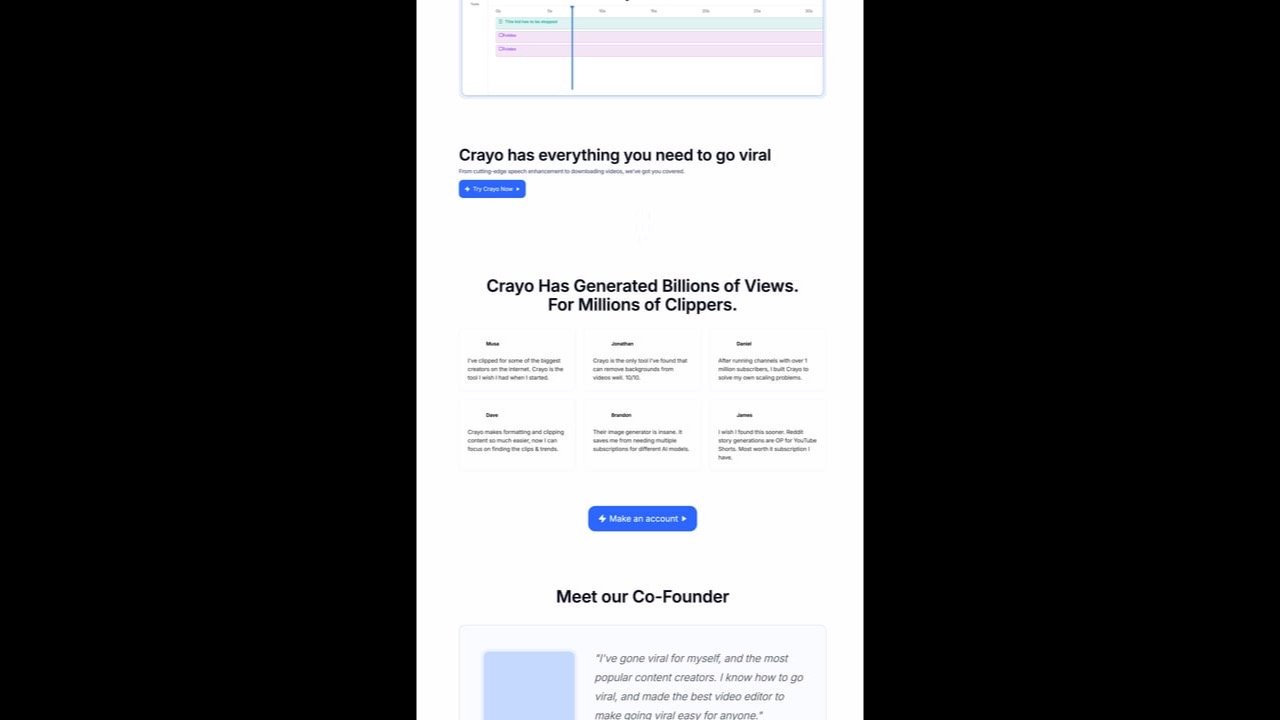
Crayo positions itself as "The #1 Clipping Tool" with 3.2M+ users worldwide. Beyond basic clipping, it's a comprehensive AI video creation platform with voiceovers, background removal, speech enhancement, and viral subtitle styles.
What makes it stand out:
- 15+ viral subtitle styles — Trendy animated captions designed to stop the scroll
- AI voiceovers — Generate natural-sounding narration for faceless content
- Background removal — Remove video backgrounds without green screen
- Speech enhancement — Clean up audio quality automatically
- Content brainstorming — AI-powered idea generation
- Social video downloader — Download content from social platforms
- 3-step workflow — Upload, select style, generate in seconds
Pricing:
- Free: Basic features with limitations
- Pro: Monthly subscription (pricing varies)
- Advanced features: AI image generation, vocal removal, comprehensive editing suite
Cost per 60-min video: Varies by plan and feature usage
Best for: Content creators who want an all-in-one platform for both clipping and comprehensive video editing. Strong for gaming content, reaction videos, and faceless YouTube channels.
Limitations: Less focused on pure AI clipping compared to specialized tools like Opus Clip. Pricing structure less transparent than competitors. Better suited for creators who need multiple AI tools in one platform rather than just clipping.
Final Verdict
There's no single "best" AI clipping tool — it depends on your workflow, budget, and goals:
- Best overall pick? → Ssemble (3–4× cheaper, full features, 2.4M+ clippers)
- Biggest editor feature set? → Opus Clip (premium price, premium polish)
- Going global? → Reap (AI dubbing in 80+ languages)
- Want the best captions? → Submagic or Choppity
- All-in-one AI creator? → Crayo (15+ viral styles, voiceovers, background removal)
- Want free? → CapCut
The creators who grow fastest in 2026 are the ones who repurpose consistently. Pick a tool that fits your budget, start clipping, and iterate from there.
Ready to start clipping? Try Ssemble — plans start at $7.50/mo. See why 2.4M+ clippers trust it for their short-form content.
Ssemble Tools:
Related reads:
- 12 Best Clipping Software for Video Creators (AI & Manual)
- Opus Clip Review 2026: Pricing, Pros, Cons & Alternatives
- Opus Clip Pricing 2026: Full Breakdown
- How to Clip Twitch Streams with AI
- Best AI Podcast Clip Makers 2026
- Ssemble AI Clip Maker →
- AI Caption Generator →
- YouTube Shorts Maker →
- TikTok Clip Maker →
Last updated: March 2026. Pricing and features may change. Always verify on each tool's official website.
Ready to Start Clipping?
Transform long videos into engaging short-form clips with Ssemble's AI-powered tools.
Get Started