Opus Clip Review 2026: Pricing, Pros, Cons & Better Alternatives

Eric Lee
CEO and Founder of Ssemble
Opus Clip is the most well-known AI clipping tool on the market. With 10M+ users and aggressive marketing, it's usually the first tool people try when they want to turn long videos into short clips. But is it actually the best option in 2026?
We spent weeks testing Opus Clip alongside its competitors, analyzed 300+ Trustpilot reviews, and calculated the real cost-per-minute. Here's what we found.
TL;DR: Opus Clip has a polished UI and strong brand recognition, but its per-minute pricing gets expensive fast for high-volume creators. Trustpilot rating is 4.0/5 (302 reviews) with 22% 1-star reviews — most complaints about processing failures, hidden credit mechanics, and cancellation difficulties. Ssemble matches Opus Clip's AI clipping quality while offering more editing features (B-roll, SFX, transitions, hooks) at 1/4 the cost with per-video pricing.
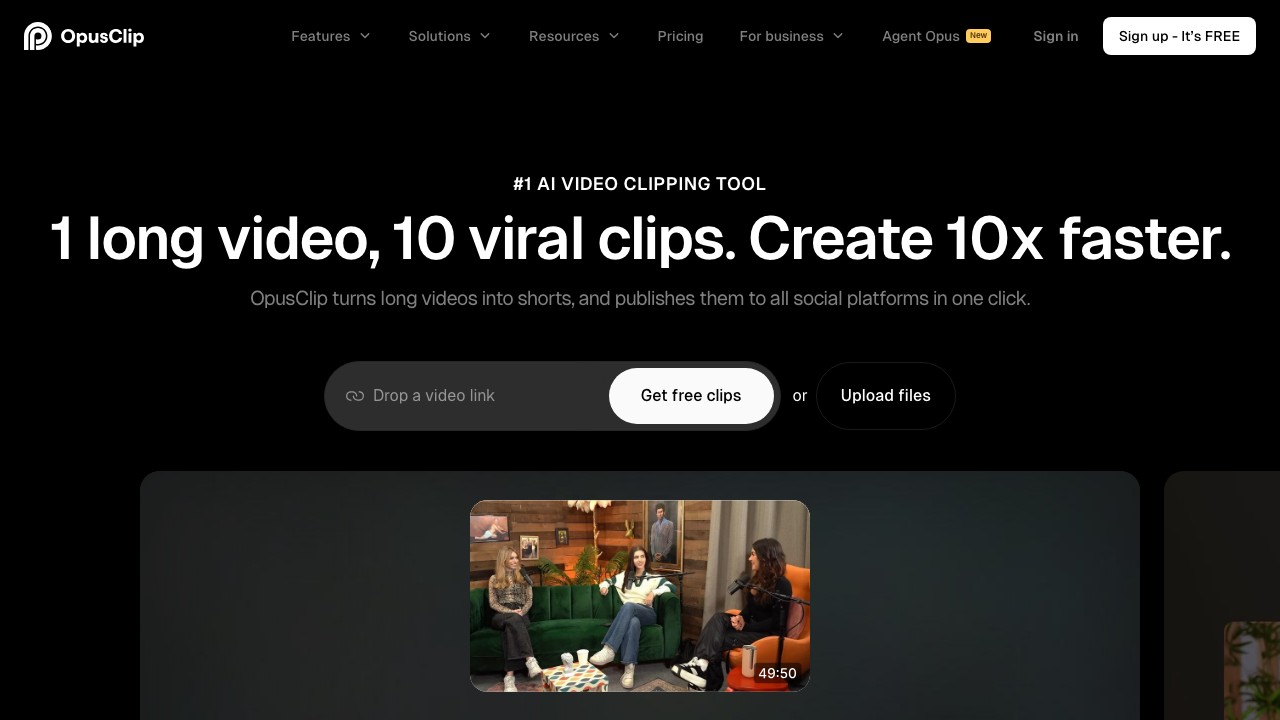
Opus Clip at a Glance
| Detail | Info |
|---|---|
| Website | opus.pro |
| Founded | 2022, Palo Alto, CA |
| Users | 10M+ creators, 1M+ businesses |
| Trustpilot | 4.0/5 (302 reviews) |
| Free Plan | Yes — 60 min/month, watermarked |
| Paid Plans | $15–$29+/month |
| Best For | Creators who need polished AI clip detection and editing |
How Opus Clip Works
Opus Clip uses a proprietary AI model (powered by GPT-4) to analyze your long-form video and automatically:
- Transcribe the audio in 40+ languages
- Identify hooks — the most engaging moments based on topic, energy, and pacing
- Score clips with a "Virality Score" (1-100) predicting engagement potential
- Generate clips in vertical (9:16) format with auto-captions
- Add B-roll from a stock library (AI-generated or stock footage)
The entire process takes 2-5 minutes per video. You typically get 5-15 clips from a single long-form video.
Opus Clip Pricing Breakdown (March 2026)
| Plan | Price | Credits | Cost/Minute | Key Features |
|---|---|---|---|---|
| Free | $0 | 60 min/mo | Free | Watermark, 1080p, files expire in 3 days |
| Starter | $15/mo | 150 min/mo | $0.10/min | No watermark, 4K, brand kit |
| Pro | $29/mo ($14.50 annual) | 300 min/mo | $0.097/min | Priority processing, 4K, scheduling |
| Business | Custom | Custom | Negotiable | API access, team features |
The Credit System Problem
Opus Clip charges based on source video length, not output clips. Upload a 30-minute podcast → that's 30 credits gone, regardless of whether you use 1 clip or 15.
This means:
- Starter (150 min): ~5 podcast episodes (30 min each) or ~10 YouTube videos (15 min each)
- Pro (300 min): ~10 podcast episodes or ~20 YouTube videos
- Credits expire after 60 days (monthly) or 13 months (annual)
- No refunds for processed videos — the "refund" button is hidden and only works before processing completes
"Their subscription is based on time AND credits at the same time, so you are buying AND subscribing to a product simultaneously... Even if you use the credits that you PAID for, once your subscription ends, the projects will vanish." — Aramis, Trustpilot (1★, March 2026)
What Opus Clip Does Well (The Pros)
✅ Strong AI Clip Detection
The Virality Score system is genuinely useful. It analyzes hooks, pacing, and topic shifts to surface the clips most likely to perform on social media. In our testing, the top-scored clips consistently outperformed randomly selected segments. That said, competitors like Ssemble now offer comparable AI detection quality with their own virality scoring.
✅ Polished Editor
The built-in editor has a clean, intuitive interface. You can fine-tune clip boundaries, adjust captions, add B-roll, change layouts, and apply brand templates — all without leaving the platform. That said, competitors like Ssemble now offer comparable or deeper editing features (transitions, sound effects, zoom animations, CTA overlays, meme hooks, and game video overlays).
✅ Multi-Platform Scheduling
Publish directly to TikTok, YouTube Shorts, Instagram Reels, LinkedIn, and X (Twitter) with per-platform caption customization and scheduled posting.
✅ B-Roll & Visual Enhancements
Opus Clip offers AI-generated B-roll and stock footage inserts to keep viewers engaged. However, this is no longer a unique advantage — Ssemble also integrates Pexels stock footage and music, plus transitions, sound effects, zoom animations, and CTA overlays that Opus Clip doesn't offer.
✅ Good Caption Styles
The animated caption styles are clean and customizable. Multiple templates, font options, and emoji support. Captions support 40+ languages.
✅ Responsive Customer Support
This is consistent across Trustpilot reviews — when things go wrong, the support team (especially "Ollie") is praised for being helpful and responsive.
Where Opus Clip Falls Short (The Cons)
❌ Per-Minute Pricing Gets Expensive
For high-volume creators, the math doesn't work. If you process 20 podcasts (30 min each) per month, that's 600 minutes — you'd need the Pro plan at minimum, and it still might not be enough.
Comparison: Ssemble charges per video (1 credit = 1 video up to 20 min). At the Pro plan ($15/mo, 60 credits), you can process 60 videos vs Opus Clip's ~20 at the same price.
❌ Processing Failures and Slowdowns
This is the #1 complaint in recent Trustpilot reviews:
"Videos hang for hours, and often never finish processing. What's worse is that their support team seems either unwilling or unable to help." — Justin Bennet, Trustpilot (1★, February 2026)
"Been using Opus Clip for well over a year doing the same style videos but lately the system is really slow and so many failed projects." — Kyle Hislop, Trustpilot (1★, March 2026)
❌ Hidden Credit Mechanics
The credit/refund system is confusing. Projects expire when your subscription ends (even for credits you paid for), the refund button is hard to find, and there's no auto-renewal notification before charging.
"You can 'delete' a video if you are not happy with it and will not be refunded any credits. However, there IS a way to delete a video AND receive a refund. This option is very hidden." — Aramis, Trustpilot (1★, March 2026)
❌ Cancellation Difficulties
Multiple reviewers report an overcomplicated cancellation process:
"The cancellation process is intentionally overcomplicated. I had to go through multiple steps just to make the 'cancel' button active." — Wojciech Rogulski, Trustpilot (1★, February 2026)
❌ No API on Starter/Pro Plans
API access is limited to the custom-priced Business plan. For teams building automated workflows, this is a dealbreaker — especially when competitors offer API on much cheaper plans.
❌ Free Plan Is Barely Usable
60 minutes/month with watermarks, 3-day file expiry, and limited features. It works as a demo, not as a real workflow. There's also no free trial of the paid features.
Trustpilot Review Analysis (302 Reviews)
| Rating | Percentage |
|---|---|
| ⭐⭐⭐⭐⭐ 5-star | 61% |
| ⭐⭐⭐⭐ 4-star | 8% |
| ⭐⭐⭐ 3-star | 5% |
| ⭐⭐ 2-star | 4% |
| ⭐ 1-star | 22% |
Key patterns in 1-star reviews (66 reviews):
- Processing failures — videos hanging, never finishing, wasting credits
- Credit/billing confusion — hidden refund mechanics, projects expiring after subscription ends
- Cancellation issues — intentionally complex cancel flow, no auto-renewal warnings
- Declining quality — "first renders are great but after you buy credits, the AI seems to get worse"
- Free trial blocks — accounts flagged as "suspicious" when trying the free plan
Key patterns in 5-star reviews (184 reviews):
- Customer support — consistently praised, especially individual agents
- Time savings — "game-changer for workflow", "saves 10 hours per week"
- Ease of use — intuitive interface, easy to learn
- Church/ministry use — surprisingly large segment of happy users (sermon clips)
Does Opus Clip Have a Free Trial?
No. Opus Clip does not offer a traditional free trial of its paid plans (Starter, Pro, or Business).
What they do offer is a permanent free tier with significant limitations:
- 60 minutes/month processing
- Watermarked exports
- 1080p max resolution
- Files auto-deleted after 3 days
- No scheduling, no API, no brand kit
You can't test premium features like 4K export, brand templates, priority processing, or scheduling without paying. And some users report being blocked from even accessing the free plan:
"I tried with four different accounts... no one was 'eligible' for free trial cause it finds 'suspicious' my activity." — FURIO DETTI, Trustpilot (1★, December 2025)
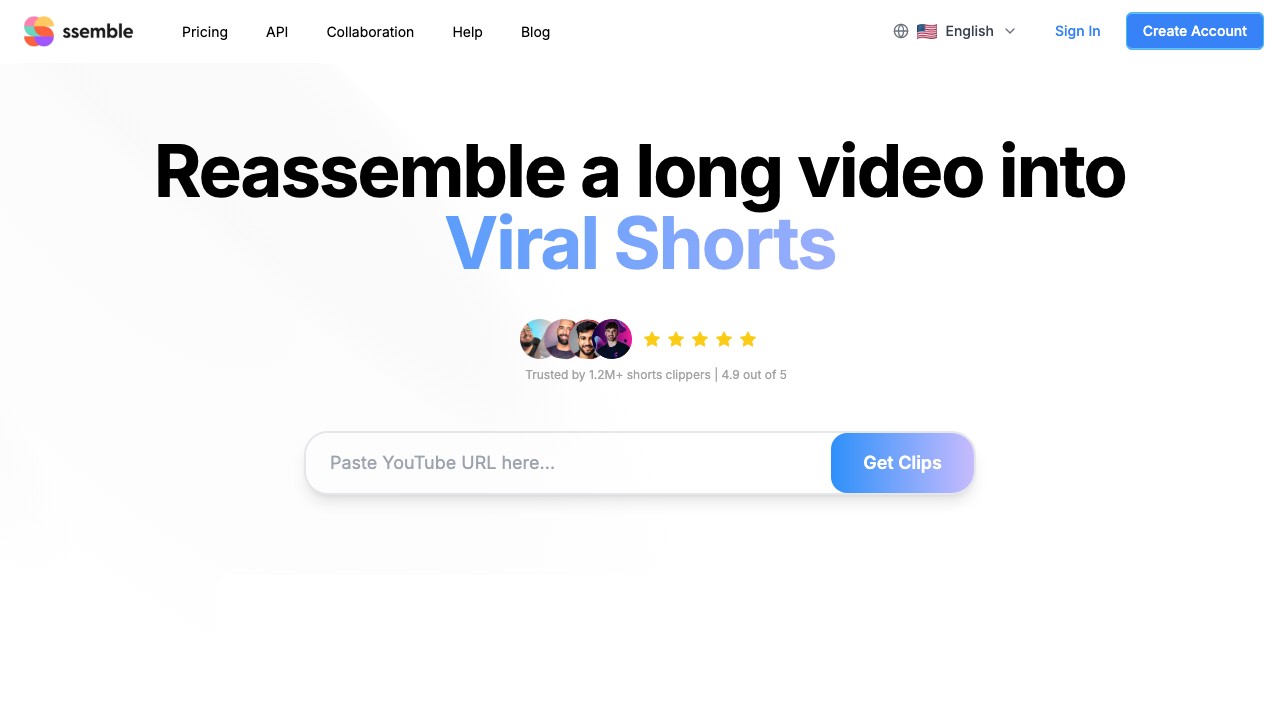
Opus Clip vs Ssemble: Head-to-Head
| Feature | Opus Clip (Pro) | Ssemble (Pro) |
|---|---|---|
| Price | $29/mo ($14.50 annual) | $15/mo ($7.50 annual) |
| Credit System | Per-minute (300 min/mo) | Per-video (60 videos/mo) |
| Real Capacity | ~10 podcasts (30 min) or ~20 short videos | 60 videos (up to 20 min each) |
| Cost per Video (15 min) | $0.97–$1.45 | $0.25 |
| Watermark | None on paid | None on paid |
| Auto-Captions | ✅ 40+ languages | ✅ 100+ languages |
| Scheduling | ✅ Pro+ only | ✅ All plans |
| API Access | Business only (custom $) | All plans (from $7.50/mo) |
| Social Accounts | Varies by plan | 1 (Starter) / 3 (Pro) / Unlimited (Business+) |
| B-Roll | ✅ Stock + AI-generated | ✅ Pexels stock footage + music |
| Transitions & SFX | ✅ Basic | ✅ Transitions, sound effects, zoom animations |
| Hook Titles / CTA | ✅ | ✅ Auto hook titles, CTA overlays, meme hooks |
| AI Clip Detection | ⭐⭐⭐⭐⭐ | ⭐⭐⭐⭐⭐ |
| Editor Features | ⭐⭐⭐⭐⭐ (polished UI) | ⭐⭐⭐⭐⭐ (more features: B-roll, SFX, hooks, game overlays) |
| Virality Score | ✅ | ✅ |
| Credit Expiry | 60 days (monthly) | No expiry within billing cycle |
The Bottom Line
Both tools deliver strong AI clip detection — they use similar GPT-powered transcription and engagement analysis, and in real-world testing the clip quality is comparable. Opus Clip has a slight edge in UI polish, while Ssemble offers significantly more editing features out of the box.
Ssemble wins on value across the board. Same AI clipping quality, more editing features (B-roll, SFX, transitions, zoom animations, CTA overlays, meme hooks, game overlays), and 1/4 the price. The only reason to choose Opus Clip is if you specifically prefer its interface design — and that's a $15+/month premium for aesthetics.
When Opus Clip Makes Sense
- ✅ You process fewer than 3 videos/month and prefer Opus Clip's specific UI style
- ✅ You're already invested in Opus Clip's ecosystem and workflows
- ✅ Budget isn't a primary concern — you're paying for brand familiarity
When to Look at Alternatives
- 🔄 You process 10+ videos/month — per-minute pricing becomes unsustainable
- 🔄 You need API access without enterprise pricing
- 🔄 You want scheduling on all plans, not just Pro+
- 🔄 You work with long-form content (podcasts, webinars) where per-minute costs add up
- 🔄 You've experienced processing failures and want more reliability
Other Opus Clip Alternatives Worth Considering
- Full list of Opus Clip alternatives →
- 10 Best AI Clipping Tools compared →
- Opus Clip Pricing deep dive →
| Tool | Best For | Starting Price |
|---|---|---|
| Ssemble | High-volume clippers, API users | $7.50/mo |
| Vizard | Team collaboration | $20/mo |
| Reap | Multilingual content, AI dubbing | $19/mo |
| CapCut | Free editing (manual) | Free |
| Choppity | Face-tracking clips | $10/mo |
Frequently Asked Questions
Is Opus Clip worth it in 2026?
It depends on volume. For 1-3 videos/month and you love the UI, it's fine. But for most creators, Ssemble delivers the same AI clipping quality with more editing features at 1/4 the cost. The per-minute pricing makes Opus Clip 3-4× more expensive than per-video alternatives.
Does Opus Clip have a free trial?
No traditional free trial. Opus Clip offers a permanent free plan with 60 minutes/month, but exports are watermarked, capped at 1080p, and files are deleted after 3 days. You cannot trial Starter or Pro features before paying.
What are the main complaints about Opus Clip?
Based on 302 Trustpilot reviews (22% are 1-star): processing failures and slowdowns, confusing credit/refund mechanics, overcomplicated cancellation process, and projects disappearing after subscription ends — even for credits you paid for.
Is Ssemble better than Opus Clip?
For most creators, yes. Ssemble matches Opus Clip's AI clipping quality while offering more editing features (auto B-roll, transitions, sound effects, zoom animations, CTA overlays, meme hooks) at roughly 1/4 the cost. Per-video pricing means no surprises, and API access + scheduling come on all plans.
How much does Opus Clip cost per video?
It depends on video length. A 15-minute video costs ~$1.00–$1.45 on the Starter plan ($15/mo for 150 minutes). A 30-minute podcast costs $2.00–$2.90. Compare this to Ssemble where any video up to 20 minutes is 1 credit ($0.25 on the Pro plan).
Can I cancel Opus Clip easily?
Multiple Trustpilot reviewers report a complex cancellation process with multiple steps required to activate the cancel button. There are also reports of no auto-renewal notification before charging.
Final Verdict
Opus Clip is a decent tool with good brand recognition — the UI is polished and customer support is responsive. The 4.0 Trustpilot rating reflects a tool that works, but has serious friction points.
The core problem: you're paying a premium for the brand, not the technology. Ssemble delivers comparable AI clip detection, more editing features (B-roll, SFX, transitions, hooks, game overlays), and per-video pricing at 1/4 the cost. Add Opus Clip's credit expiry, hidden refund mechanics, processing failures, and no API on affordable plans — and the value gap becomes hard to justify.
Our recommendation: Try Opus Clip's free plan with a real video. Then try Ssemble with the same video. Compare the clip quality (you'll find it's comparable), the editing features (Ssemble has more), and the price per clip (Ssemble is 1/4). The answer becomes obvious.
Processing 10+ videos/month?
Ssemble delivers AI clipping, auto-captions, scheduling, and API access — from $7.50/mo. Same workflow, 1/4 the cost.
Try Ssemble →
Ssemble Tools:
Related reads:
- Opus Clip Pricing 2026: Full Breakdown
- 7 Best Opus Clip Alternatives (Free & Paid)
- 10 Best AI Clipping Tools in 2026
- Vizard vs Opus Clip vs Ssemble
- Best AI Tools for Whop Clipping
- Best Free AI Clipping Tools 2026
- Best AI Podcast Clip Makers 2026
- Ssemble AI Clip Maker →
- AI Caption Generator →
- YouTube Shorts Maker →
Review based on Opus Clip testing and Trustpilot data as of March 2026. Pricing and features may change.
Ready to Start Clipping?
Transform long videos into engaging short-form clips with Ssemble's AI-powered tools.
Get Started