AI B-Roll Generator
AI B-roll generator that automatically adds B-roll to videos — from $7.50/month.
Try B-Roll Generator FreeUpload Video
Upload video. AI analyzes content for B-roll opportunities.
AI Adds B-Roll
AI selects and inserts relevant B-roll with perfect timing.
Export
Download video with professional B-roll included.
AI B-Roll Selection
AI selects relevant B-roll based on video context automatically.
Stock Library
Access millions of royalty-free B-roll clips from integrated libraries.
Perfect Timing
AI syncs B-roll with speech and key moments automatically.
Smooth Transitions
Professional transitions between A-roll and B-roll.
Smart Placement
AI determines optimal B-roll placement for engagement.
Batch Processing
Add B-roll to 10+ videos at once.
See How It Works
Watch how easy it is to create viral clips with AI in just a few clicks
Trusted by teams at leading companies and institutions
Features
Everything you need to create viral clips
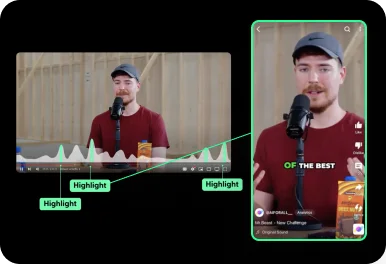
Auto Curation
AI automatically detects viral-worthy moments in your video and turns them into short clips.
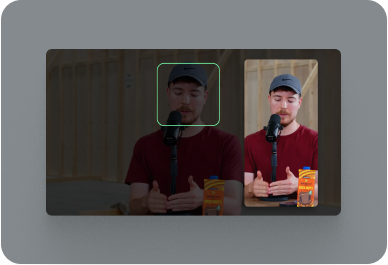
Face Tracking
AI detects faces in your video and keeps them centered in vertical formats.
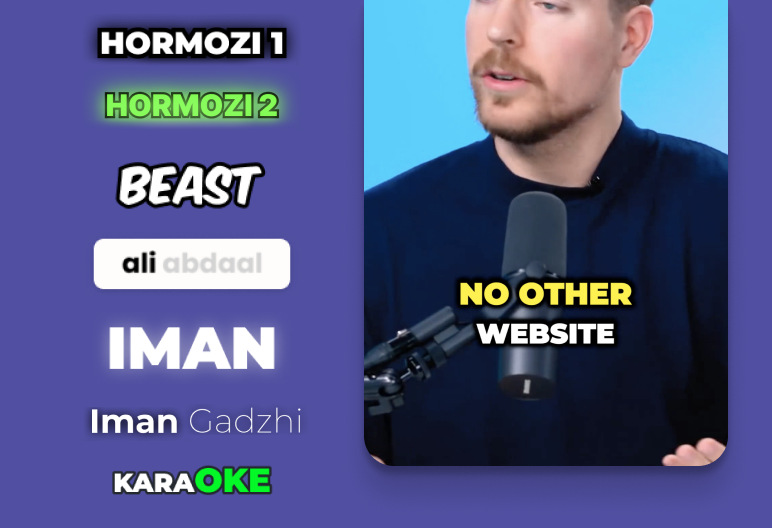
Auto Captioning
AI listens to your video and automatically adds captions.
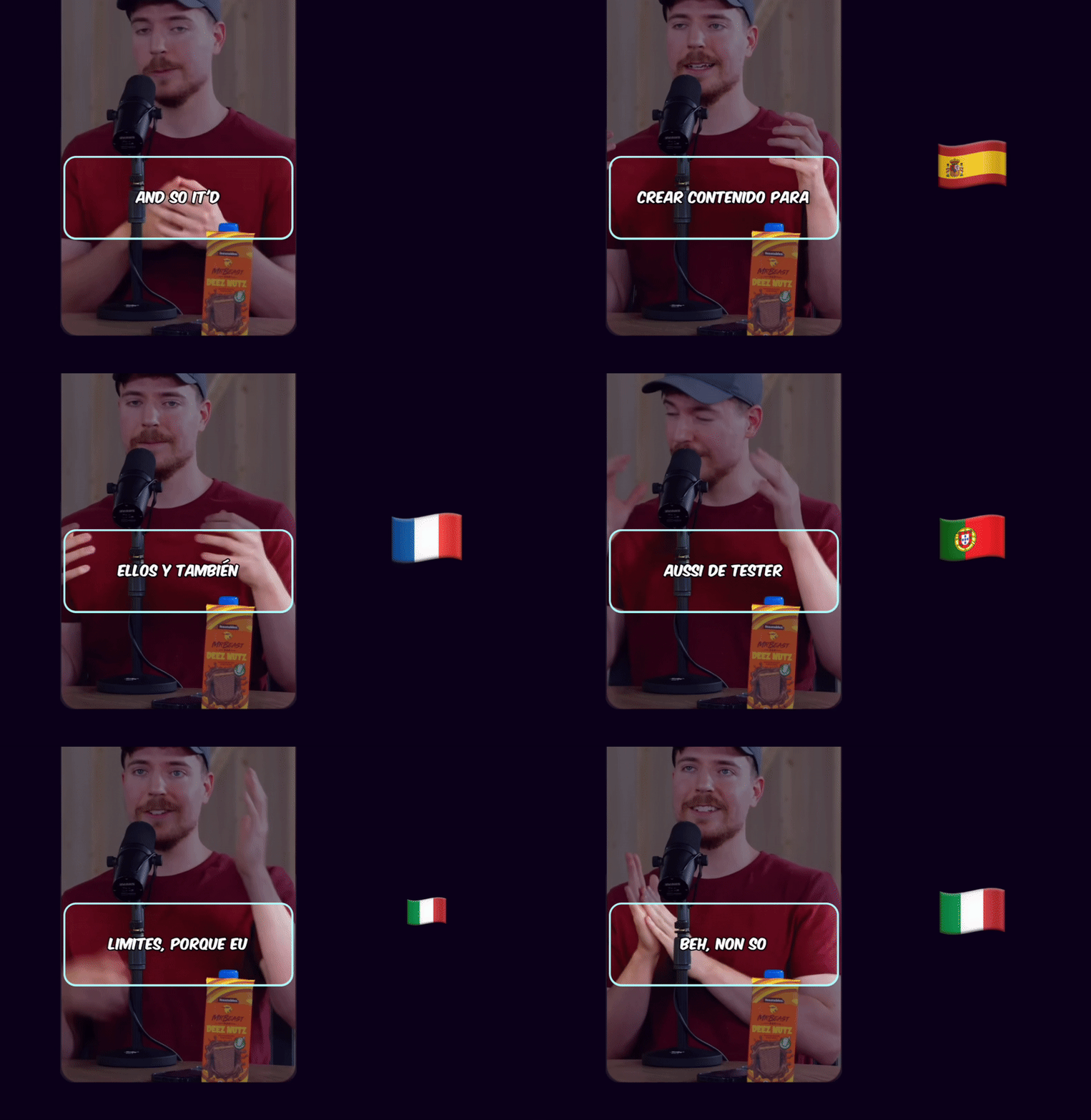
Caption Translation
Translate captions to different languages while keeping the original audio.
Hook Title & CTA
AI generates engaging hook titles and CTAs to keep viewers watching until the end.
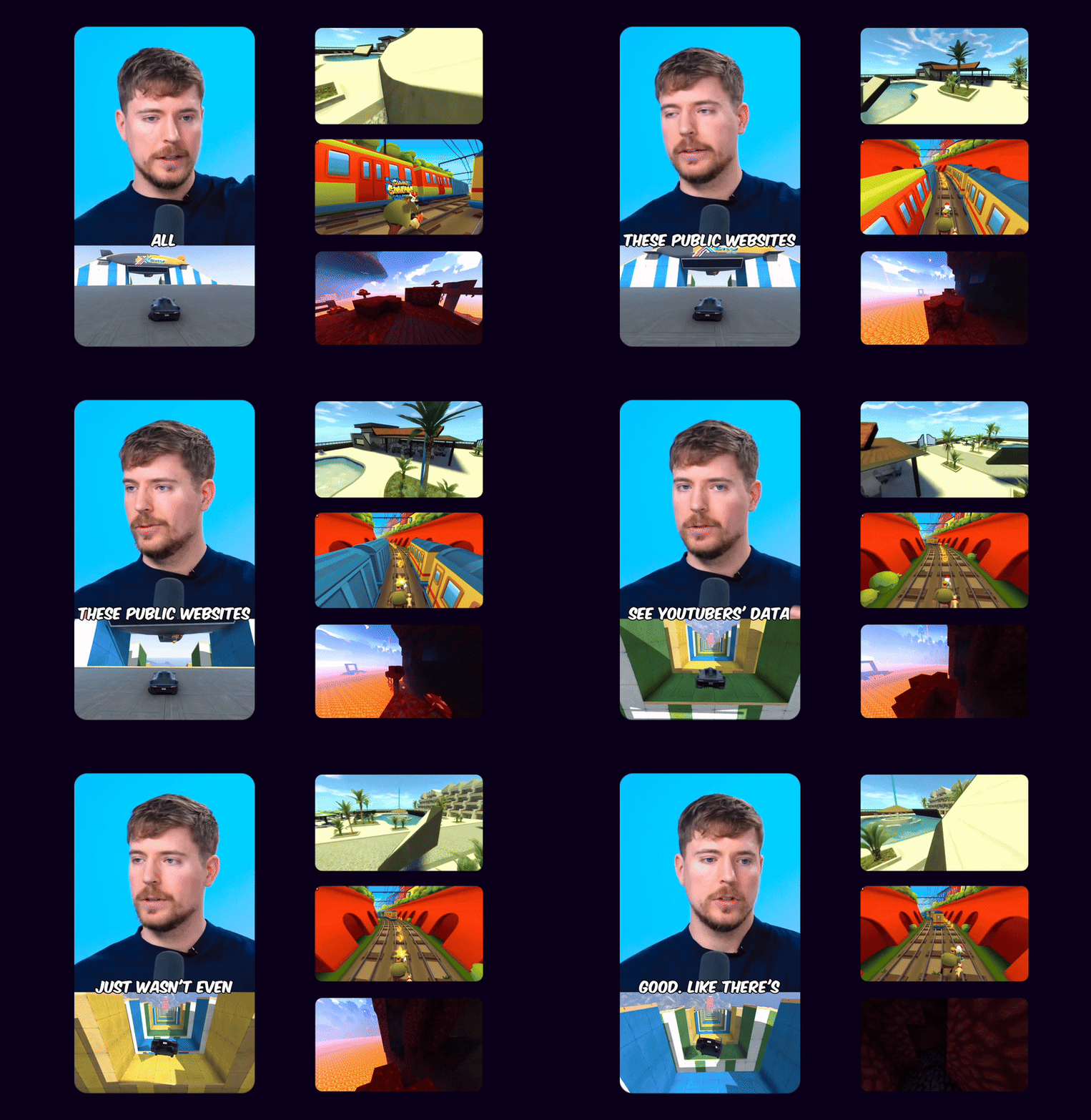
Game Video
Adds gameplay footage at the bottom to increase retention and keep viewers engaged.
Multi Language Audio
If the original YouTube video has multiple audio tracks, you can select your preferred language track to use in your Shorts
 EN
EN HI
HIOriginal English audio replaced with the Hindi dubbed track from YouTube
Schedule and Post
Consistency is key to reaching 1 million views. Use Ssemble's Schedule and Post features to publish the clips to TikTok, YouTube, and Instagram over multiple days.
Schedule and Post to multiple platforms at once
With Ssemble's Calendar Feature, you can schedule and post to TikTok, YouTube, and Instagram at best performing times, saving you time and effort. Just set multiple posts and forget about it.
Automated Titles, Descriptions & Hashtags
Create optimized titles, descriptions and hashtags to improve visibility and engagement.
Example Clips
Just extract the juicy moments from long videos and let the clips go viral.
Insights
Learn about the content strategies used by top clippers



YouTubers
Add B-roll to talking-head videos automatically
Educators
Enhance educational videos with visual examples
Marketers
Add product B-roll to promotional videos
Podcasters
Turn audio podcasts into visual content with B-roll
Social Creators
Boost retention with dynamic B-roll cuts
Video Editors
Speed up B-roll workflow 10x
BUSINESS
EXPERT
PRO
CUSTOM
How Much Does a Video Cost?
| AI Tool | Credit Cost |
|---|---|
AI Clipping 1/4 the price of competitors → | 1 Credit per video (20 minutes) |




Trusted by 2.4M+ shorts clippers | 4.9 out of 5