Best AI Shorts Generator: Captions + Face Tracking (2026)

Eric Lee
CEO and Founder of Ssemble
The best AI shorts generator with auto captions and face tracking in 2026 is Ssemble: it finds the strongest moments in a long video, reframes them to 9:16 with face and active-speaker tracking, and adds animated captions (Letterbox, Hormozi-style and more) that you can translate into 50+ languages, from $6/month billed yearly with no watermark. If captions in the most languages matter most, Submagic (118 languages) and Klap (99+) are the alternatives; if you need a free tier to start, OpusClip gives 60 free credits with a watermark. Ssemble has no free plan.
TL;DR: You want one tool that does three jobs at once: find the moment, keep the speaker in frame, and caption it. Ssemble does all three on every paid plan, with face and active-speaker tracking, Sports and Game framing modes, word-by-word caption editing and translation into 50+ languages. Pro is $6/month yearly or $15 monthly. Trade-offs: no free plan, no prompt-based moment search, and fewer caption languages than Submagic or Klap.
What "auto captions + face tracking" should actually do
A horizontal video cropped to 9:16 loses about two-thirds of the frame. Without tracking, the speaker drifts out of the shot. Without captions, most viewers scrolling with the sound off skip the clip. A good AI shorts generator should:
- Follow the person speaking, not just the center of the frame, and switch when the speaker changes in a podcast or interview.
- Handle special layouts, such as a gaming face cam plus gameplay, or fast sports action.
- Caption automatically with readable, animated styles, and let you fix wrong words.
- Let you control the look: words per caption, position, template, or captions off.
- Translate captions if your audience speaks other languages.
AI shorts generators compared (November 2026)
| Ssemble | OpusClip | Submagic | Klap | Vizard | |
|---|---|---|---|---|---|
| Speaker reframing to 9:16 | Face + active-speaker tracking | Test on free credits | Test in trial | Test with trial video | Test on free credits |
| Special layouts | Game (face cam top, gameplay below), Sports | — | — | — | — |
| Caption languages | 50+ (translation, original audio kept) | 20+ | 118 | 99+ | Not stated |
| Caption editing | Word by word, templates, position, words per caption | — | — | — | — |
| Lowest paid | $15/mo or $6/mo yearly | Starter $15 (monthly only) | $19 or $12 yearly | $29 or $14.50 yearly | $29 or $14.50 yearly |
| Free option | None | 60 credits, watermark | None (trial) | 1 trial video | 60 credits, watermark, 720p |
| Auto-post | TikTok, Shorts, Reels, X | From Starter | From Pro | All plans | 1 account free, scheduling on Creator |
A dash means the detail is not on the pricing pages we used for this comparison. Framing quality depends heavily on your footage (number of speakers, camera angles, movement), so test any tool on a real episode before committing.
1. Ssemble: best all-in-one for captions and face tracking
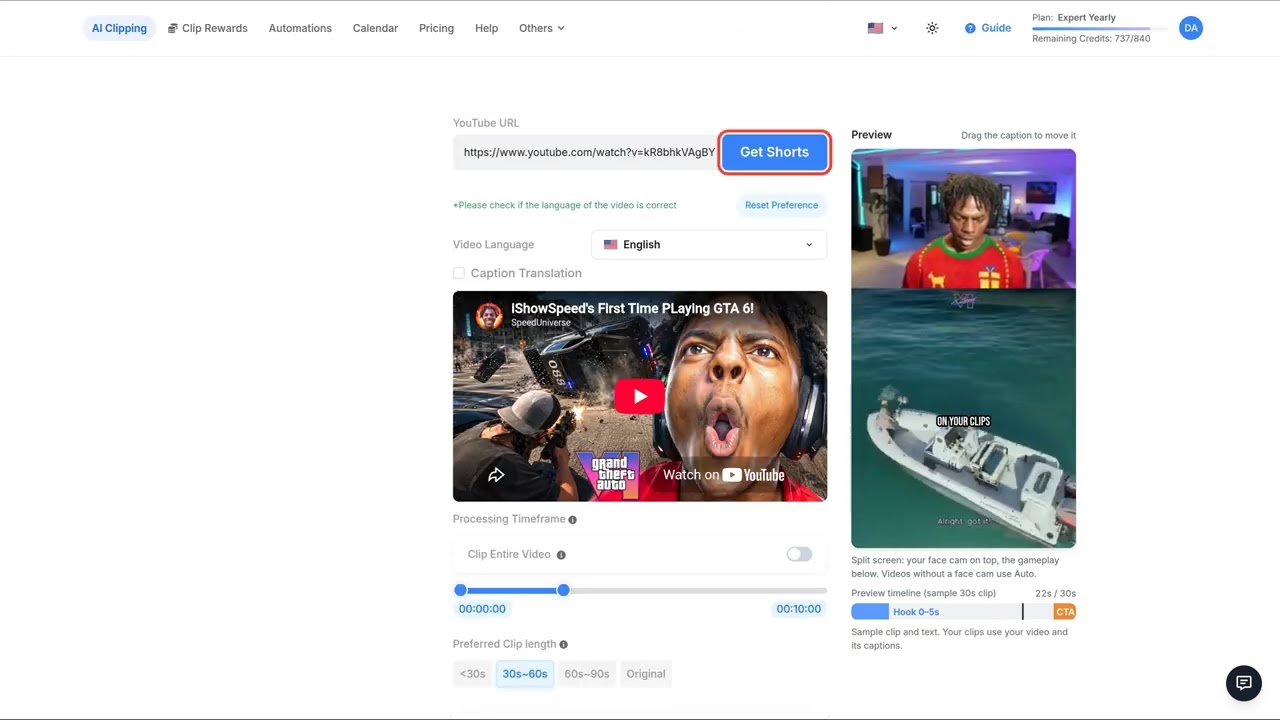
Ssemble is an AI clip maker used by 3.4M+ creators. Paste a YouTube, Kick, Twitch (VOD) or Vimeo link, or upload an MP4, MOV or WebM file, and it returns vertical clips that are already framed and captioned.
Face tracking and framing:
- Active-speaker reframing to 9:16 keeps the person talking in the shot.
- Sports video type changes how moments are picked and framed for action.
- Game video type builds a split screen: face cam on top, gameplay below.
- Reframe crop in the editor lets you fix any shot by hand.
Auto captions:
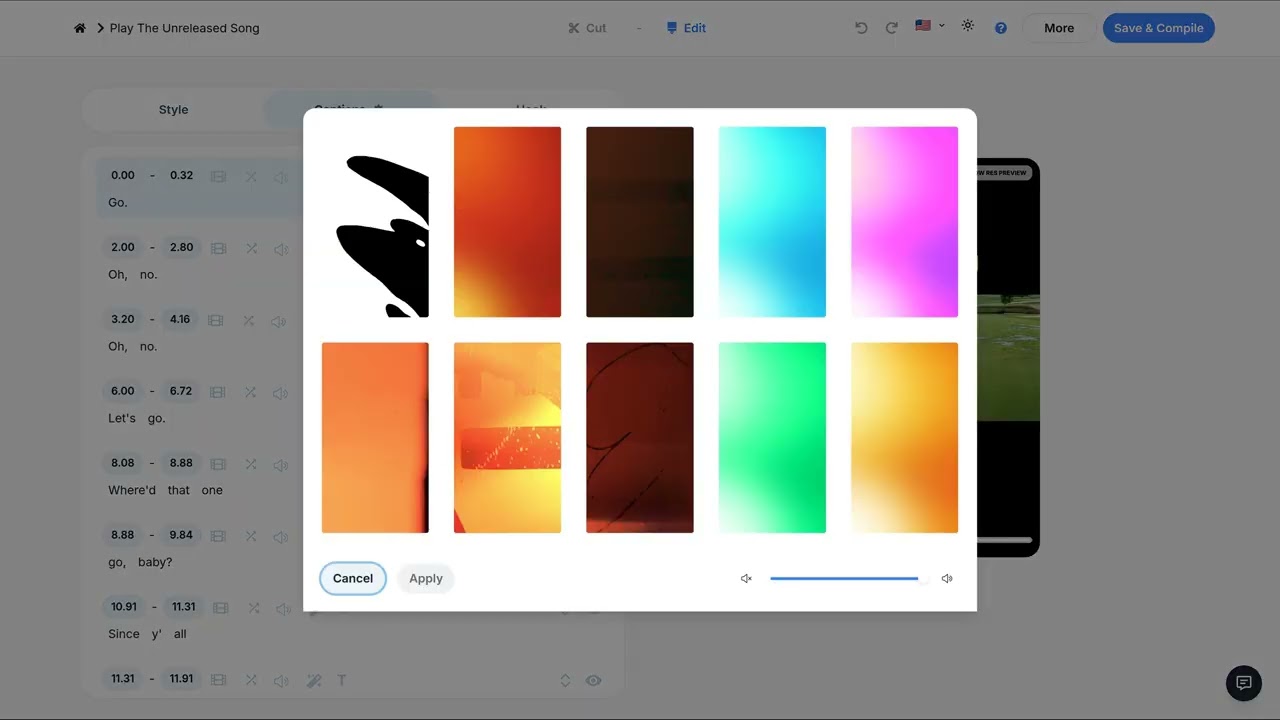
- Many animated templates, including Letterbox and Hormozi-style.
- Words-per-caption and position settings, or turn captions off.
- Edit captions word by word to fix names and slang.
- Translate captions into 50+ languages (53 in the app list) while keeping the original audio.
Everything else on the same plan: B-roll, transitions, sound effects, zoom, hook title, CTA overlay, background music, logo overlay, end screen, scheduling and auto-posting to TikTok, YouTube Shorts, Instagram Reels and X, plus API access from Pro.
Honest trade-offs:
- No free plan or trial.
- No prompt-based moment search; you choose the processing timeframe and video type.
- Fewer caption languages than Submagic (118) or Klap (99+).
2. Submagic: best for caption language coverage
Submagic supports 118 caption languages, the most in this comparison, and is known for its caption styling. Starter is $19/month or $12/month yearly for 45 credits (about 5 long videos). There is no free plan (trial only), auto-posting starts on Pro, and the API is on Business.
3. Klap: simple, with 99+ caption languages
Klap supports 99+ caption languages and auto-posts on all plans. Basic is $29/month or $14.50/month yearly for 100 output clips, and you get one trial video. Its API is pay-as-you-go at $0.44 per input video.
4. OpusClip: best-known name, free credits
OpusClip offers 60 free credits with a watermark and 3-day exports, and supports 20+ caption languages. Starter is $15/month (monthly only) for 150 minutes; Pro is $29/month or $14.50/month yearly for 300 minutes. See our OpusClip review.
5. Vizard: free tier and API on all plans
Vizard gives 60 free credits at 720p with a watermark. Creator is $29/month or $14.50/month yearly for 600 credits, and the API is available on all tiers with rate limits.
Cost example: a weekly 60-minute podcast
Four one-hour episodes a month, captioned and reframed:
| Plan | Monthly price | Covers 4 hours? |
|---|---|---|
| Ssemble Pro (yearly) | $6 | Yes: 12 of 30 credits (3 per episode) |
| Ssemble Pro (monthly) | $15 | Yes |
| Submagic Starter (yearly) | $12 | About 4 of ~5 long videos |
| OpusClip Pro (yearly) | $14.50 | Yes: 240 of 300 minutes |
| OpusClip Starter (monthly) | $15 | No: 150 minutes covers 2.5 hours |
| Klap Basic (yearly) | $14.50 | Yes, up to 25 clips per episode |
Ssemble leaves 18 credits for other videos, enough for six more one-hour sources. Full plans are on the pricing page.
How to make captioned, face-tracked shorts in Ssemble
- Sign up at ssemble.com and choose Pro, Expert or Business.
- Paste your video link or upload the file. For long videos, pick the part to process.
- Choose the video type: default for podcasts and talking heads, Sports for action, Game for face cam plus gameplay.
- Pick a preferred clip length (under 30s, 30–60s, 60–90s).
- Choose a caption template, words per caption and position, and a caption language if you want translation.
- Generate. Ssemble finds the moments, reframes to 9:16 around the speaker and adds captions.
- Review each clip: fix any word in the captions, adjust the reframe crop, trim if needed.
- Schedule or auto-post to TikTok, YouTube Shorts, Instagram Reels and X.
When to pick something else
- You need captions in more than 50+ languages: Submagic (118) or Klap (99+).
- You want a free tier first: OpusClip or Vizard (60 credits each, with a watermark).
- You already have clips and only need captions: a caption-focused tool such as Submagic may be enough.
- You need prompt-based moment search, AI avatars or AI dubbing: Ssemble does not offer these.
Frequently Asked Questions
What is the best AI shorts generator with auto captions and face tracking?
Ssemble is the best all-in-one option: it finds moments, reframes to 9:16 with face and active-speaker tracking, and adds animated captions with translation into 50+ languages. Plans start at $6/month billed yearly with no watermark. It has no free plan.
Does Ssemble track the active speaker in podcasts?
Yes. Ssemble reframes horizontal video to 9:16 with face and active-speaker tracking, and you can adjust the reframe crop in the editor if a shot needs fixing.
Can I edit auto captions in Ssemble?
Yes. You can edit captions word by word, choose from many animated templates such as Letterbox and Hormozi-style, set words per caption and position, or turn captions off.
Which AI shorts tool supports the most caption languages?
Submagic supports 118 caption languages and Klap 99+. Ssemble supports 50+ (53 in the app), OpusClip 20+ and 2short.ai 26.
How does Ssemble frame gaming clips?
With the Game video type, Ssemble builds a split screen with the face cam on top and gameplay below. It accepts Twitch VOD and Kick links directly.
Framed, captioned, ready to post
Face tracking, animated captions in 50+ languages and auto-posting. From $6/mo billed yearly, no watermark.
Try Ssemble →
📚 Related Guides
Prices checked November 24, 2026 on each tool's official pricing page. Pricing and features may change.
Ready to Start Clipping?
Transform long videos into engaging short-form clips with Ssemble's AI-powered tools.
Get Started
