Ssemble vs Submagic (2026): Pricing, Features, Which to Pick

Eric Lee
CEO and Founder of Ssemble
Pick Ssemble over Submagic if your main job is turning long videos into many short clips: Ssemble Pro is $6/month billed yearly ($15 monthly) for 30 credits, so a one-hour video costs about $0.60, while Submagic Starter is $12/month yearly ($19 monthly) for 45 credits, about 5 long videos. Pick Submagic if captions are the priority and you need its 118 caption languages, or want a trial before paying. Ssemble has no free plan and no prompt-based moment search.
TL;DR: Ssemble is the cheaper clipper for regular long-video work, with auto-posting on its lowest plan, an API from Pro, Game and Sports modes and Channel Automation. Submagic wins on caption languages (118 vs 50+) and offers a trial. Submagic's auto-posting starts on Pro and its API on Business. Ssemble has no free plan.
Ssemble vs Submagic at a glance
| Ssemble | Submagic | |
|---|---|---|
| Lowest paid, monthly | Pro $15/mo | Starter $19/mo |
| Lowest paid, billed yearly | $6/mo ($72/yr) | $12/mo |
| What you get | 30 credits/mo | 45 credits/mo (~5 long videos) |
| What a credit covers | 1 source video up to 20 min | Submagic estimates ~5 long videos per 45 credits |
| Cost per 60-min video | $0.60 yearly, $1.50 monthly (3 credits) | About $2.40 per long video yearly (estimate from ~5 per $12) |
| Free plan | None | None (trial) |
| Caption languages | 50+ (translation, original audio kept) | 118 |
| Auto-posting | All paid plans: TikTok, YouTube Shorts, Instagram Reels, X | From Pro |
| API | From Pro (lowest plan), plus MCP server | Business, 100 min |
| Input sources | YouTube, Kick, Twitch VOD, Vimeo links; MP4, MOV, WebM uploads | Not verified for this comparison |
Where Ssemble wins
Cheaper per long video. On yearly billing, Ssemble Pro is $6 for 30 credits, which covers up to 10 hours of source a month. Submagic Starter is $12 for about 5 long videos. For a creator clipping 8 hour-long episodes a month, that gap adds up quickly.
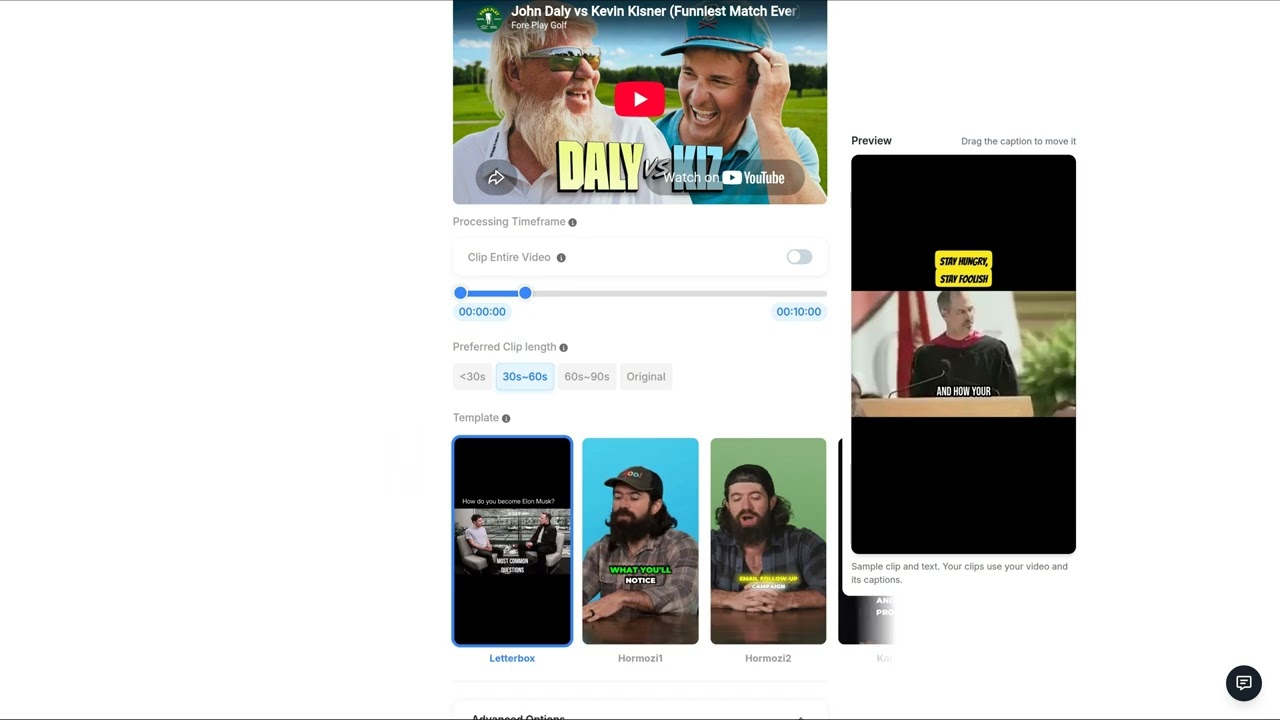
Built around clipping long sources. Paste a YouTube, Kick, Twitch VOD or Vimeo link, and the AI finds the most engaging moments and cuts them into 9:16 clips with face tracking and active-speaker reframing. Links can be up to 48 hours long; you pick a part of up to 5 hours. Each 20-minute part can return up to 11 clips.
Auto-posting and API on the lowest plan. Ssemble Pro already includes scheduling and auto-posting (1 social account) and API access. On Submagic, auto-posting starts on Pro and the API on Business.
Game and Sports modes. Game mode stacks the face cam over gameplay; Sports mode changes how moments are picked and framed.
Channel Automation. Every new upload on a YouTube channel can be clipped and posted on a schedule, up to 21 clips per week per automation.
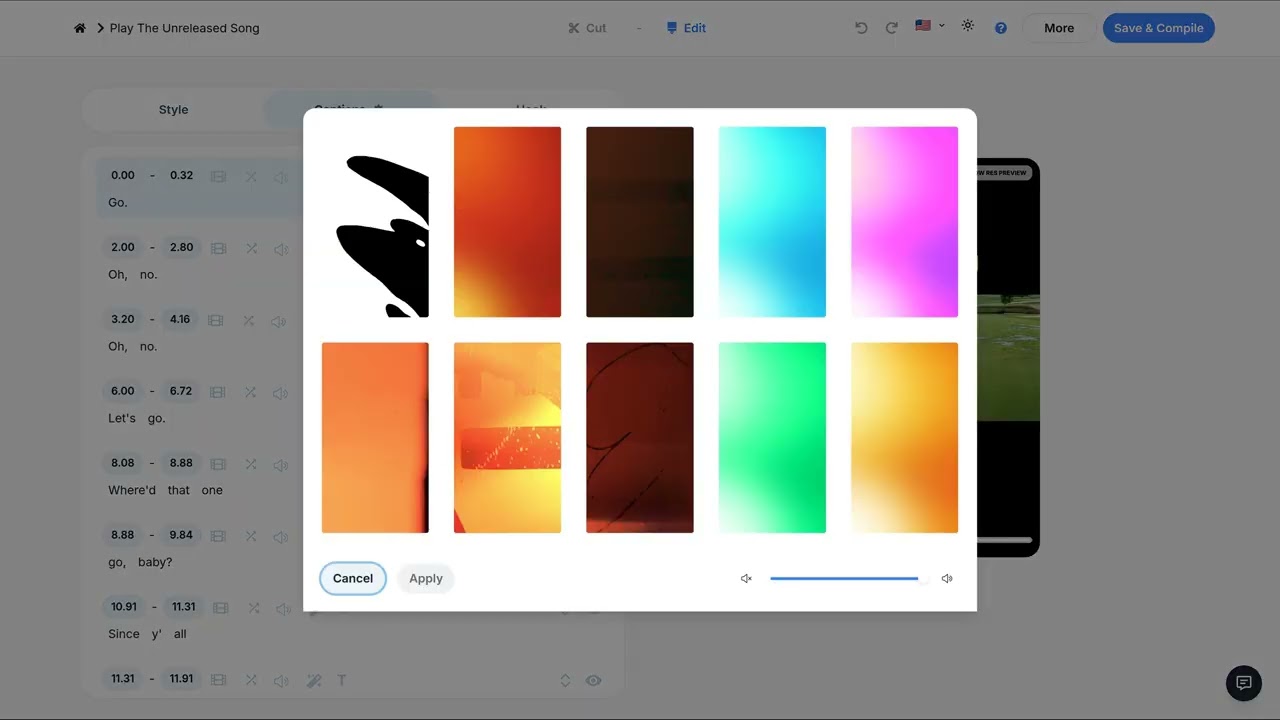
Captions are still strong. Animated templates (Letterbox, Hormozi-style and more), words-per-caption and position settings, word-by-word editing, and translation into 50+ languages.
Where Submagic wins
- More caption languages. Submagic supports 118; Ssemble translates into 50+. If your audience speaks a language outside Ssemble's list, Submagic is the safer pick.
- Trial before paying. Submagic offers a trial. Ssemble has no free plan or trial.
- Caption-first workflow. If you mostly polish one short video at a time rather than clip long sources, a caption-focused tool fits that job.
- Prompt-based search. Ssemble does not offer prompt-based moment search; you set a timeframe and video type instead.
Cost example: 8 one-hour podcasts a month
| Plan | Monthly price | Covers 8 one-hour videos? |
|---|---|---|
| Ssemble Pro (yearly) | $6 | Yes: 24 of 30 credits (8 × 3) |
| Ssemble Pro (monthly) | $15 | Yes: 24 of 30 credits |
| Submagic Starter (yearly) | $12 | About 5 long videos included |
| Submagic Starter (monthly) | $19 | About 5 long videos included |
On Ssemble Pro yearly, each one-hour episode costs about $0.60. Submagic's own estimate of about 5 long videos per 45 credits means 8 episodes would exceed the Starter plan. Plan details are on the pricing page.
Which should you choose?
- Podcasts, interviews and long YouTube videos clipped weekly: Ssemble.
- Captions in a language Ssemble does not list: Submagic (118 languages).
- You want to try before paying: Submagic's trial.
- Gaming or sports clips: Ssemble's Game and Sports modes.
- Auto-posting or API on a budget plan: Ssemble Pro includes both.
- Hands-off clipping of a YouTube channel: Ssemble's Channel Automation.
How to try it in Ssemble
- Sign up at ssemble.com and pick a plan.
- Paste a video link or upload an MP4, MOV or WebM file.
- Choose the video type, clip length and caption template, and set the caption language.
- Generate, then edit captions word by word.
- Schedule or auto-post to TikTok, YouTube Shorts, Instagram Reels or X.
Frequently Asked Questions
Is Ssemble cheaper than Submagic?
For long videos, yes. Ssemble Pro is $6/month billed yearly for 30 credits, where a one-hour video uses 3 credits (about $0.60). Submagic Starter is $12/month billed yearly for 45 credits, which Submagic says covers about 5 long videos.
Which has more caption languages, Ssemble or Submagic?
Submagic supports 118 caption languages. Ssemble translates captions into 50+ languages while keeping the original audio.
Do Ssemble or Submagic have a free plan?
Neither has a free plan. Submagic offers a trial. Ssemble is paid only, from $6/month billed yearly, with no watermark on paid plans.
Can Ssemble and Submagic auto-post to TikTok?
Yes. Ssemble auto-posts to TikTok, YouTube Shorts, Instagram Reels and X on every paid plan, including Pro. Submagic's auto-posting starts on its Pro plan.
Which has an API, Ssemble or Submagic?
Both. Ssemble includes its API from the Pro plan plus an MCP server. Submagic's API is on its Business plan with 100 minutes.
Prices checked November 24, 2026 on each tool's official pricing page. Pricing and features may change.
Clip long videos for $6/month
AI clipping, Game and Sports modes, 50+ caption languages and auto-posting. Billed yearly, no watermark.
Try Ssemble →
Ready to Start Clipping?
Transform long videos into engaging short-form clips with Ssemble's AI-powered tools.
Get Started
