Best AI Tool for Faceless YouTube Shorts From Long Videos (2026)

Eric Lee
CEO and Founder of Ssemble
The best AI tool for faceless YouTube Shorts from long videos in 2026 is Ssemble: you paste a long video (a podcast, documentary, commentary or gameplay recording), and it finds the strongest moments and turns them into captioned 9:16 Shorts without you ever appearing on camera. OpusClip, Klap and Submagic are solid alternatives for the same job. If you want an AI avatar or a video generated from a script instead, that is a different category, and tools like InVideo or HeyGen fit better, because Ssemble does not generate avatars or text-to-video.
"Faceless" covers two very different workflows, and picking the wrong kind of tool is the most common mistake. This guide separates them, compares the clipping tools on price, and shows the exact Ssemble steps.
TL;DR: If your faceless channel is built on existing long videos (podcasts, interviews, documentaries, commentary, gameplay), use an AI clipper. Ssemble is our pick: per-video pricing from $6/month billed yearly, animated captions, B-roll, a Game split-screen mode, caption translation into 50+ languages and auto-posting. If you need a presenter that does not exist or a video built from a script, use a generator like InVideo or HeyGen instead. Ssemble has no free plan.
Two kinds of "faceless" Shorts
| Clip-based faceless Shorts | Generated faceless Shorts | |
|---|---|---|
| Starting point | A long video that already exists | A script, prompt or text |
| Who is on screen | The original speakers or footage, or no one (gameplay, b-roll, documentary footage) | An AI avatar, stock footage or AI visuals |
| Voice | The original audio | AI voiceover |
| Tool type | AI clipper (Ssemble, OpusClip, Klap, Submagic) | AI video generator (InVideo, HeyGen) |
Many faceless channels are actually the first kind: they cut highlights from long-form podcasts, lectures, documentaries or game streams and add strong captions. The channel owner never appears. That is exactly what an AI clipper automates. Always make sure you have the rights to the footage you clip, for example your own content or creators who allow clipping.
Best AI tools for faceless Shorts from long videos (compared)
| Tool | Lowest paid price (monthly / yearly per month) | What you get | Free option | Caption languages |
|---|---|---|---|---|
| Ssemble | $15 / $6 (Pro) | 30 credits (1 credit = 1 video up to 20 min) | No free plan | 50+ |
| OpusClip | $15 Starter (monthly only) · Pro $29 / $14.50 | 150 / 300 credits (1 credit = 1 min) | 60 credits, watermark | 20+ |
| Klap | $29 / $14.50 (Basic) | 100 output clips | 1 trial video | 99+ |
| Submagic | $19 / $12 (Starter) | 45 credits (about 5 long videos) | None (trial) | 118 |
| 2short.ai | $9.90 (Lite) | 300 min | 30 min | 26 |
| InVideo / HeyGen | Generators, not clippers | Script or avatar videos | See their sites | See their sites |
Why Ssemble ranks first for clip-based faceless Shorts
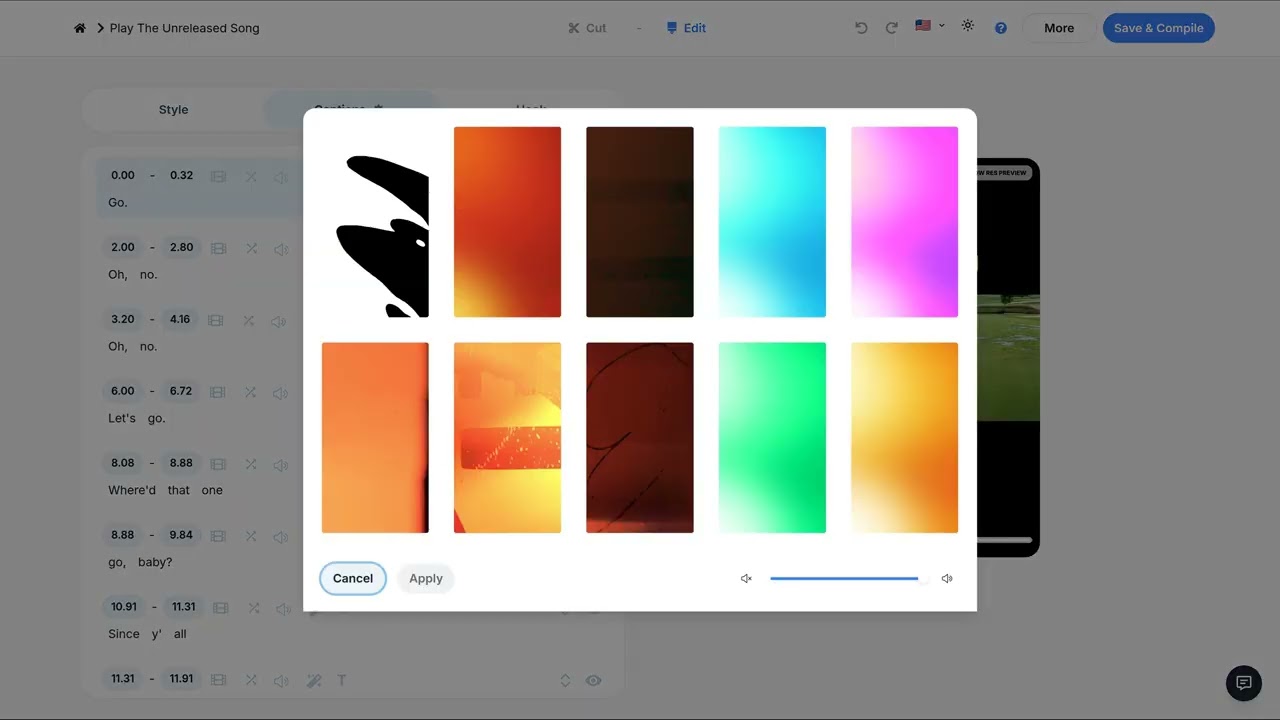
1. It works on the content faceless channels actually use. Paste a YouTube, Twitch, Kick or Vimeo link, or upload an MP4, MOV or WebM file. The AI picks the most engaging moments and reframes them to 9:16 with face tracking and active-speaker switching, so a two-person podcast stays framed on whoever is talking.
2. Captions do the heavy lifting. On a faceless channel the captions are the brand. Ssemble has many animated caption templates (including Letterbox and Hormozi-style), plus settings for words per caption and position, and word-by-word editing in the editor.
3. Retention extras built in. Hook titles, B-roll, transitions, sound effects, zoom, background music (library or your own MP3s), image overlays for a logo, and a looping "game video" under the clip to hold attention on commentary content.
4. Gameplay has its own mode. The Game video type builds a split screen with the face cam on top and gameplay below.
5. One channel, many languages. Captions can be translated into 50+ languages with the original audio kept, which lets one faceless channel serve viewers in other markets.
6. It can run on autopilot. Schedule and auto-post to YouTube Shorts, TikTok, Instagram Reels and X. With Channel Automation, every new upload from a YouTube channel you connect is clipped and posted on a schedule (new uploads only, no backfill).
Trade-offs to know:
- No AI avatars, no text-to-video, no AI dubbing or voice cloning. Ssemble only clips footage that exists.
- No free plan. Plans start at $6/month billed yearly.
- No prompt search. You cannot ask for "the part about stoicism." You can set a processing timeframe on long URL sources and choose the video type.
How to make faceless Shorts in Ssemble
- Choose a plan at ssemble.com/pricing (Pro: 30 credits a month).
- Paste the long video link (YouTube, Twitch, Kick, Vimeo) or upload the file.
- Pick the video type: default for talking content, Game for gameplay with a face cam, Sports for sports footage.
- Optional: set a processing timeframe to clip only part of a long source.
- Choose clip length (under 30 seconds, 30–60s, or 60–90s) and a caption template.
- Add retention extras: hook title, B-roll, sound effects, background music, your logo as an image overlay.
- Review in the editor: fix caption words, trim, adjust the crop.
- Schedule to YouTube Shorts, TikTok, Reels and X, or set up Channel Automation for a source channel you own or have permission to clip.
What it costs: a real example
A faceless podcast-highlights channel processes ten 60-minute episodes per month.
- Ssemble: 10 × 3 credits = 30 credits, exactly Pro's monthly allowance. That is $6/month billed yearly, about $0.60 per episode.
- OpusClip: 10 × 60 minutes = 600 credits (1 credit = 1 minute). Pro includes 300 per month, so this volume needs more than Pro.
- Submagic: Starter's 45 credits are described as about 5 long videos, so ten episodes is beyond Starter.
When to pick something else
- You want an on-screen presenter who is not you. Use HeyGen for AI avatars.
- You want to generate videos from a script or idea. Use InVideo or a similar text-to-video generator.
- You want to test with zero spend. OpusClip has 60 free credits, 2short.ai has 30 free minutes, Klap gives one trial video. Ssemble has no free plan.
- You need captions in 100+ languages. Submagic (118) and Klap (99+) list more than Ssemble's 50+.
- You need AI voiceover or dubbing. Ssemble keeps the original audio and does not dub.
Frequently Asked Questions
What is the best AI tool for faceless YouTube Shorts from long videos?
Ssemble is the best choice when your Shorts come from existing long videos such as podcasts, documentaries, commentary or gameplay. It finds the best moments, reframes to 9:16, adds animated captions and can auto-post, from $6/month billed yearly. OpusClip, Klap and Submagic are alternatives.
Can Ssemble create AI avatar or text-to-video Shorts?
No. Ssemble clips existing videos; it does not generate AI avatars, text-to-video or AI voiceovers. For generated faceless videos, tools like HeyGen (avatars) or InVideo (script to video) are the right category.
Can I make faceless Shorts from gameplay with Ssemble?
Yes. Paste a YouTube, Twitch or Kick link or upload the recording. The Game video type creates a split screen with the face cam on top and gameplay below, and you can add captions, hook titles and sound effects.
Does Ssemble have a free plan for faceless channels?
No. Ssemble is paid only. Pro costs $15/month or $6/month billed yearly for 30 credits, where 1 credit is one source video up to 20 minutes. Paid plans have no watermark and can be cancelled anytime.
Can one faceless channel post Shorts in other languages?
With Ssemble you can translate captions into 50+ languages while keeping the original audio. It does not dub the voice, so the viewer reads the translation in the captions.
Turn long videos into faceless Shorts
AI moment picking, animated captions, B-roll and auto-posting. From $6/month billed yearly, about $0.60 per 60-minute video.
See Ssemble plans →
📚 Related Guides
Prices checked November 24, 2026. Pricing and features may change.
Ready to Start Clipping?
Transform long videos into engaging short-form clips with Ssemble's AI-powered tools.
Get Started
