How to Clip Kick Streams Into Shorts Automatically (2026)

Eric Lee
CEO and Founder of Ssemble
To automatically clip your Kick streams into shorts, paste the Kick VOD link into Ssemble, pick the part of the stream you want (up to 5 hours at a time), choose Game mode so your face cam sits on top and gameplay below, and let the AI cut, caption and schedule 9:16 clips to TikTok, YouTube Shorts and Instagram Reels. Each 20-minute part costs 1 credit, so a full 4-hour stream is 12 credits, about $2.40 on Pro billed yearly. Other options: StreamLadder if you want to pick every clip by hand in a layout editor, Eklipse for a gaming-only highlight tool, or OpusClip and Klap as general AI clippers.
TL;DR: Ssemble takes Kick links directly, so you never download and re-upload a long VOD. Kick sources can be up to 48 hours, you work on up to 5 hours at a time, and you pay 1 credit per 20-minute part. Be aware of two limits: Channel Automation (fully hands-off clipping) only works with YouTube channels, so Kick VODs are pasted one at a time, and Ssemble has no free plan. Plans start at $6/mo billed yearly.
What "automatic" means for Kick streams today
There are two levels of automation:
- Per-VOD automation. You paste one Kick VOD link and the AI does the rest: finds moments, cuts them, reframes them, captions them and schedules them. This is what Ssemble does for Kick.
- Channel-level automation. The tool watches your channel and clips every new stream without you doing anything. Ssemble's Channel Automation does this, but only for YouTube channels. If you also upload or stream your Kick content to YouTube, you can point Channel Automation at that YouTube channel. Live streams there are processed after they end.
For most Kick streamers, pasting the VOD link after each stream is quick and is the realistic workflow.
Tools for clipping Kick streams, compared (November 2026)
| Ssemble | StreamLadder | Eklipse | OpusClip | Klap | |
|---|---|---|---|---|---|
| Kick link input | Yes | Check tool | Check tool | Not stated | Not stated |
| Face cam + gameplay split | Yes (Game mode) | Known for layout editor | Gaming-focused | Not stated | Not stated |
| AI finds moments | Yes | Mostly manual | Yes | Yes | Yes |
| Lowest paid | $15/mo or $6/mo yearly | See their site | See their site | Starter $15/mo (monthly only) | $29/mo or $14.50/mo yearly |
| Billing unit | 1 credit = 20 min of video | See their site | See their site | 1 credit = 1 min | 100 output clips |
| Auto-post | TikTok, Shorts, Reels, X | See their site | See their site | From Starter | All plans |
How to clip a Kick stream into shorts with Ssemble
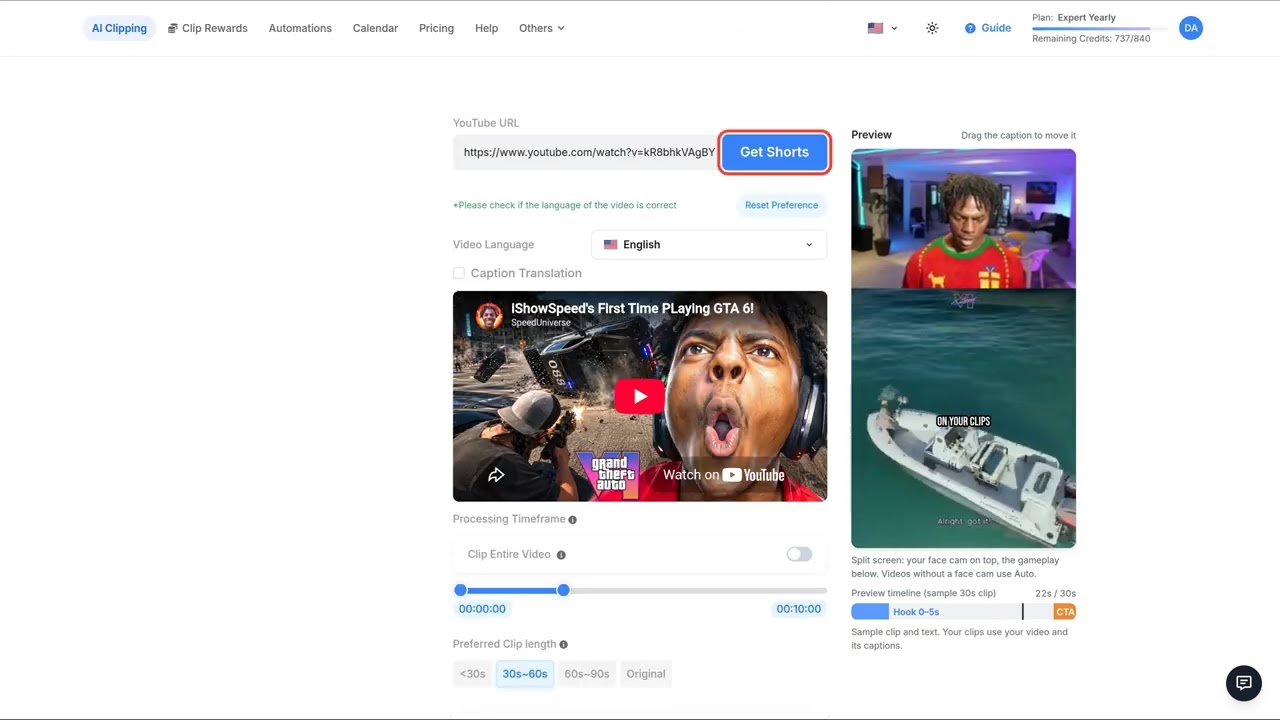
- Copy the Kick VOD link from your channel's videos page after the stream ends.
- Paste it into Ssemble at ssemble.com. Kick sources can be up to 48 hours long.
- Pick the part to work on. You can select up to 5 hours of the stream. Choose "Clip Entire Video" to split it into 20-minute parts (1 credit each), or pick a single 20-minute part for 1 credit if you know where the big moment happened.
- Choose Game mode. It builds a split screen with your face cam on top and gameplay below, the standard layout for stream clips on TikTok.
- Set clip length. Under 30s, 30–60s or 60–90s.
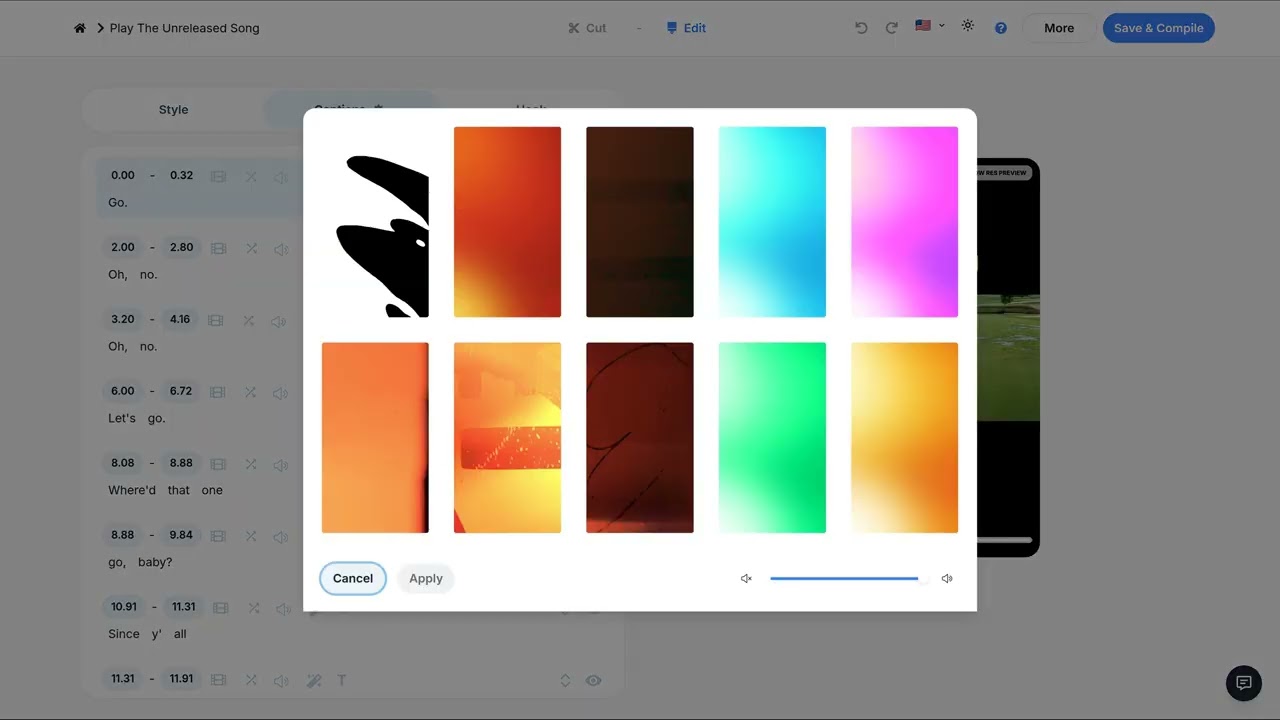
- Pick a caption template and any extras: hook title, sound effects, zoom, background music or your logo.
- Generate. You get up to 11 clips per 20-minute part, the top clips by viral score.
- Review and edit. Fix captions word by word, trim, or adjust the crop.
- Schedule the clips to TikTok, YouTube Shorts, Instagram Reels and X from the calendar.
Cost example: three 4-hour Kick streams a week
Three streams a week is about 13 streams a month.
| Approach | Credits per stream | Monthly credits | Plan that fits |
|---|---|---|---|
| Clip the whole 4-hour stream | 12 | ~156 | More than Business (150 credits, $24/mo yearly) |
| Clip the best 1 hour | 3 | ~39 | Expert, 70 credits, $12/mo yearly |
| Clip one 20-minute part | 1 | ~13 | Pro, 30 credits, $6/mo yearly |
Each credit costs about $0.20 on Pro billed yearly, so a full 4-hour stream is about $2.40 and a single 20-minute highlight window is about $0.20. You usually get better value by picking the hour where chat was loudest instead of processing every minute. See all plans on the pricing page.
Tips for better Kick clips
- Skip the starting screen and breaks. Choosing the part of the stream saves credits and keeps the AI focused on action.
- Use Game mode for gameplay, default mode for just-chatting. Just-chatting segments are talking videos, so face tracking in default mode frames them better.
- Add a hook title. It tells viewers what is about to happen in the first second.
- Post consistently. Schedule clips across the week rather than all at once.
When to pick something else
- You want to choose every clip yourself: StreamLadder is known for its hands-on face cam layout editor.
- You want a tool built only around gaming highlights: Eklipse focuses on that.
- You want channel-level automation for Kick: Ssemble's Channel Automation works with YouTube channels only.
- You want to search for a moment by typing a prompt: Ssemble has no prompt-based moment search; you pick the part of the stream instead.
- You want to start free: Ssemble has no free plan. OpusClip offers 60 free credits with a watermark.
Frequently Asked Questions
How do I automatically clip my Kick streams into shorts?
Paste your Kick VOD link into Ssemble, pick up to 5 hours of the stream, choose Game mode for a face cam and gameplay split screen, and generate. The AI cuts and captions 9:16 clips and can schedule them to TikTok, YouTube Shorts, Instagram Reels and X.
How much does it cost to clip a Kick stream?
Ssemble charges 1 credit per 20-minute part. A full 4-hour Kick stream is 12 credits, about $2.40 on Pro billed yearly ($6/month for 30 credits). A single 20-minute part is 1 credit.
Can Ssemble clip new Kick streams without me pasting links?
Not directly. Ssemble's Channel Automation only watches YouTube channels. For Kick, you paste each VOD link. If you also publish your streams on YouTube, Channel Automation can clip those after each stream ends.
How long can a Kick VOD be?
Ssemble accepts Kick sources up to 48 hours long. You choose a part of up to 5 hours to work on at a time, split into 20-minute parts at 1 credit each.
Does Ssemble keep my face cam in Kick clips?
Yes. Game mode puts your face cam on top and gameplay below in a 9:16 split screen. For just-chatting segments, the default mode uses face and active-speaker tracking instead.
Turn last night's Kick stream into TikToks
Paste the VOD link, choose Game mode, schedule. From $6/mo billed yearly, no watermark.
Try Ssemble →
📚 Related Guides
Prices checked November 24, 2026 on each tool's official pricing page. Pricing and features may change.
Ready to Start Clipping?
Transform long videos into engaging short-form clips with Ssemble's AI-powered tools.
Get Started
