AI Clipping Tool That Works in Multiple Languages (2026)

Eric Lee
CEO and Founder of Ssemble
The best AI clipping tool that works in multiple languages for most creators is Ssemble: it turns long videos into captioned 9:16 clips and translates the captions into 50+ languages while keeping your original audio, starting at $6/month billed yearly with 1 credit per 20 minutes of video. If you need the longest language list, Submagic lists 118 caption languages and Klap 99+, and Descript offers 61 translation languages inside a full editor. None of these replace dubbing: Ssemble translates captions, it does not dub voices.
TL;DR: Pick Ssemble if you clip long videos in different languages and want translated captions, auto-posting and per-video pricing (Pro $6/mo yearly or $15 monthly, 30 credits). Pick Submagic (118 languages) or Klap (99+) if you need a rare language that is not in Ssemble's 50+. Ssemble has no AI dubbing, no free plan and no prompt-based moment search.
Captions, translation and dubbing are three different things
When people ask for a clipping tool that "works in multiple languages," they usually mean one of three things:
- Captions in the spoken language. A Spanish podcast gets Spanish captions. The tool has to transcribe that language accurately.
- Translated captions. A Spanish podcast gets English (or German, or Hindi) captions, so it can reach a new audience. The original voice stays.
- Dubbing. The voice itself is replaced with a translated, AI-generated voice.
Ssemble is built for the second: it keeps the original audio and puts captions in any of 50+ languages on top. Before you commit, check that your source language and target languages are in its list. If you need the third, you need a dubbing tool. HeyGen, for example, is known for AI avatar and translation videos, and Reap is known for AI dubbing.
Multilingual AI clipping tools, compared (November 2026)
| Ssemble | Submagic | Klap | OpusClip | Descript | 2short.ai | |
|---|---|---|---|---|---|---|
| Caption languages | 50+ (caption translation, original audio kept) | 118 | 99+ | 20+ | 25 transcription / 61 translation | 26 |
| Lowest paid | $15/mo or $6/mo yearly | $19/mo or $12/mo yearly | $29/mo or $14.50/mo yearly | Starter $15/mo (monthly only) | $24/mo or $16/mo yearly | Lite $9.90 |
| Included | 30 credits, 1 = 1 video up to 20 min | 45 credits (~5 long videos) | 100 output clips | 150 credits, 1 = 1 min | 600 min + AI 400 | 300 min |
| Free option | None | None (trial) | 1 trial video | 60 credits, watermark | 60 min, 720p | 30 min |
| Auto-post | TikTok, Shorts, Reels, X | From Pro | All plans | From Starter | Not stated | Not stated |
Why Ssemble is the best all-round multilingual pick
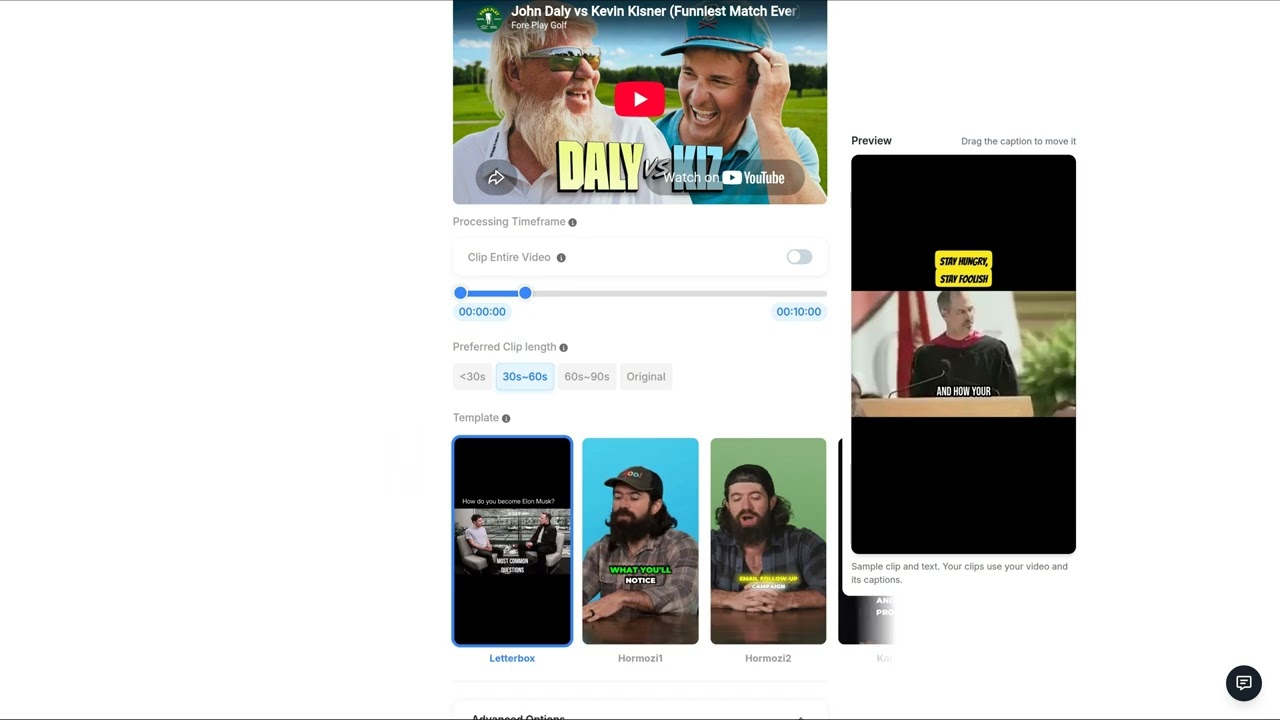
Ssemble is an AI clip maker used by 3.4M+ creators. For multilingual work, it combines three things most creators need together:
- 50+ caption languages. Captions can be translated into 50+ languages (the app list has 53), with the original audio kept.
- Long-video clipping at a flat rate. 1 credit covers up to 20 minutes of video, so a one-hour interview is 3 credits no matter which caption language you choose.
- Posting to every short-form platform. Schedule and auto-post to TikTok, YouTube Shorts, Instagram Reels and X, so one source video can feed accounts in different markets. Expert includes 3 social accounts and Business unlimited.
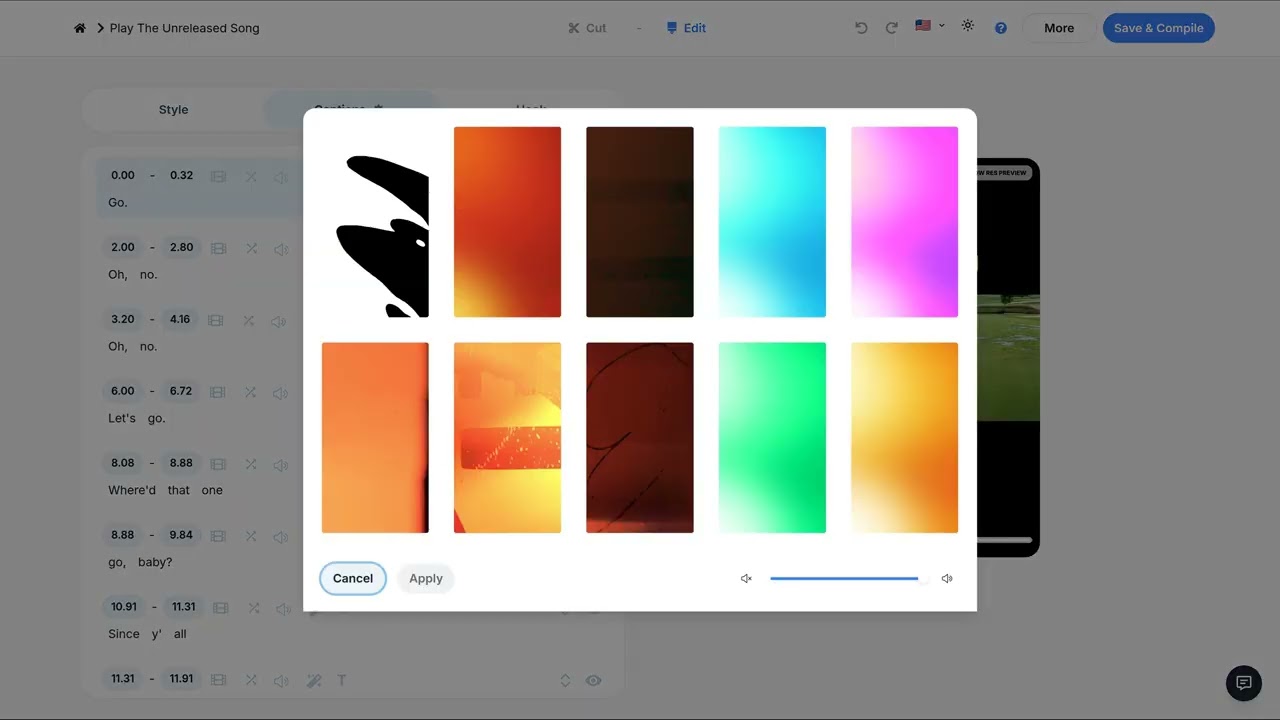
Everything else works the same in any language: AI moment finding, 9:16 reframing with face tracking, animated caption templates (Letterbox, Hormozi-style and more), word-by-word caption editing, hook titles, B-roll, sound effects and background music. Inputs can be YouTube, Kick, Twitch VOD or Vimeo links, or MP4, MOV and WebM uploads.
How to make clips with translated captions in Ssemble
- Sign up at ssemble.com and choose a plan.
- Paste a video link or upload a file.
- Pick the video type (default, Sports or Game) and a clip length.
- Choose a caption template, then pick the caption language you want viewers to read.
- Generate the clips.
- Review the captions and fix any word in the editor. Names, slang and brand terms are worth a quick check in any language.
- Schedule the clips to the account for that market. To reach a second language, generate the same video again with a different caption language.
Cost example: one weekly podcast in two languages
You record one 60-minute podcast a week (about 4 a month) and want English and Spanish caption versions of the clips.
| Tool and plan | Monthly price | What it needs |
|---|---|---|
| Ssemble Pro (yearly) | $6 | 4 videos × 3 credits × 2 languages = 24 credits, within 30 |
| OpusClip Pro (yearly) | $14.50 | 240 minutes of source video, plan includes 300 |
| Submagic Starter (yearly) | $12 | 45 credits cover about 5 long videos |
The Ssemble figure assumes you run the video once per caption language (worst case), so you get a separate set of clips for each audience. Plans and credit details are on the pricing page.
When to pick something else
- Your language is not in Ssemble's list: Submagic (118) and Klap (99+) list more languages. Check their lists for less common languages.
- You need the voice translated: use a dubbing tool. Ssemble does not do AI dubbing or voice cloning.
- You want a full transcript-based editor: Descript offers 25 transcription and 61 translation languages, with a free plan of 60 minutes at 720p.
- You want to start free: Ssemble has no free plan. OpusClip gives 60 free credits with a watermark.
Frequently Asked Questions
What AI clipping tool works in multiple languages?
Ssemble clips long videos into 9:16 shorts and supports caption translation into 50+ languages, keeping the original audio. Submagic (118 languages), Klap (99+) and Descript (61 translation languages) are other multilingual options.
How many languages does Ssemble support?
Ssemble supports caption translation into 50+ languages; the in-app list has 53. The original audio is kept and the translated captions appear on the clip.
Does Ssemble dub videos into other languages?
No. Ssemble translates captions but does not dub voices or clone voices. For translated audio, you need a separate dubbing tool.
Which AI clipping tool supports the most caption languages?
Among the tools compared here, Submagic lists the most with 118 caption languages, followed by Klap with 99+. Ssemble supports 50+ and OpusClip 20+.
Can I post the same clip in different languages to different accounts?
Yes. In Ssemble you can generate clips with a different caption language and schedule each set to a different TikTok, YouTube or Instagram account. Expert includes 3 social accounts and Business unlimited.
One video, captions for every market
AI clipping with caption translation in 50+ languages and auto-posting. From $6/mo billed yearly.
Try Ssemble →
📚 Related Guides
Prices checked November 24, 2026 on each tool's official pricing page. Pricing and features may change.
Ready to Start Clipping?
Transform long videos into engaging short-form clips with Ssemble's AI-powered tools.
Get Started
