YouTube Clipping Tool
Extract Clips from YouTube
AI-powered YouTube clipping tool that automatically extracts the best moments from YouTube videos. Auto-captions, timestamps, and scheduling — from $7.50/month.
How to Use the YouTube Clipping Tool
From YouTube URL to viral clips in 3 simple steps
Paste YouTube URL
Copy any YouTube video link and paste it into our YouTube clipping tool. Supports videos up to 20 minutes.
AI Extracts Clips
AI analyzes your YouTube video and automatically extracts the most engaging moments worth sharing.
Post Everywhere
Get 5-15 clips with auto-captions and hooks. Schedule to TikTok, YouTube Shorts, and Instagram Reels instantly.
See How It Works
Watch how easy it is to create viral clips with AI in just a few clicks
Trusted by teams at leading companies and institutions
Features
Everything you need to create viral clips
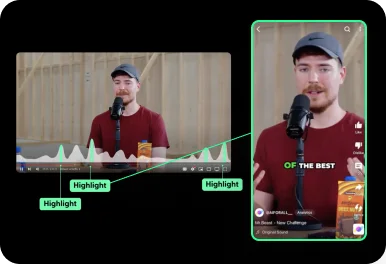
Auto Curation
AI automatically detects viral-worthy moments in your video and turns them into short clips.
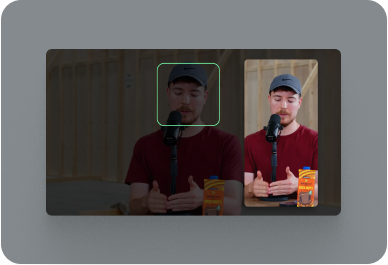
Face Tracking
AI detects faces in your video and keeps them centered in vertical formats.
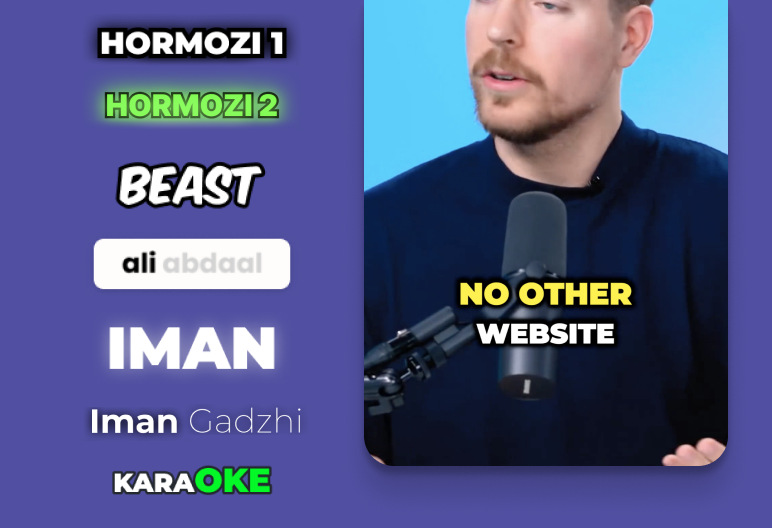
Auto Captioning
AI listens to your video and automatically adds captions.
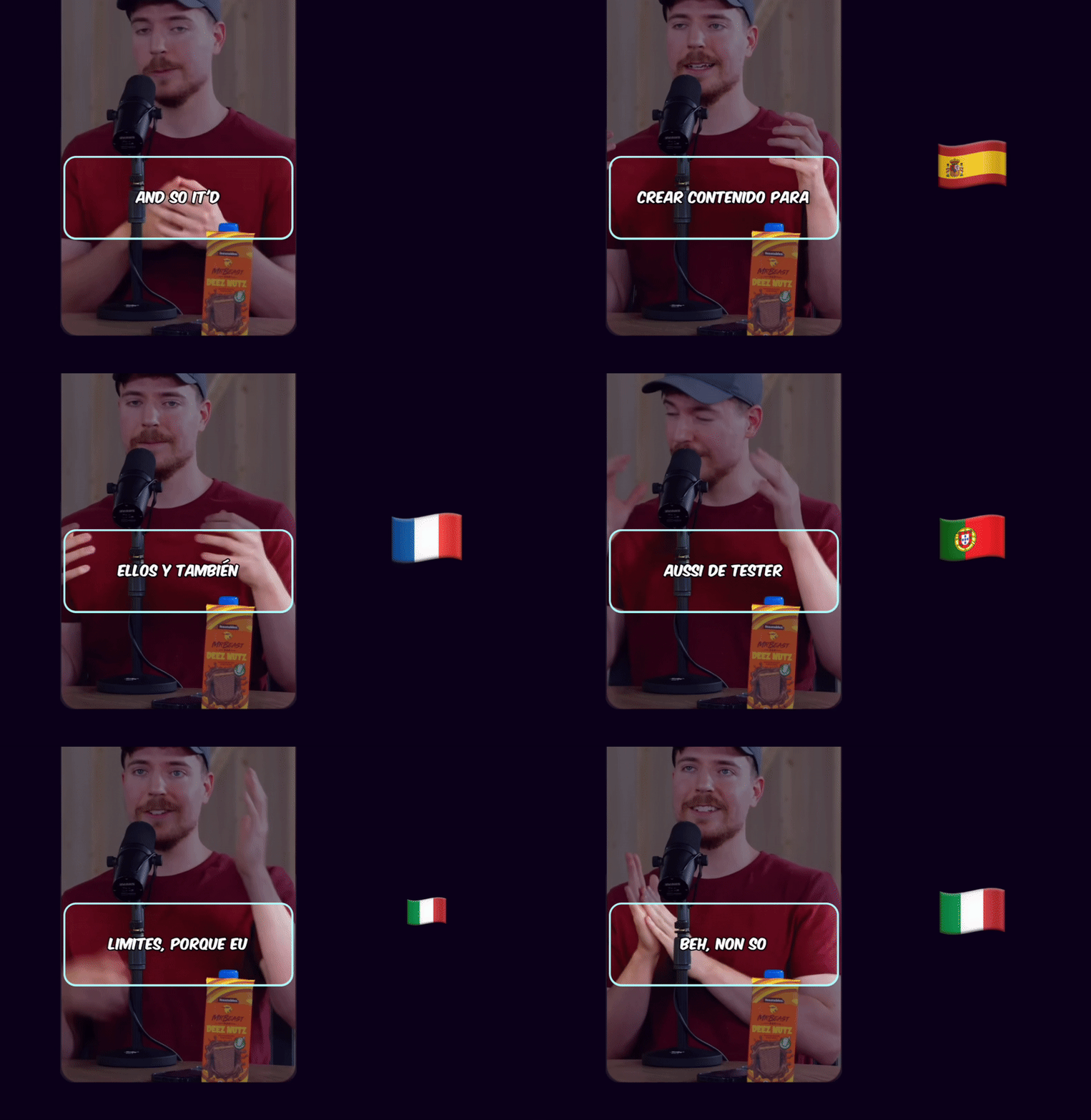
Caption Translation
Translate captions to different languages while keeping the original audio.
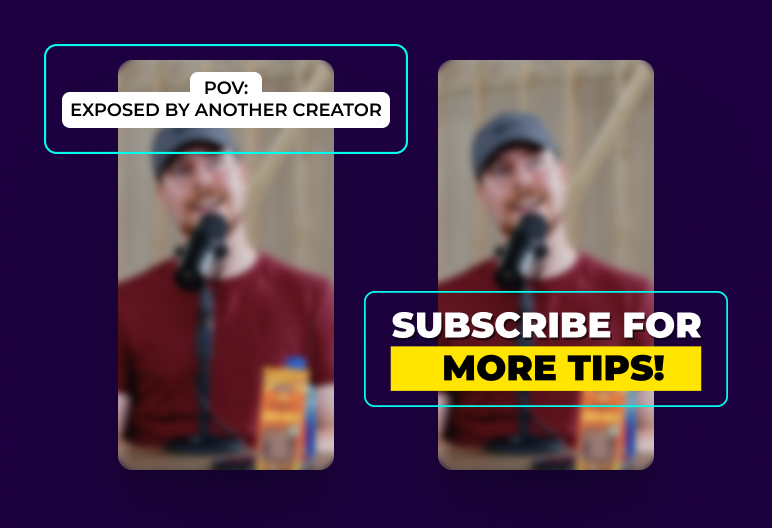
Hook Title & CTA
AI generates engaging hook titles and CTAs to keep viewers watching until the end.
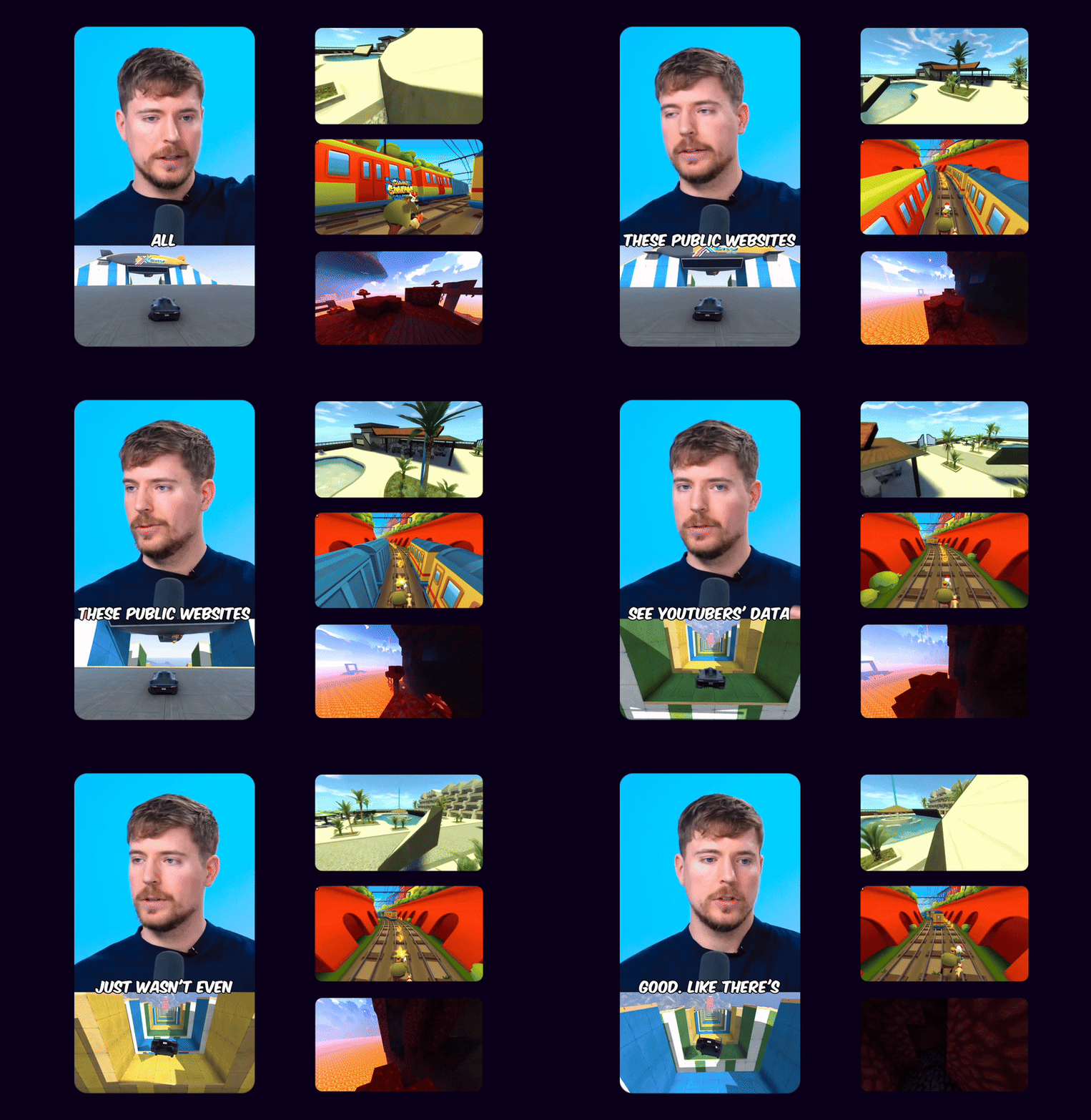
Game Video
Adds gameplay footage at the bottom to increase retention and keep viewers engaged.
Multi Language Audio
If the original YouTube video has multiple audio tracks, you can select your preferred language track to use in your Shorts
 EN
EN HI
HIOriginal English audio replaced with the Hindi dubbed track from YouTube
Schedule and Post
Consistency is key to reaching 1 million views. Use Ssemble's Schedule and Post features to publish the clips to TikTok, YouTube, and Instagram over multiple days.
Schedule and Post to multiple platforms at once
With Ssemble's Calendar Feature, you can schedule and post to TikTok, YouTube, and Instagram at best performing times, saving you time and effort. Just set multiple posts and forget about it.
Automated Titles, Descriptions & Hashtags
Create optimized titles, descriptions and hashtags to improve visibility and engagement.
Example Clips
Just extract the juicy moments from long videos and let the clips go viral.
Insights
Learn about the content strategies used by top clippers



Who Uses YouTube Clipping Tools?
From YouTube creators to marketers, everyone clips YouTube videos
YouTube Creators
Repurpose long YouTube videos into TikTok and Shorts
Podcast Creators
Extract clips from YouTube podcast episodes automatically
Educational Content
Create short study clips from YouTube lectures and tutorials
Video Marketers
Turn YouTube webinars into social media teasers
B2B Companies
Extract testimonials and product demos from YouTube
Influencers
Maximize reach by clipping YouTube content for all platforms
YouTube Clipping Tool Pricing
Affordable per-video pricing. Clip unlimited YouTube videos.
BUSINESS
EXPERT
PRO
CUSTOM
How Much Does a Video Cost?
| AI Tool | Credit Cost |
|---|---|
AI Clipping 1/4 the price of competitors → | 1 Credit per video (20 minutes) |




Trusted by 2.4M+ shorts clippers | 4.9 out of 5
Frequently Asked Questions
How does the YouTube clipping tool work?
Paste any YouTube video URL into Ssemble. AI analyzes the video and automatically creates 5-15 clips from the best moments. Each clip includes auto-captions, timestamps linking to the original YouTube video, and viral hooks.
Can I clip any YouTube video?
Yes — our YouTube clipping tool works with any public YouTube video up to 20 minutes. Perfect for podcasts, tutorials, vlogs, webinars, and more. Always respect copyright and YouTube's terms of service.
Do clips include timestamps to the YouTube video?
Yes! Each clip preserves the exact timestamp from the original YouTube video. You can add links in captions to drive viewers back to your full YouTube video and boost watch time.
Can I use this YouTube clipping tool for free?
Yes! Sign up for free and get credits to test our YouTube clipping tool with no credit card required. Experience the full AI workflow before choosing a plan.
Where can I post clips from YouTube videos?
Use our Schedule & Post feature to automatically post YouTube clips to TikTok, YouTube Shorts, Instagram Reels, and more. One workflow, multiple platforms.
Ready to Clip YouTube Videos?
Join 2.4M+ creators using the best YouTube clipping tool. Extract clips from YouTube today.
Start Clipping FreeWorks with any YouTube URL • Auto-captions included