
How This TikTok Clipper Made an Estimated $300,000 in a Month Clipping IShowSpeed Videos

Eric Lee
CEO and Founder of Ssemble
The Strategy Behind the Success
A TikTok creator known as KickClipper has achieved remarkable success through video repurposing, generating an estimated $300,000 in just one month. The account demonstrates the power of automation and artificial intelligence, producing around 900 clips per month derived from IShowSpeed livestreams.
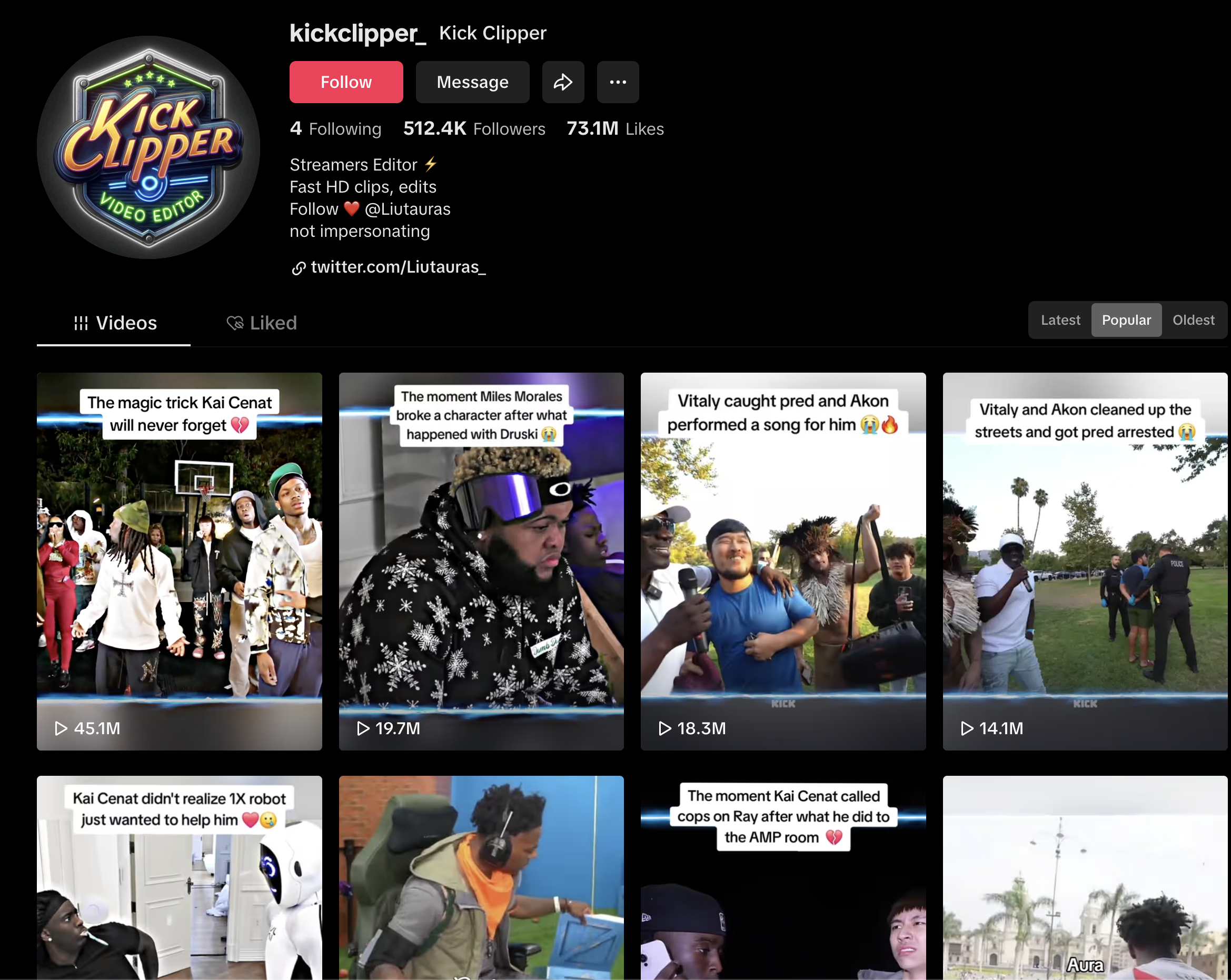
TikTok Account: @kickclipper_
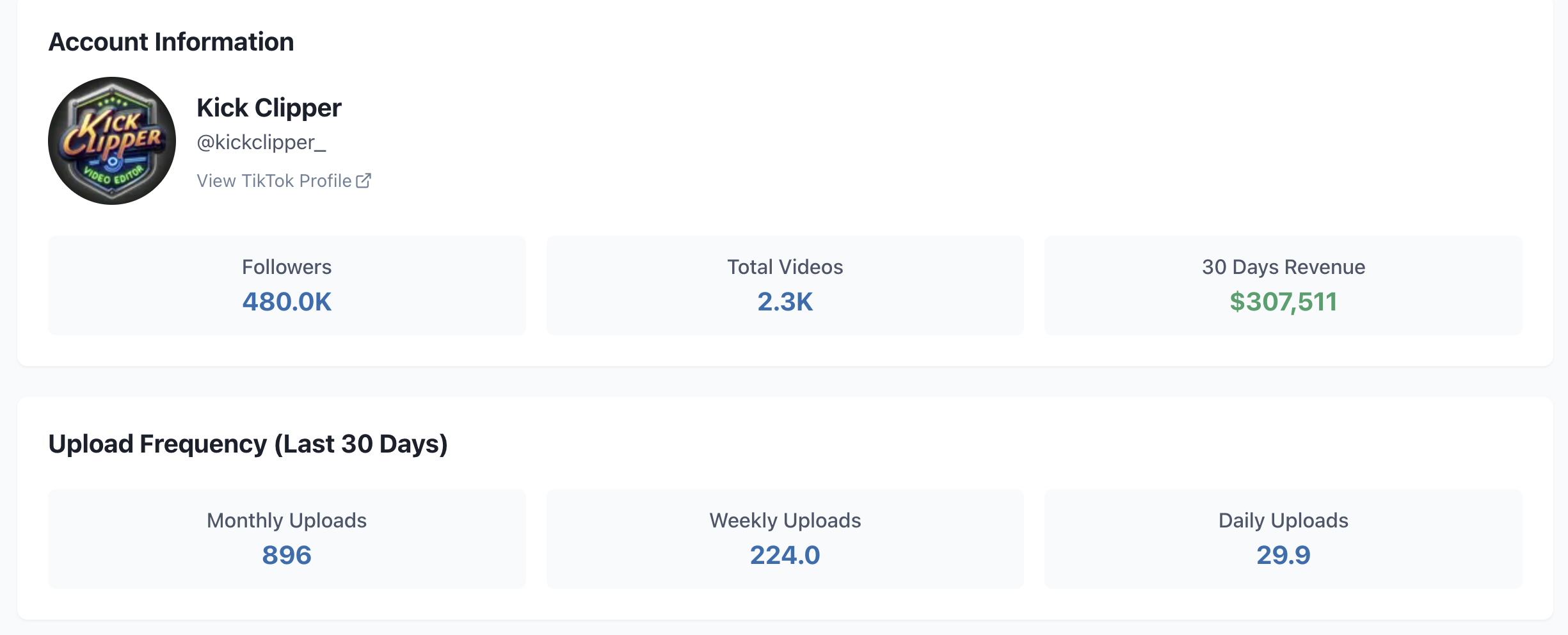

Step-by-Step Guide to Clipping IShowSpeed Videos
1. Find the Right Videos
Navigate to IShowSpeed's YouTube Live channel and locate desired livestreams. Copy the video URL for processing.
Channel: IShowSpeed Streams
2. Use Ssemble to Generate Clips
- Paste the YouTube link into app.ssemble.com
- Select subtitle templates and enable Hook Title feature
- Choose Square layout format
- Click "Get Shorts" to generate optimized clips
3. Schedule and Post to TikTok
Once clips are prepared, schedule them strategically across TikTok for maximum visibility and audience engagement.
Win-Win Relationship Between Creators and Clippers
IShowSpeed actively encourages fan-created clips and has protected his fans so they can clip his content without copyright issues. This creator-friendly approach has significantly boosted his overall growth and audience reach across platforms.
Key Takeaways
- Volume matters: Producing 900 clips per month creates multiple opportunities for viral content
- Creator selection: Choose creators who encourage clipping and have an engaged fanbase
- Automation: Use AI tools like Ssemble to streamline the clip creation process
- Consistency: Regular posting is essential for algorithm success
Ssemble Tools:
Ready to Start Clipping?
Transform long videos into engaging short-form clips with Ssemble's AI-powered tools.
Get Started