List Templates
Retrieve available caption templates for video shorts.
GET /templates
Returns a list of all available caption templates. Templates control how captions are styled and animated in your generated shorts — including font, color, position, and animation effects.
Available templates
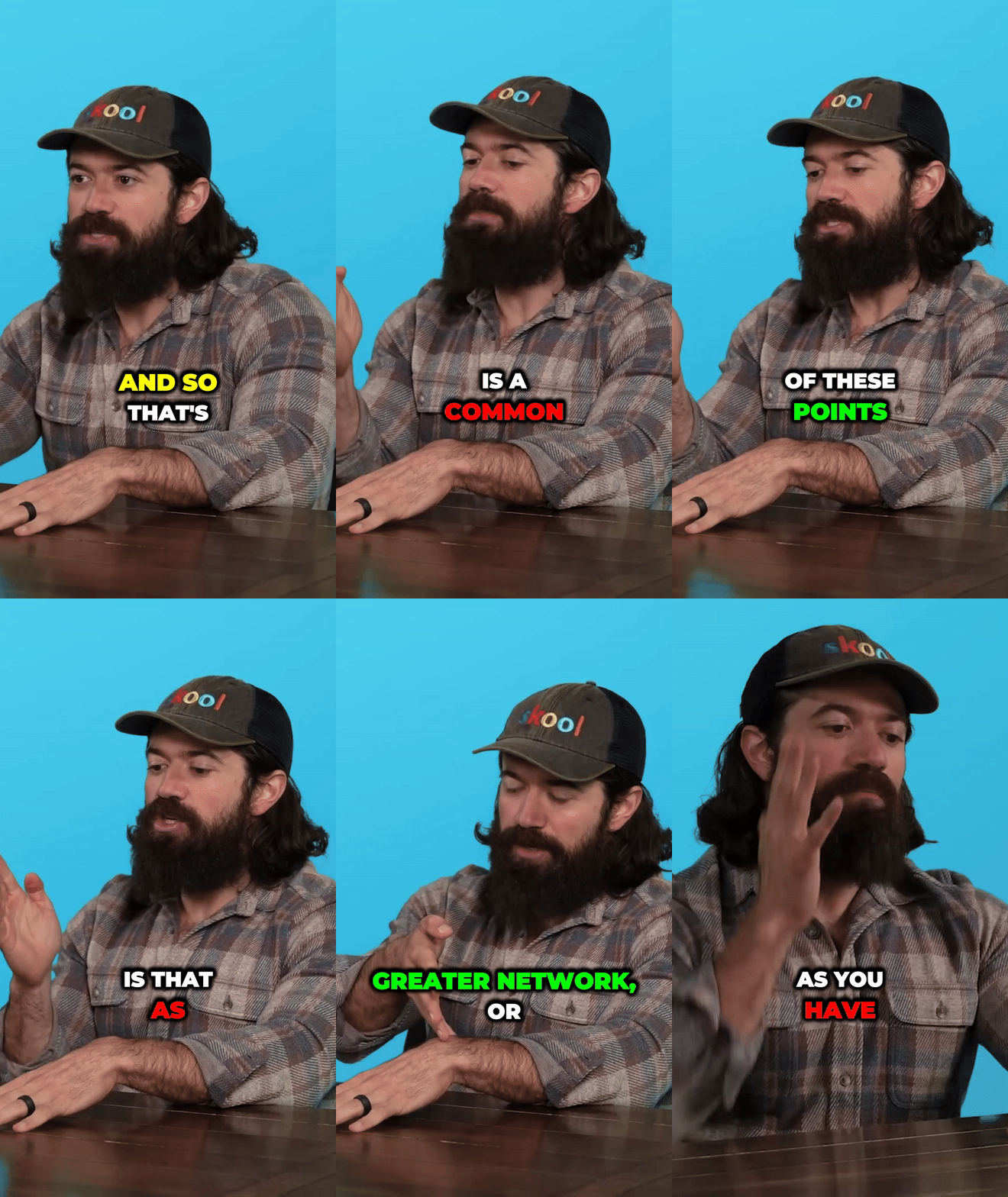
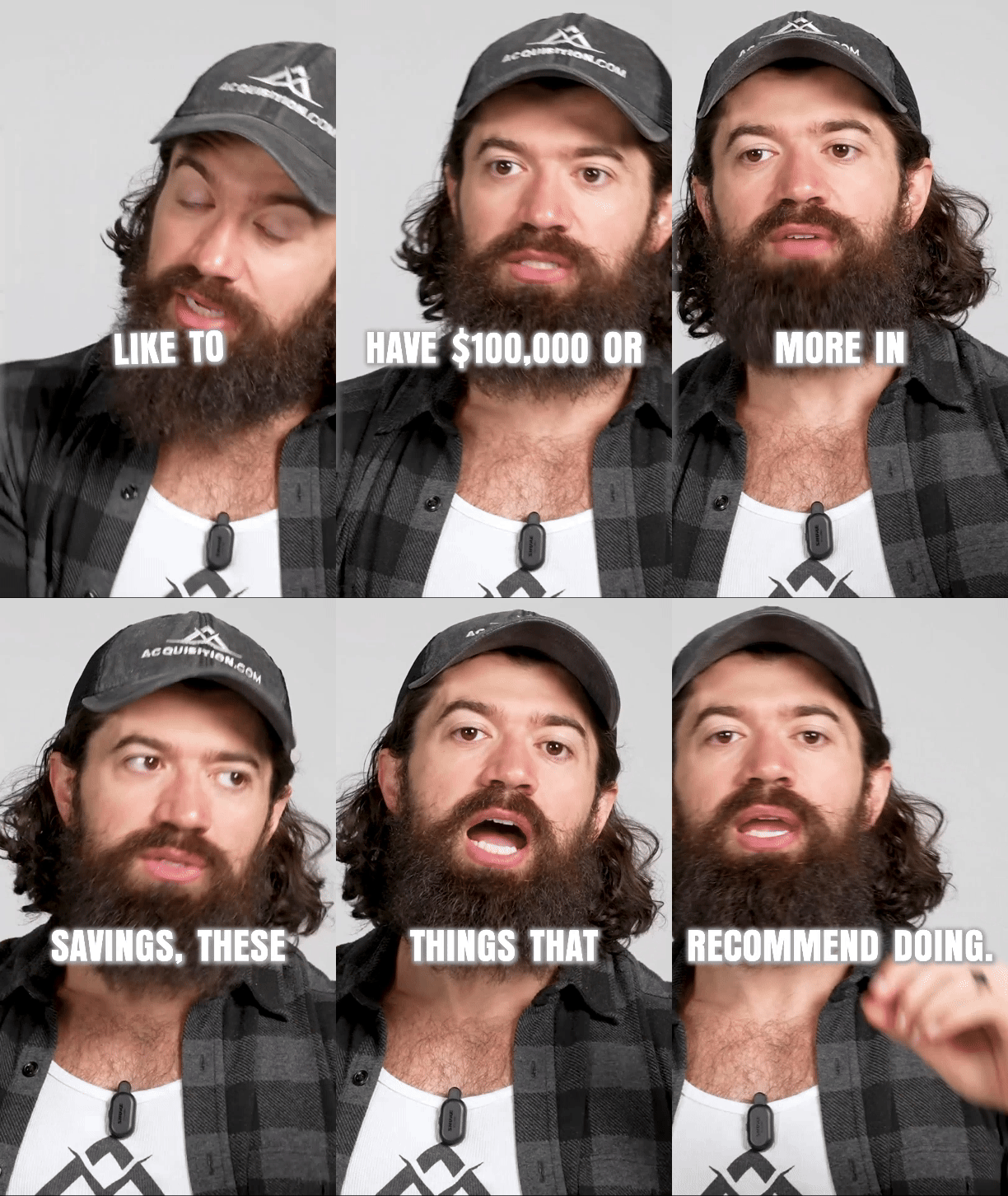
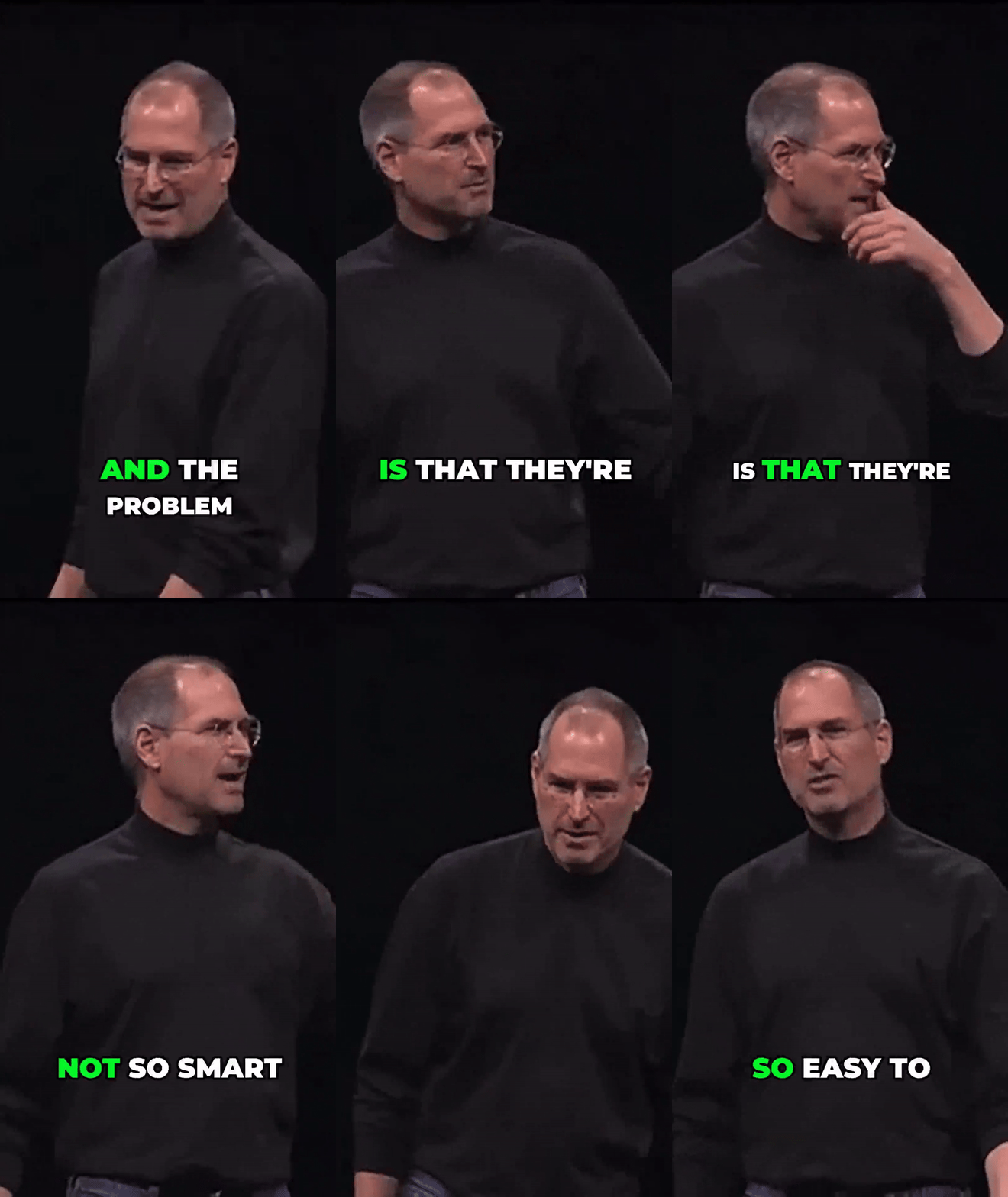
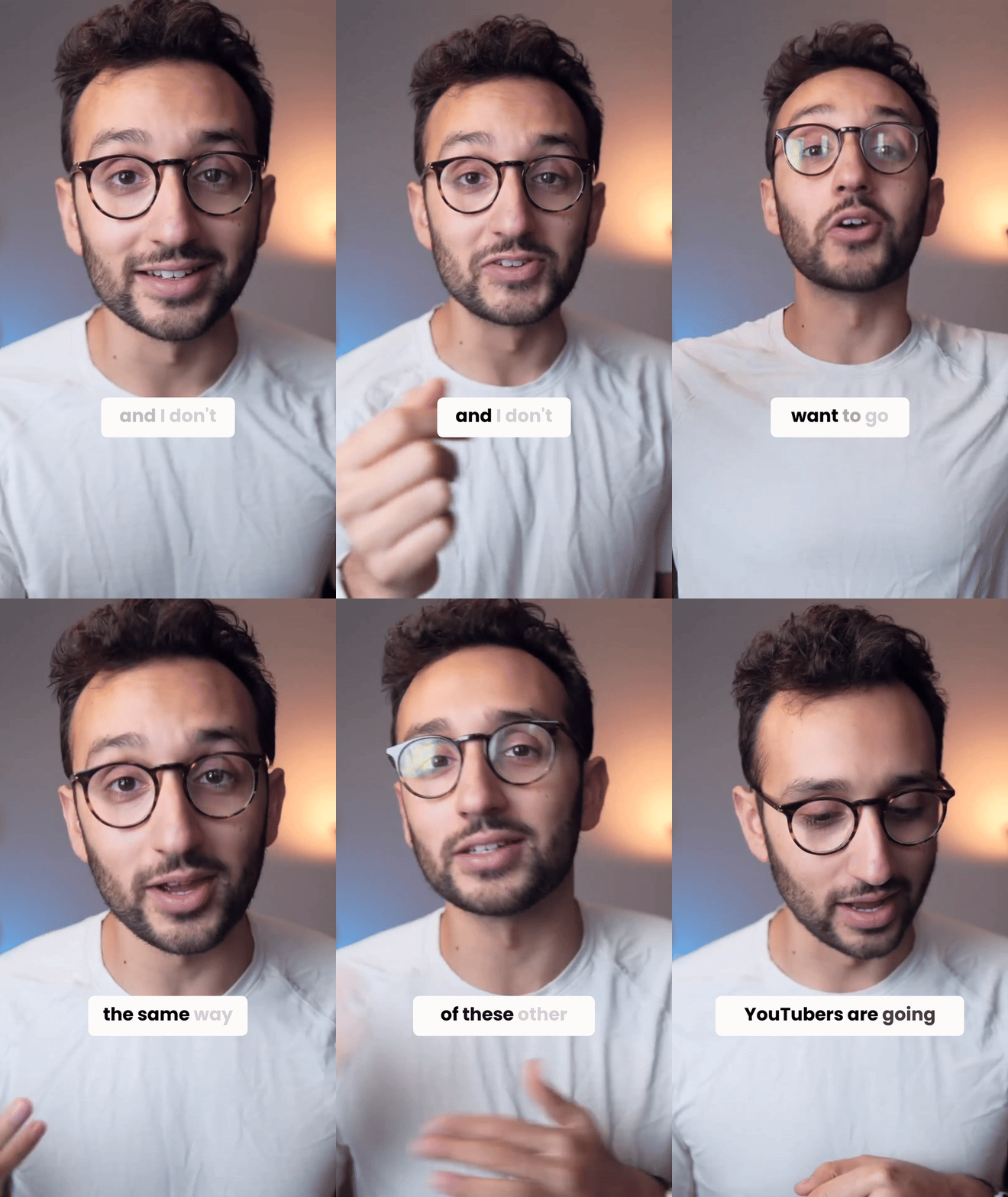
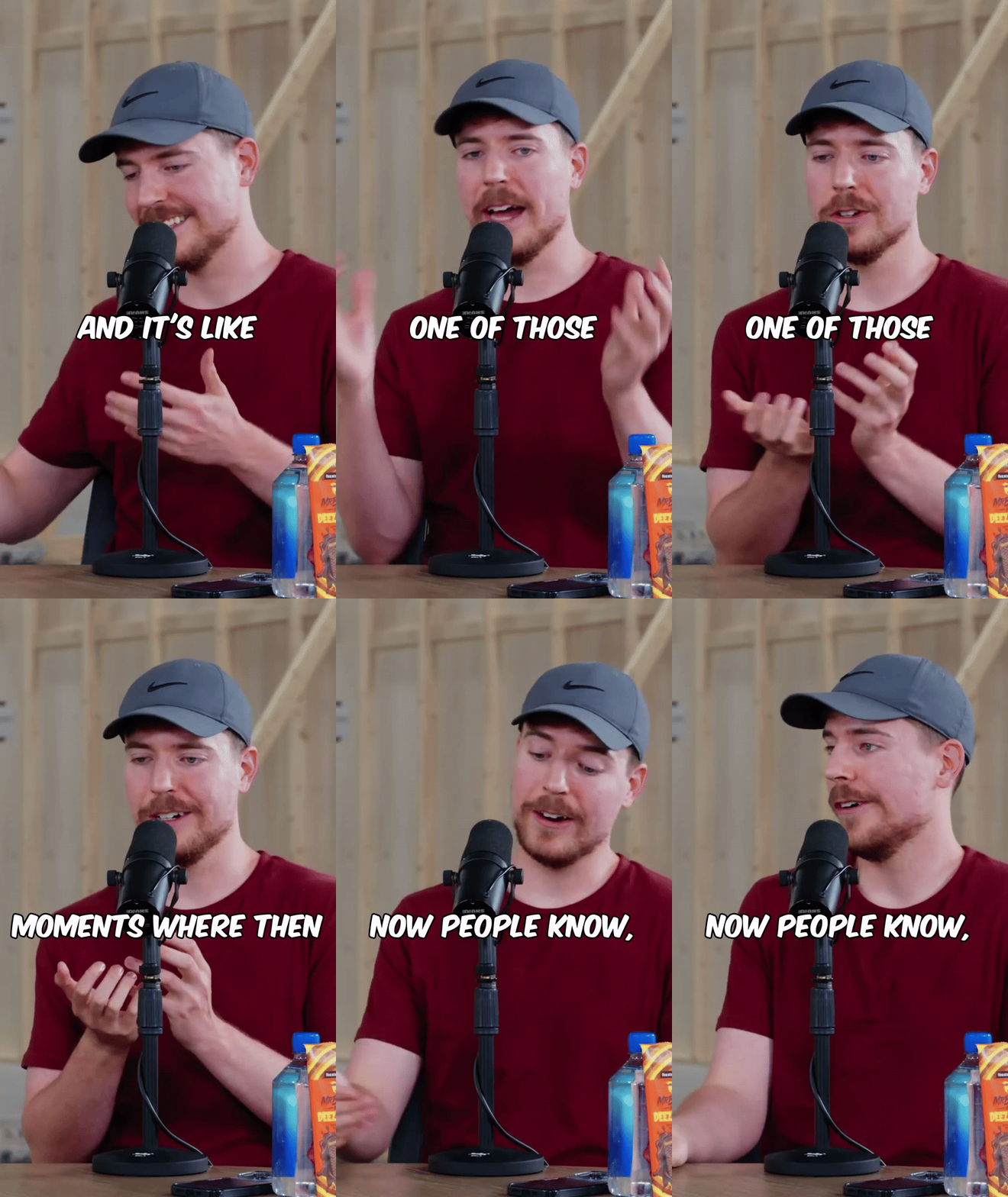
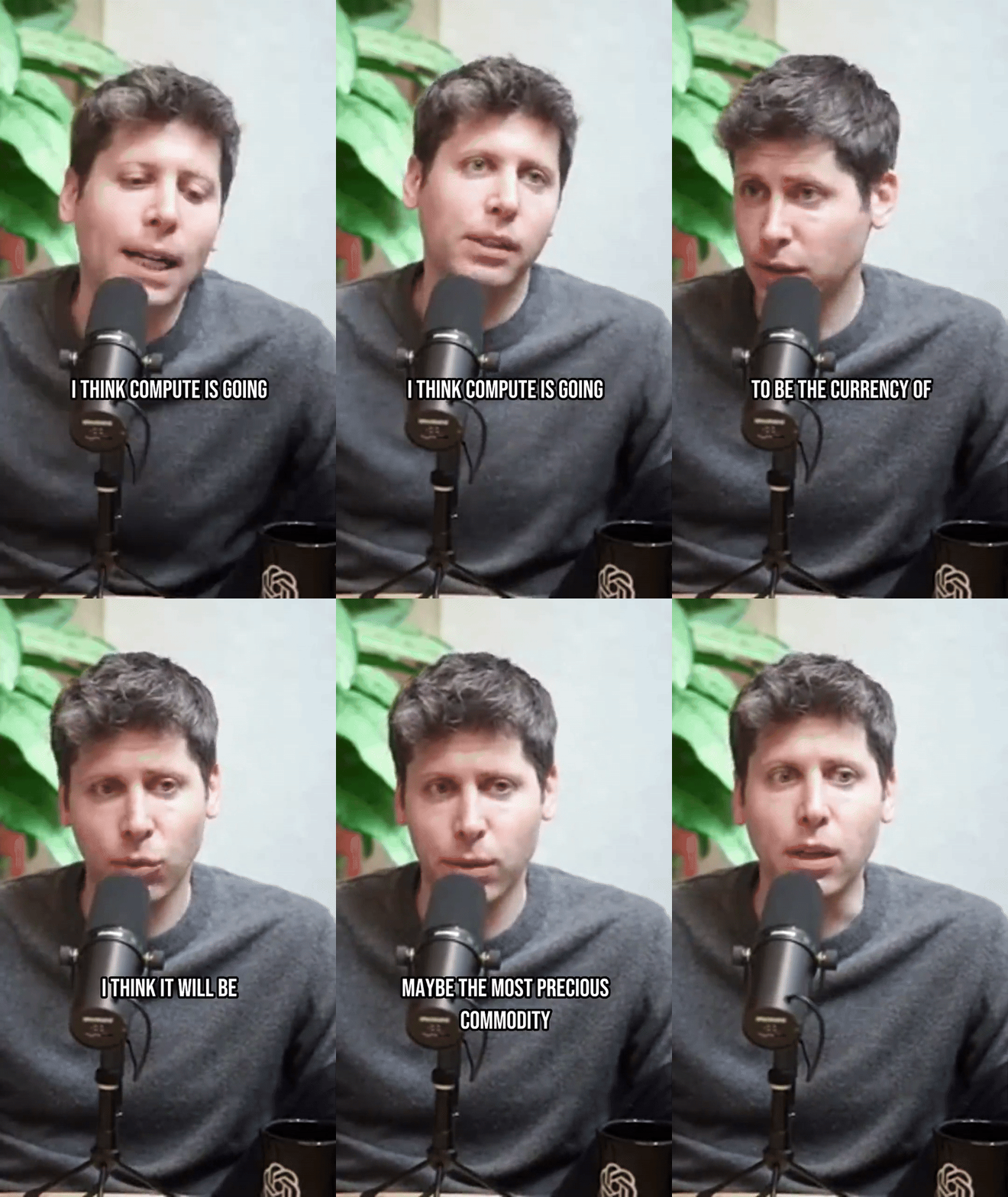
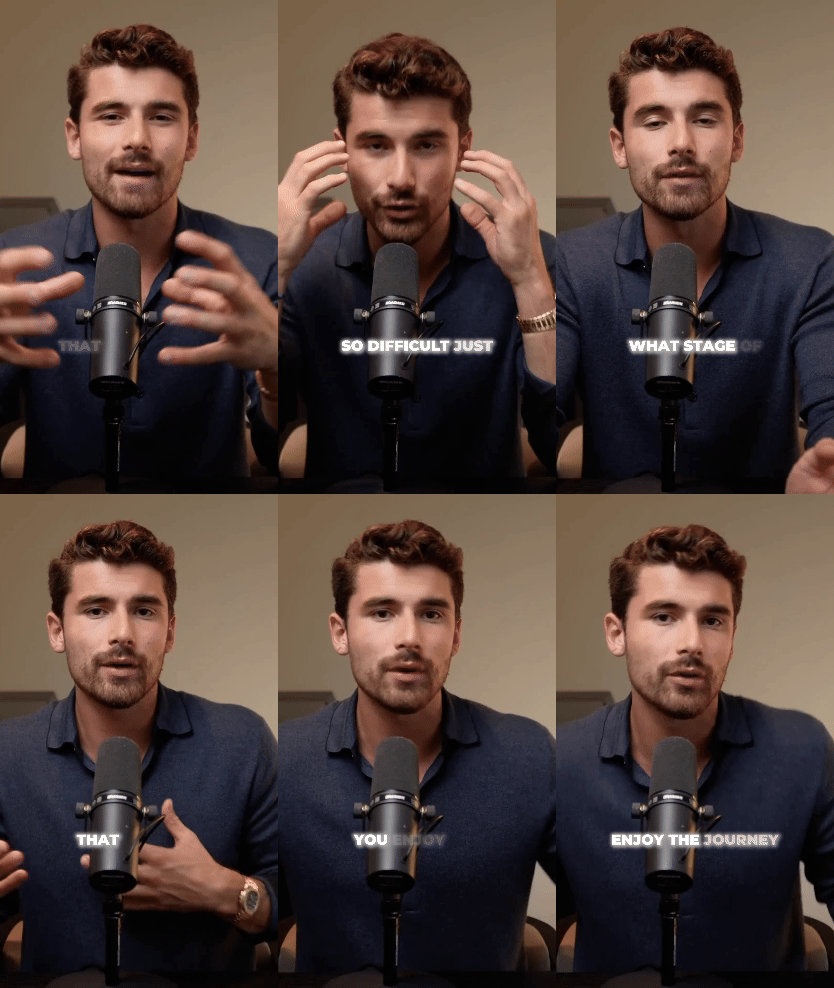
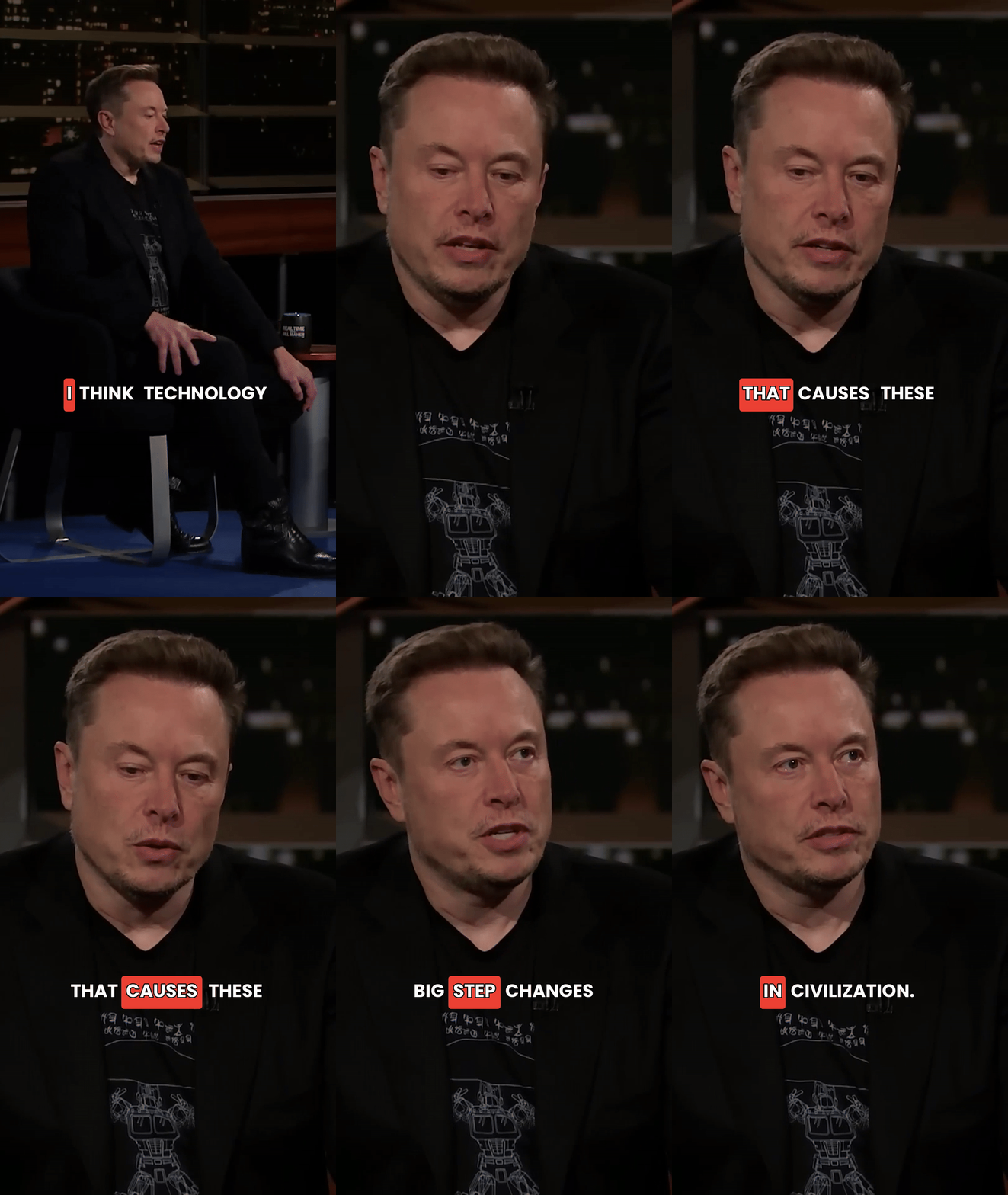
Below are the currently available caption styles. Use GET /templates to fetch the latest list with templateId values for your API calls.

Request
Response
Response fields
Template object
| Field | Type | Description |
|---|---|---|
templateId | string | Unique template identifier (24-character hex string). Pass this as templateId in POST /shorts/create. |
name | string | Internal template name (machine-readable) |
displayName | string | Human-readable template name for display |
thumbnail | string | URL to a static thumbnail image showing the template style |
order | number | Display order — lower numbers appear first |
preview | string | URL to a static preview image showing the template style |
gif | string | URL to an animated GIF preview demonstrating the template in action |
Top-level fields
| Field | Type | Description |
|---|---|---|
defaultTemplateId | string | Template ID used when no templateId is specified in POST /shorts/create |
defaultTemplateName | string | Name of the default template |
Choosing a template
Templates primarily affect the visual style of captions overlaid on the video. Differences include:
- Font style — Each template uses different typefaces, sizes, and weights
- Position — Captions may appear at the top, center, or bottom of the frame
- Animation — Word-by-word highlighting, fade-ins, bouncing effects, etc.
- Color scheme — Text colors, backgrounds, and highlight colors vary by template
Preview templates before choosing
Use the preview URL from the API response to see each template's style. You can also refer to the gallery above for a visual overview.
Using a template
Pass the templateId when creating a short:
If you omit templateId, the default template is used automatically. The default is the Karaoke style, which uses word-by-word highlighting — one of the most popular caption styles on TikTok and Instagram Reels.
Error responses
| Status | Code | When |
|---|---|---|
| 401 | invalid_api_key | Missing or invalid API key |
| 429 | rate_limit_exceeded | Too many requests |
Notes
- Templates are managed by Ssemble and the list may change over time as new styles are added.
- The template list is relatively stable — you can cache the response for a reasonable period (e.g., 24 hours).
- Invalid
templateIdvalues passed toPOST /shorts/createwill return a400 invalid_requesterror. - Always use
GET /templatesto get the currenttemplateIdvalues rather than hardcoding them.