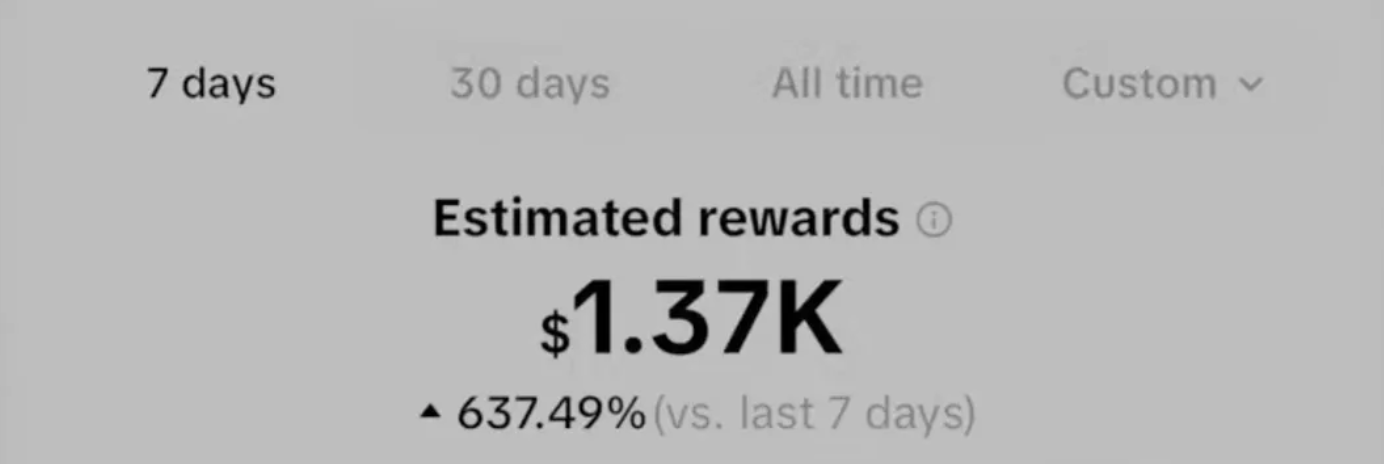
How to Make $1.3K Weekly Side Income by TikTok Clipping

Eric Lee
CEO and Founder of Ssemble
Introduction
One individual demonstrated earning "$1.3K weekly revenue by becoming a clipper" for a popular YouTube creator through TikTok's creativity program. This guide explores the profitable opportunities in video clipping, helping creators establish a sustainable income while assisting YouTubers expand their platform presence.
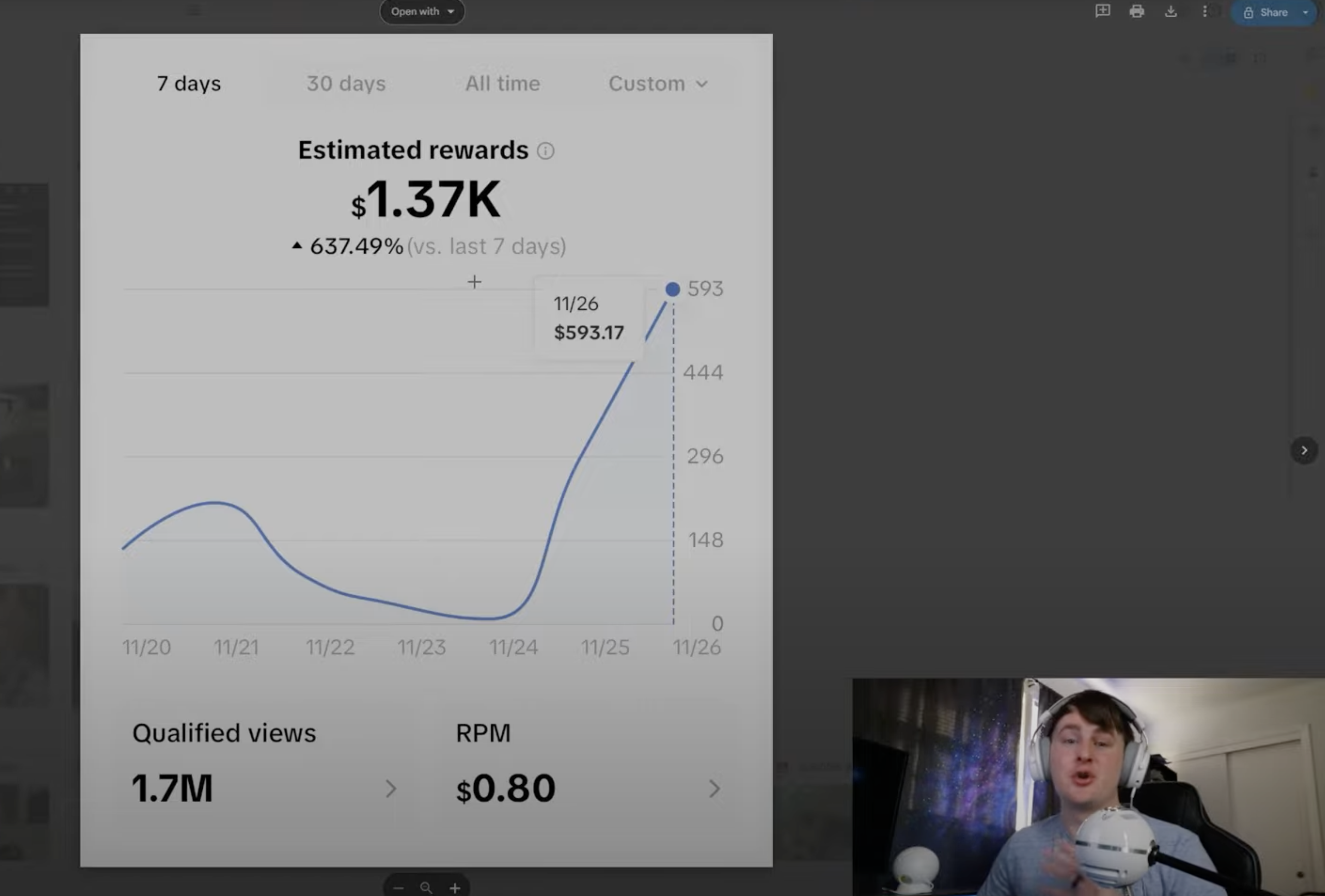
Step 1: Understanding TikTok Clipping
The practice involves extracting brief, compelling segments from lengthier content to showcase highlights. Understanding algorithmic preferences is essential—emotionally resonant videos perform better. Selecting content that triggers laughter, surprise, or intrigue boosts viewer engagement and viral potential.
Step 2: Exploring YouTube Channels
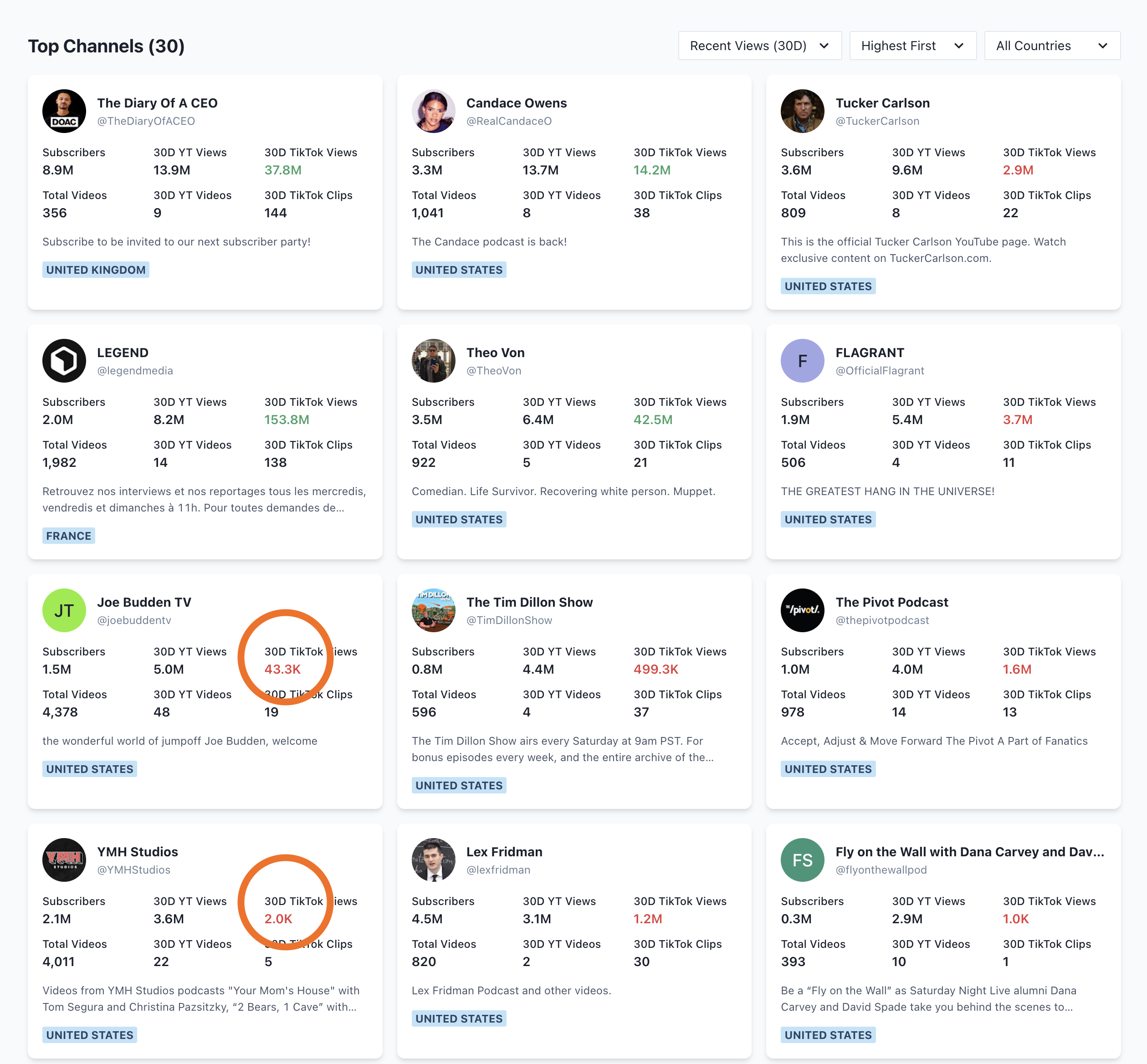
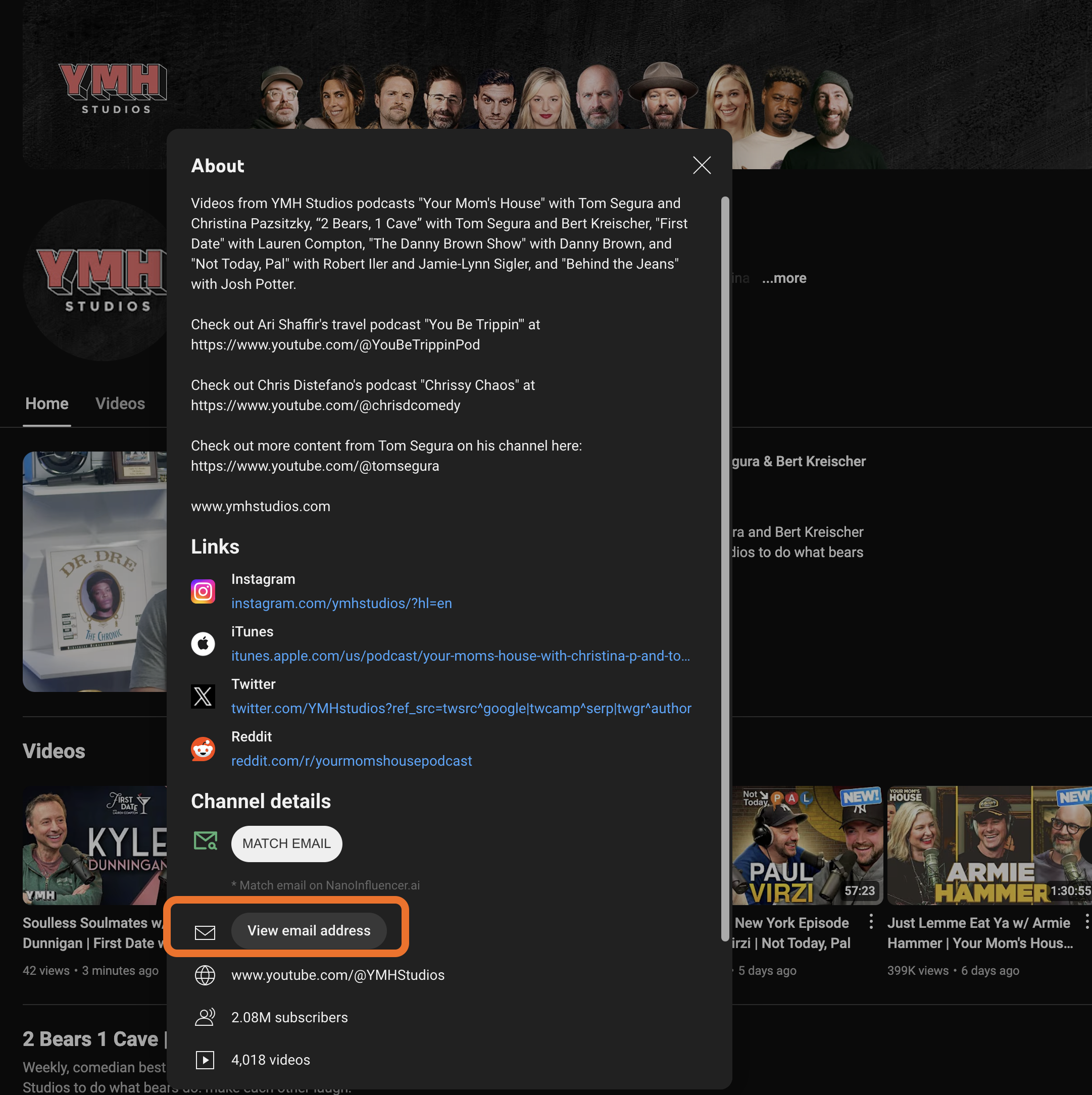
Success requires identifying underperforming YouTube channels that could benefit from short-form distribution. Tools like channel explorers help locate high-performing YouTube accounts lacking TikTok presence. Request permission directly; many creators actively seek platform expansion assistance.
Step 3: Setting Up Your Account
Establish a dedicated TikTok profile with a memorable username reflecting your niche. Complete your bio thoroughly and select professional branding. Engage consistently with your audience through comments and interactions.
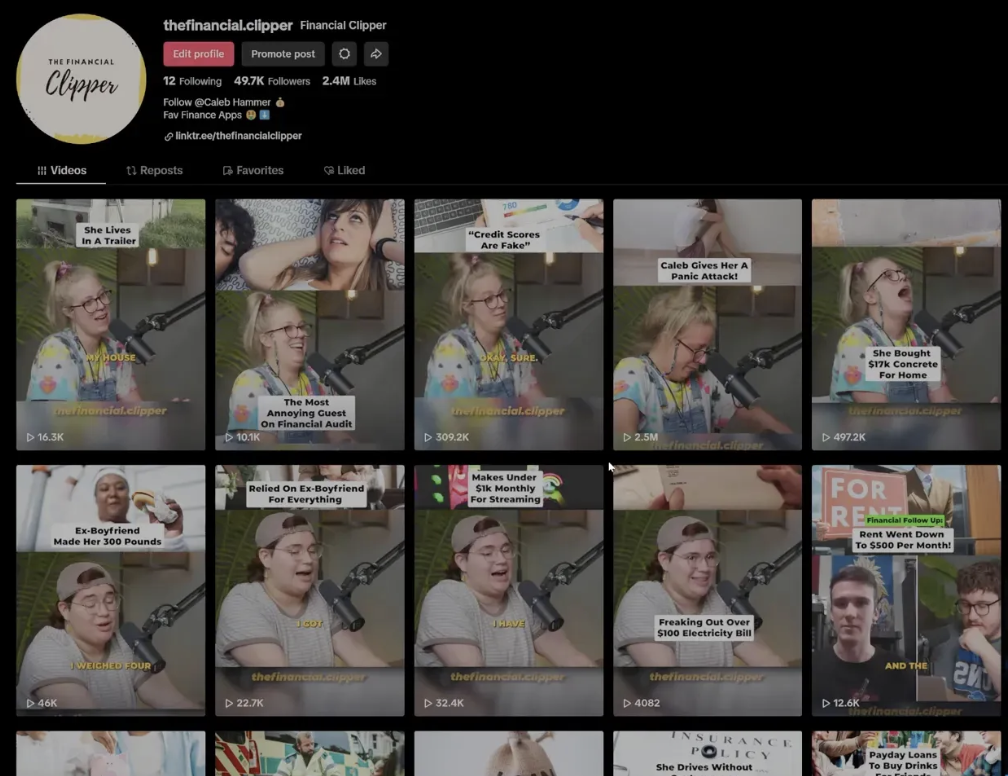
Step 4: Editing Your Clips
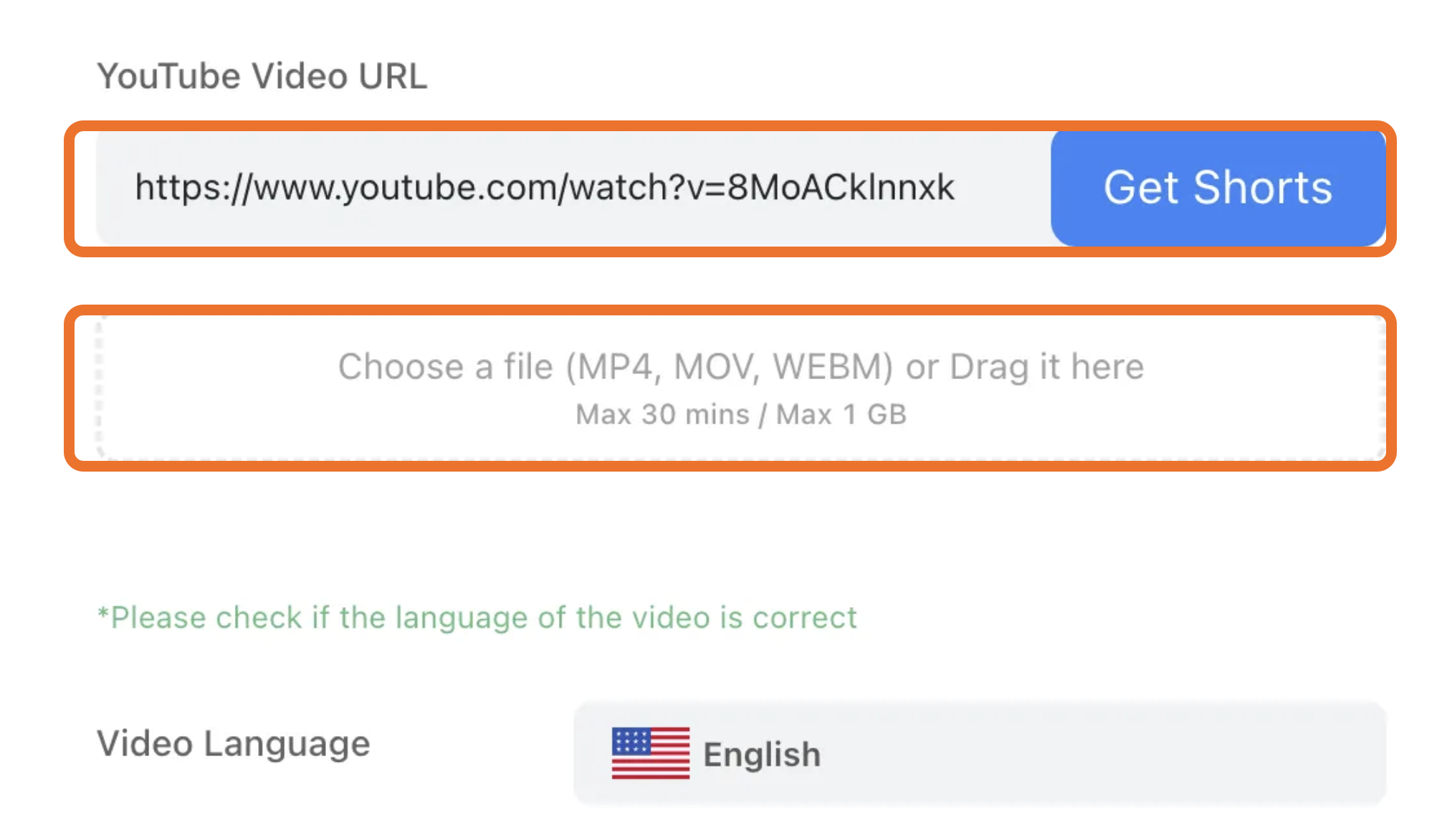
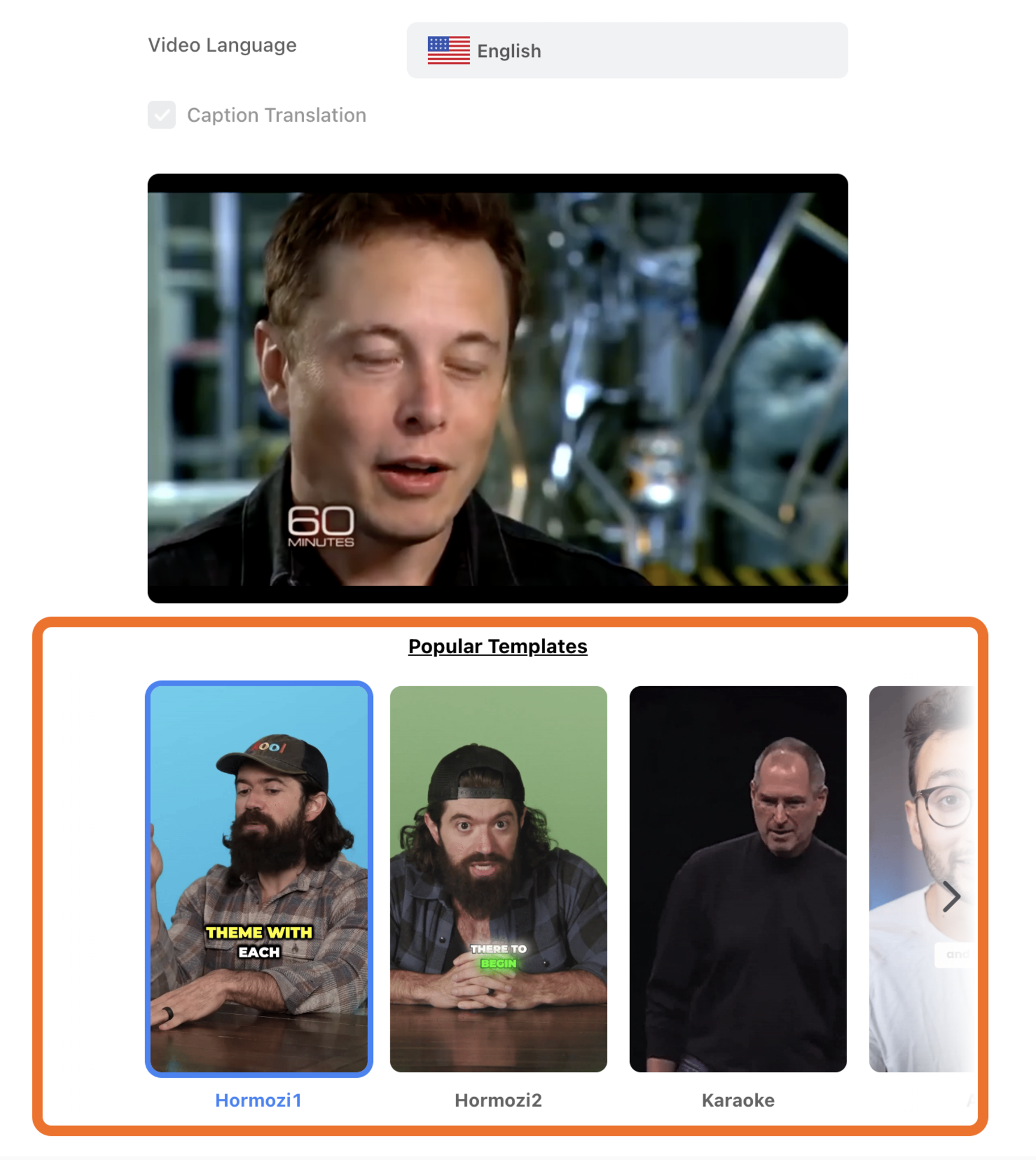
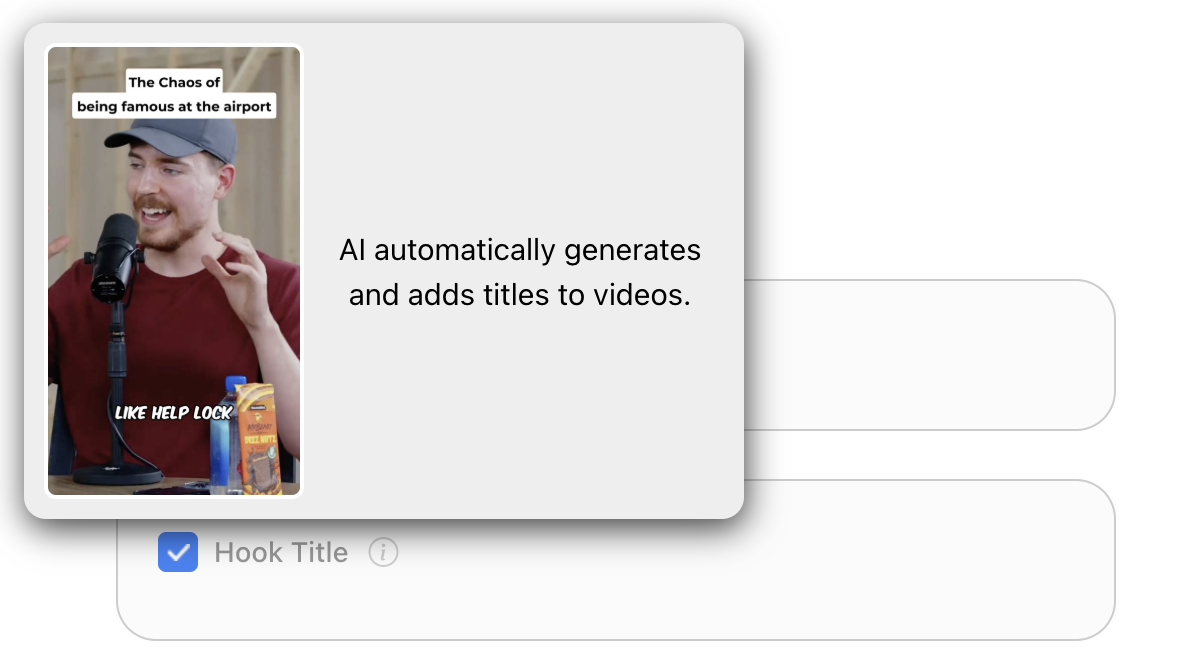
Utilize AI-powered editing platforms like Ssemble for streamlined clip creation. Input YouTube video URLs directly. Apply engaging caption templates, incorporating visual hooks and engaging titles to maintain viewer attention throughout playback.
Step 5: Sharing with Descriptions
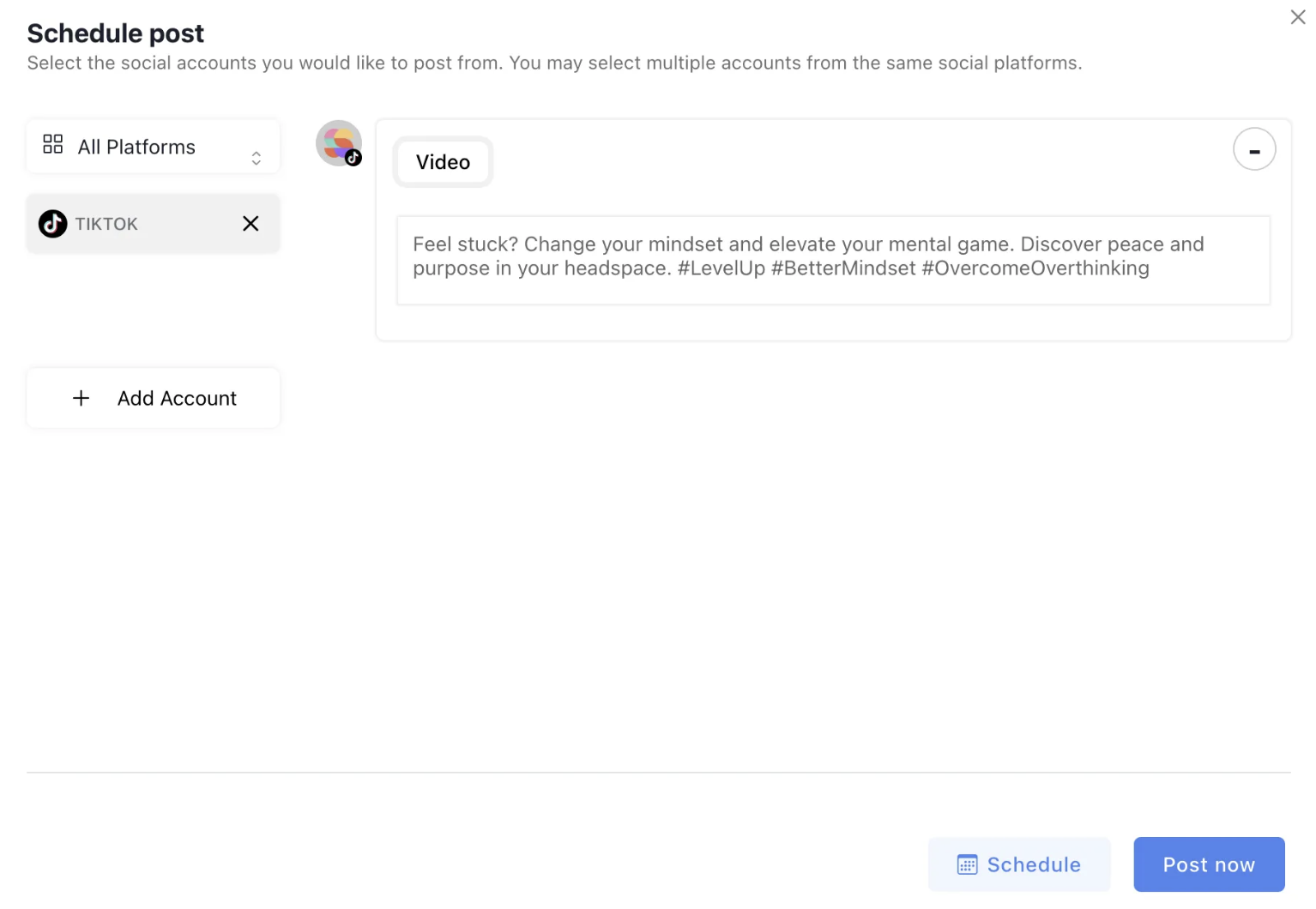
Craft compelling captions featuring hooks, context, and hashtags. Include emojis for visual appeal, relevant keywords for searchability, and clear calls-to-action. Automated platforms generate optimized descriptions automatically when sharing.
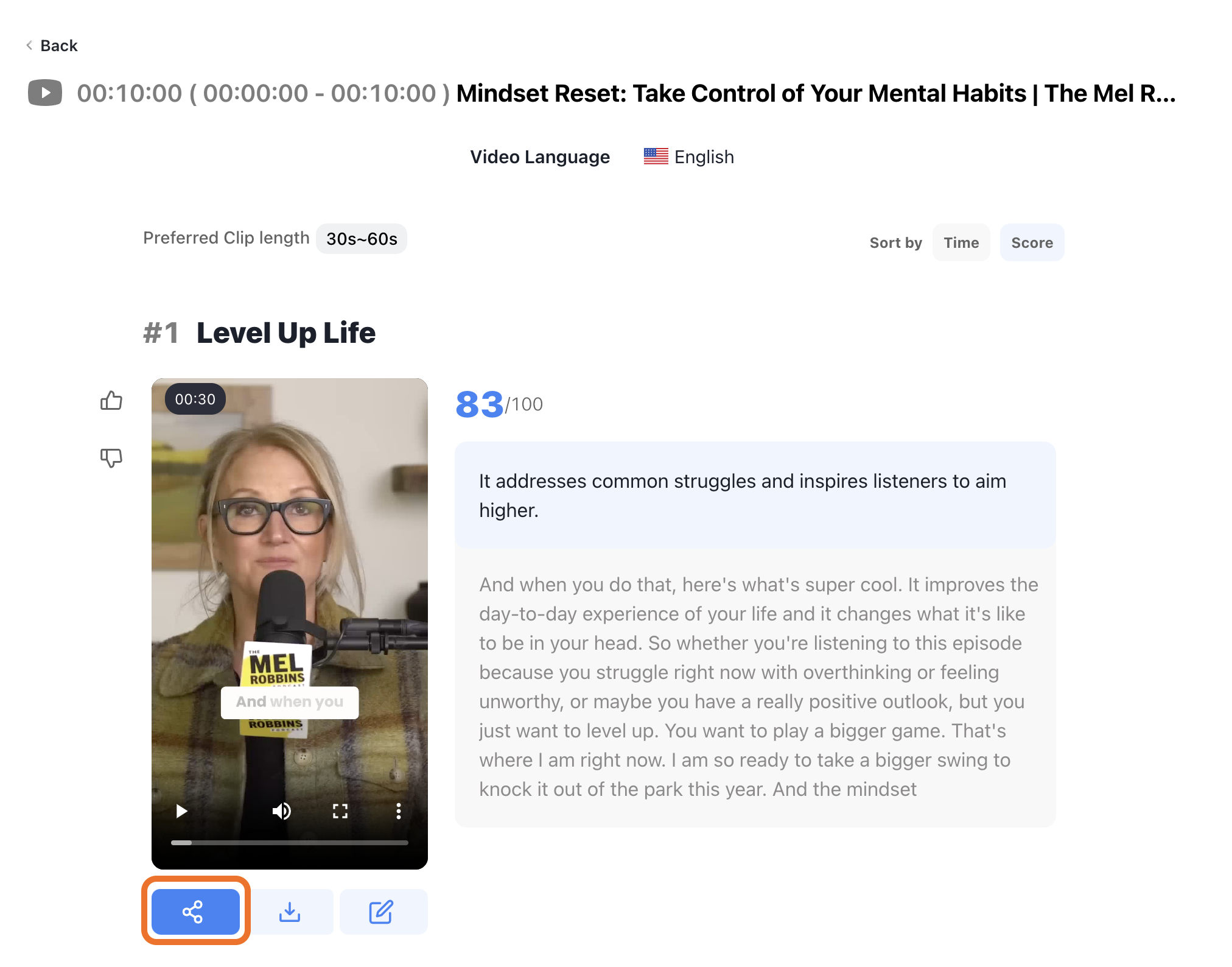
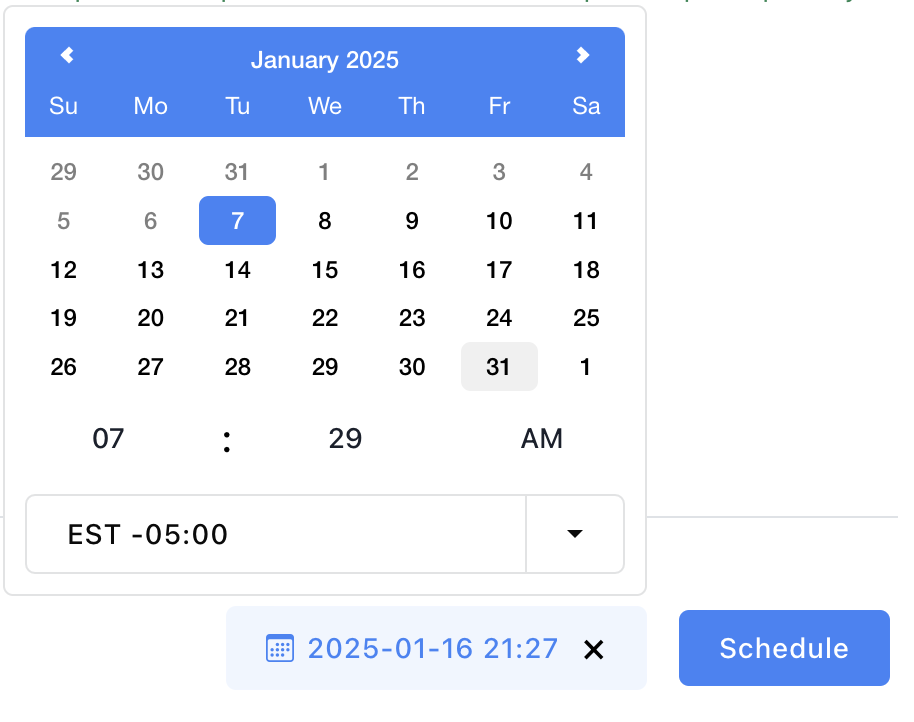
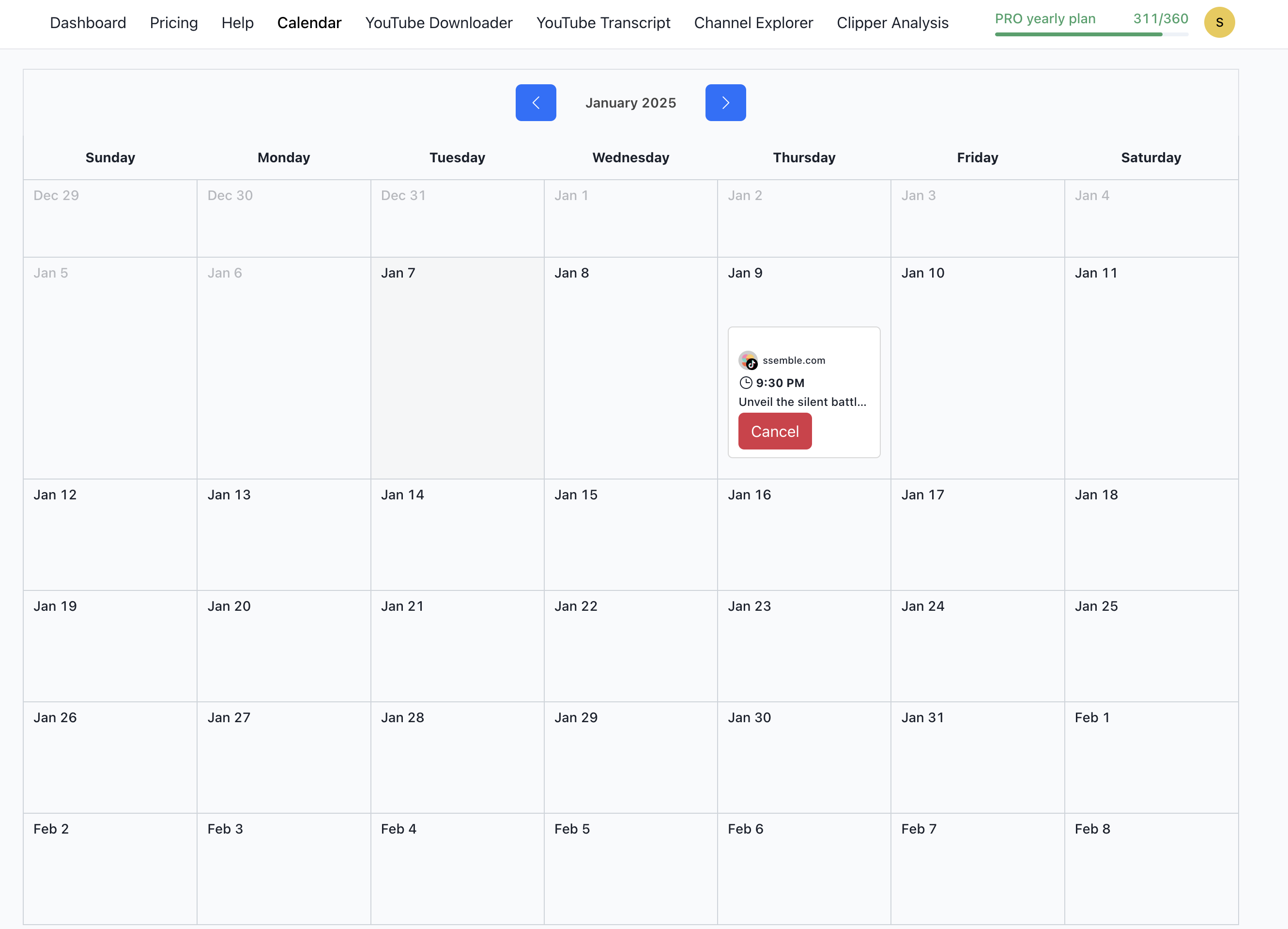
Step 6: Scheduling Posts
Edit clips and select optimal posting times. Use scheduling features to automate distribution across your chosen posting calendar.
Step 7: Monitoring Performance
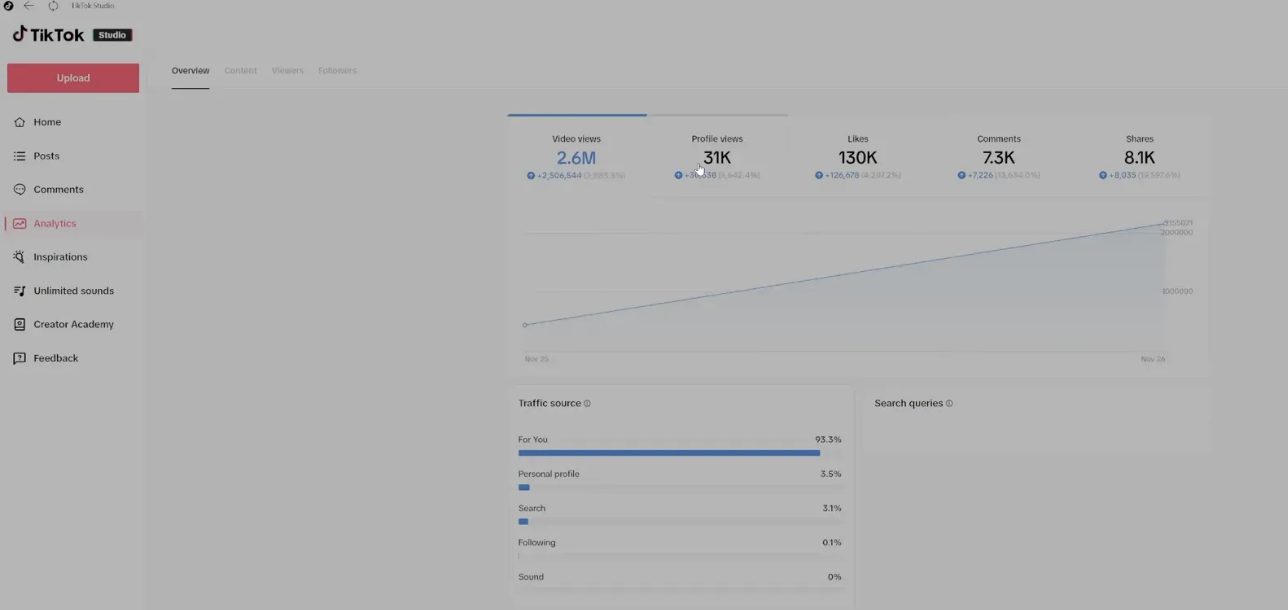
Track views, likes, shares, and comments consistently. Analyze engagement rates, audience demographics, and content trends. Monitor earnings to identify which clips generate revenue, adjusting strategy accordingly.
Step 8: Joining the Community
Engage with fellow creators through platforms and forums. Share insights and collaborate. Join Discord communities for support and growth opportunities.
FAQ
What is TikTok Clipping? The practice involves extracting brief, engaging segments from longer videos, capturing entertaining moments that attract viewers.
How do I monetize? Build consistent engagement through quality content, develop an audience, and leverage TikTok's monetization tools.
Posting frequency? Maintain regular posting—daily or several times weekly—to sustain audience engagement and attract new followers.
Which editing software? Adobe Premiere Pro and Final Cut Pro work for manual editing; AI-based platforms like Ssemble excel for scaling operations.
Ssemble Tools:
Ready to Start Clipping?
Transform long videos into engaging short-form clips with Ssemble's AI-powered tools.
Get Started